Drobo Mini Getting Started Guide 7
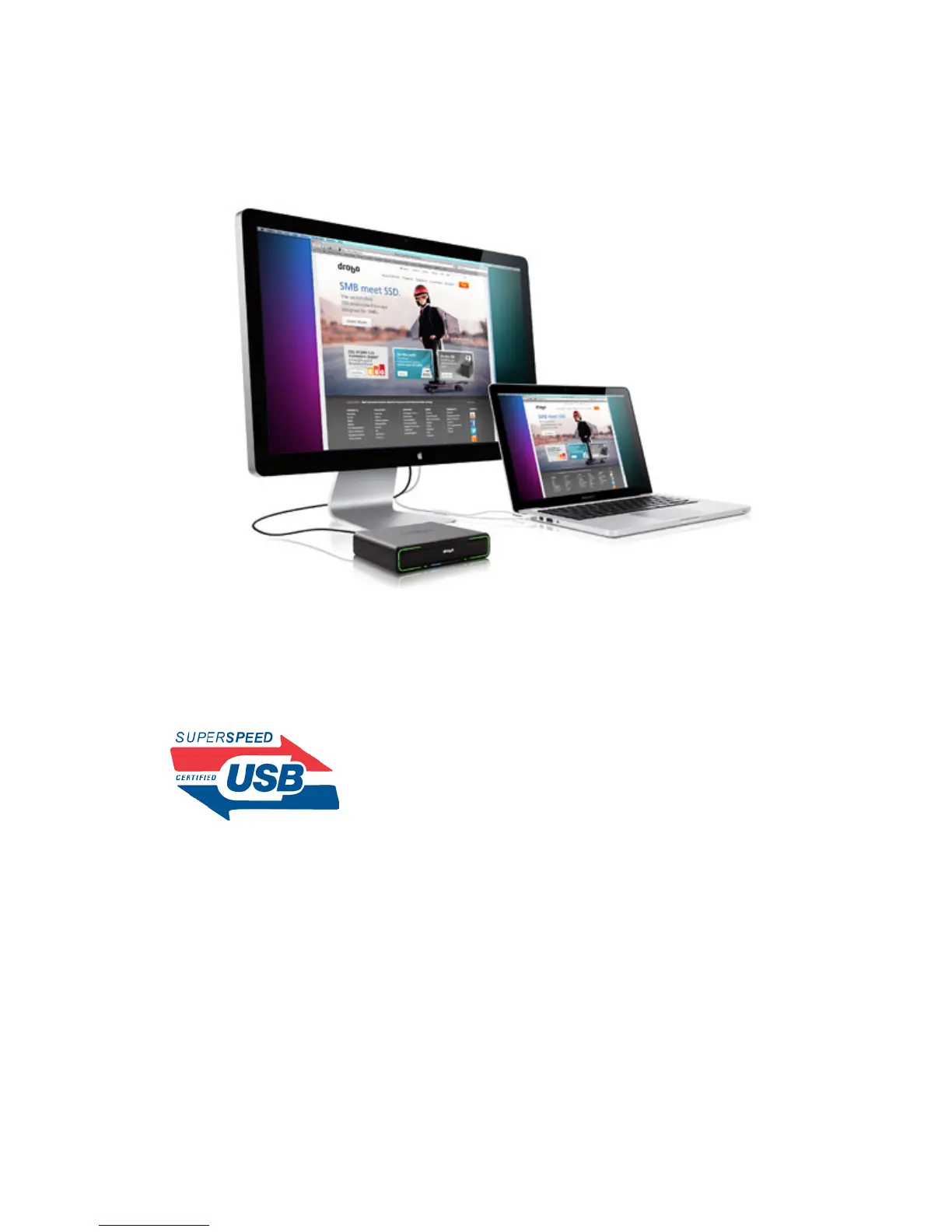
3. Your Drobo device connected to an external Thunderbolt monitor that is then connected to a
computer (with the Drobo device at the end).
USB 3.0
USB (Universal Serial Bus) is a popular interface that allows you to attach additional hardware
devices to your computer in a plug-and-play style. USB 3.0, also known as SuperSpeed USB,
provides data transfer speeds of up to 4.8 Gbit/s, much faster than USB 2.0.
In order to take advantage of this technology, your Drobo Mini must be connected to a USB 3.0
port on your computer. If your computer does not have USB 3.0, you can consult with your
computer manufacturer to find a compatible USB 3.0 card.
Note: If your computer only has a USB 2.0 connection, then Drobo Mini will auto-negotiate to
USB 2.0 speeds.



 To Next Page