5
●To ensure steady flight, please set the value of the Trimmer to the midpoint.
●To avoid any misunderstanding, we have defined the orientation of the drone as follows: The nose of the
drone is defined as the section of the drone facing away from the player and the tail facing the player.
The copter nose direction is termed as the “forward” direction, the tail direction is termed as the “
backward”direction. All the directions that will be mentioned hereafter are subject to the definitions
above.
Preparation for flight
● Make sure that the battery (at the bottom of the drone) is properly
installed and connected with the power wire of drone. The drone
should be OFF.
● Power on the drone; the fuselage light will keep flashing quickly,
the gyro of the drone will be in signal detecting mode.
Lay the drone on a flat surface, and about 4 seconds
later, the fuselage light will stop blinking and
stay “ON”. This means that the signal connection
process has finished and the drone is ready for flight.
● Push up the throttle stick slowly and the drone takes off for flight.
The drone
●Recheck the playground; be sure that it is free from crowd, animals
and other barrier.
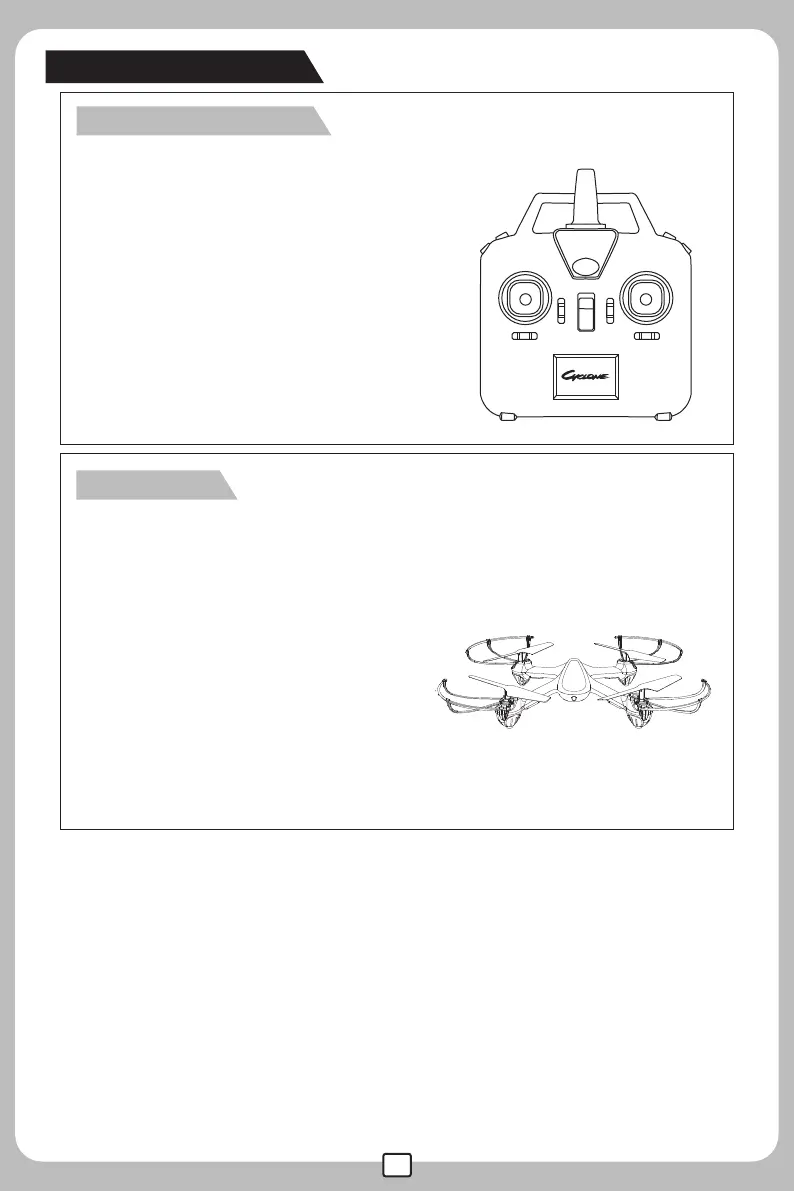
●Turn on the remote controller and the
power indicator light flashes rapidly and
sends out connection signal to the drone.
●Slide the throttle control stick up to the top;
then, return the throttle control stick to the
bottom; It will take about 10 seconds to
finish the signal connection process.
Once the signal connection is completed,
the power light will stay "on" without
blinking and the remote controller is
set for flight.
The remote control



 To Next Page