8
Exit headless mode:
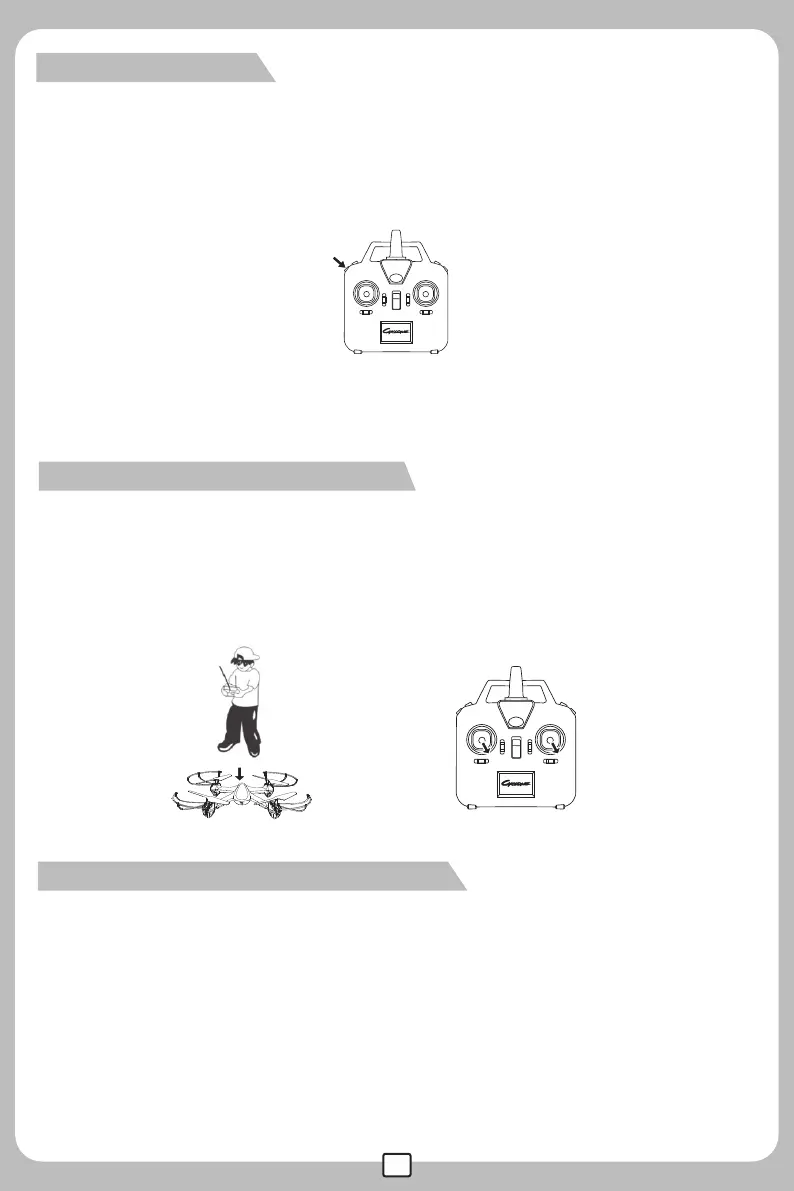
When the drone is in headless mode, press the function button at the top left corner for 2 secs, and a
“beep beep beep”sound will follow. The lights of the drone will be turned on followed by flashing until
the blinking comes to a halt. This indicates that the drone has exited the headless mode.
When the drone is in headless mode, drone calibration is needed. Position the drone in such a way that its
front is aligned similarly to your frontal position, turn both of the two control sticks to the lower right corner
for about 2 seconds, the drone’s indicator light will flash slowly until it starts flashing quickly, that is, the
drone calibration is finished.
Model calibration in headless mode:
When verifying the flight direction of the drone, set the drone’s nose to point away from the player and its
tail pointing towards the player. At this moment, the drone’s nose is pointing forward; this direction will
always be considered to be the“forward”direction. Therefore, when the forward command is sent from the
remote control, regardless of whichever direction the drone’s nose is pointing,the drone body will go
forward. Flight direction control in headless mode: When the drone is flying in headless mode, player
should keep facing the forward direction. Otherwise,the model will be out of control. The drone control
is illustrated below:
Flight direction control in headless mode:



 To Next Page