33
Driving
N Neutral
R Reverse
1, 2, 3, 4, 5, 6 Gears in manual mode
A This comes on when automated mode is
selected. It goes off on changing to manual
mode.
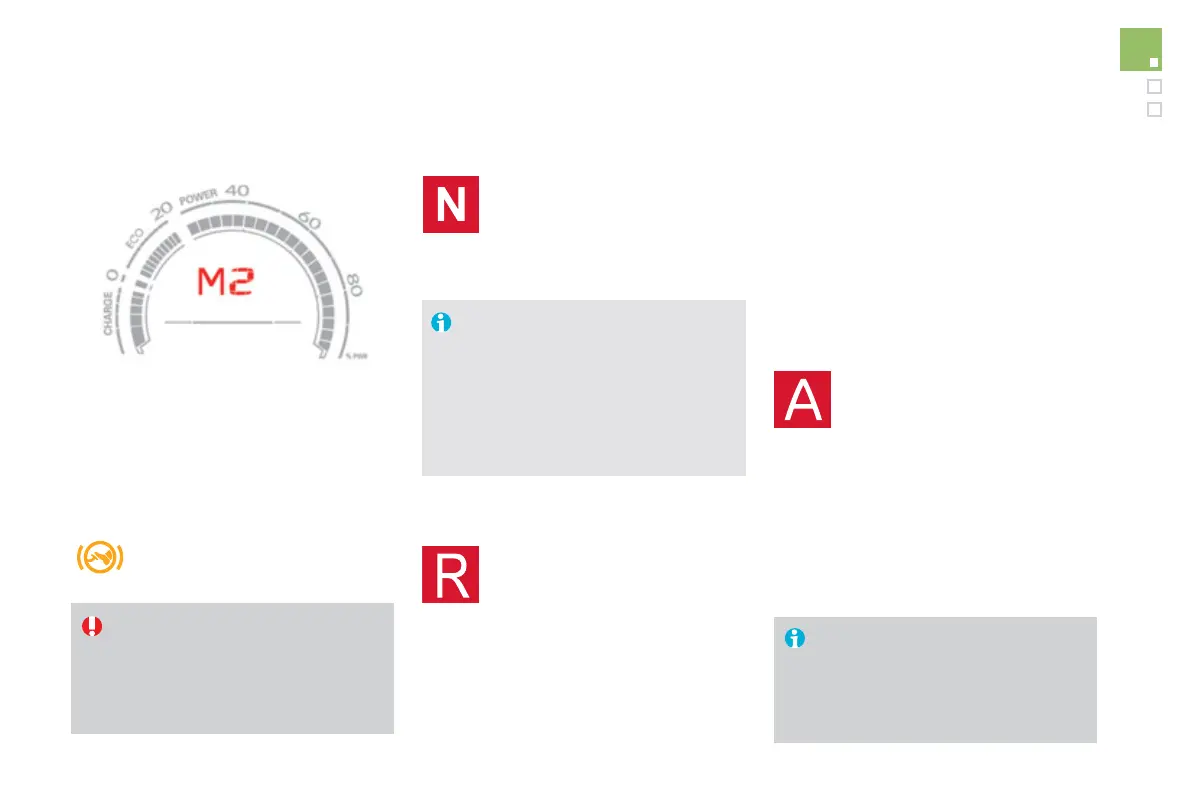
Displays in the instrument panel
Moving off
) To start the engine, place the
gear selector in position N .
) Release the parking brake by pulling the
control lever, if automatic operation has
been deactivated.
) Progressively release the brake pedal.
Before leaving the vehicle, place the
gear selector in position N and then
you must stop the Hybrid4 system by
switching off the ignition ( READY lamp
off).
) Place your foot on the brake
when a message appears in the
instrument panel screen.
) Press the brake pedal down fully.
) Start the Hybrid4 system.
If the Hybrid4 system does not activate:
- If N is flashing in the instrument
panel, move the gear selector to
position A then to position N .
- If the message "Foot on brake" is
displayed, press the brake pedal
firmly.
) Select a drive mode (position A or M ) or
reverse (position R ).
For optimum acceleration, for example
when overtaking another vehicle, press
the accelerator pedal firmly past the
point of resistance.
) After starting the vehicle, select position A
for enter automated mode.
Automated mode
A appears in the instrument panel
screen.
The gearbox is then operating in auto-active
mode, without any action on the part of the
driver. It continuously selects the most suitable
gear, depending on the:
- style of driving,
- profile of the road.
A or M1 or R appears in the
instrument panel screen.
) If the parking brake is released, the vehicle
moves off.
If the parking brake is applied and
automatic mode is activated, accelerate
progressively.


 To Next Page
 Loading...