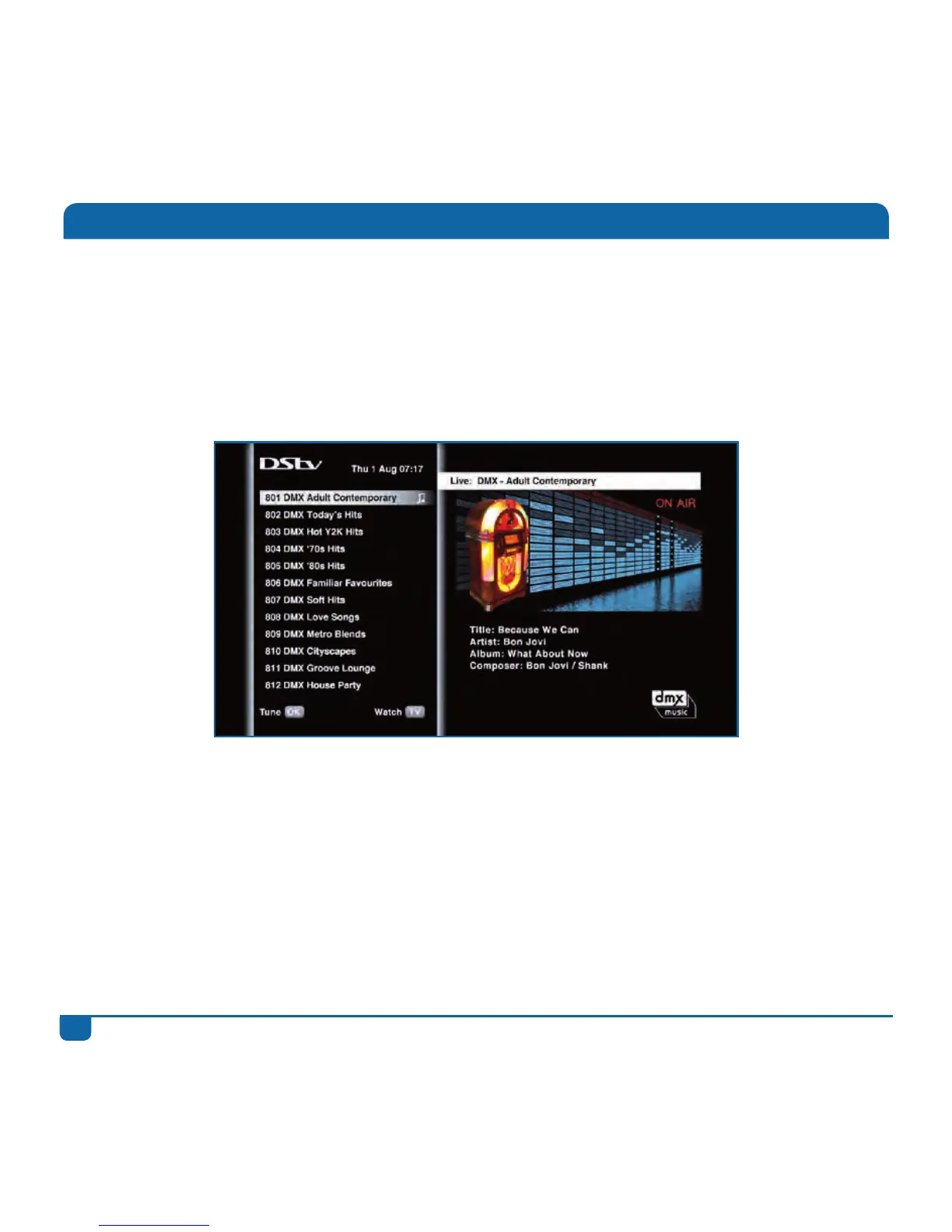
DStvoffersawiderangeofaudiochannels.It’snoweasytoaccessandlistentoyourfavouriteradio
stationorDMXchannel.
• WhenwatchingTV,enterthenumberoftheaudiochannelontheremote,or
• PressGRID,findtheaudiochannelyouwanttogotoandpressOK,or
• PresstheDStvbutton,select“WatchNow”,goto“AudioChannels”andpressOK
ToquicklyreturntoliveTV,presstheTVbutton.
Listening to Audio Channels



 To Next Page