Recordings
TheDStvExploraallowsyoutorecordupto220hoursofyourfavouriteprogramming,ensuringthat
youalwayshavesomethingtowatch.
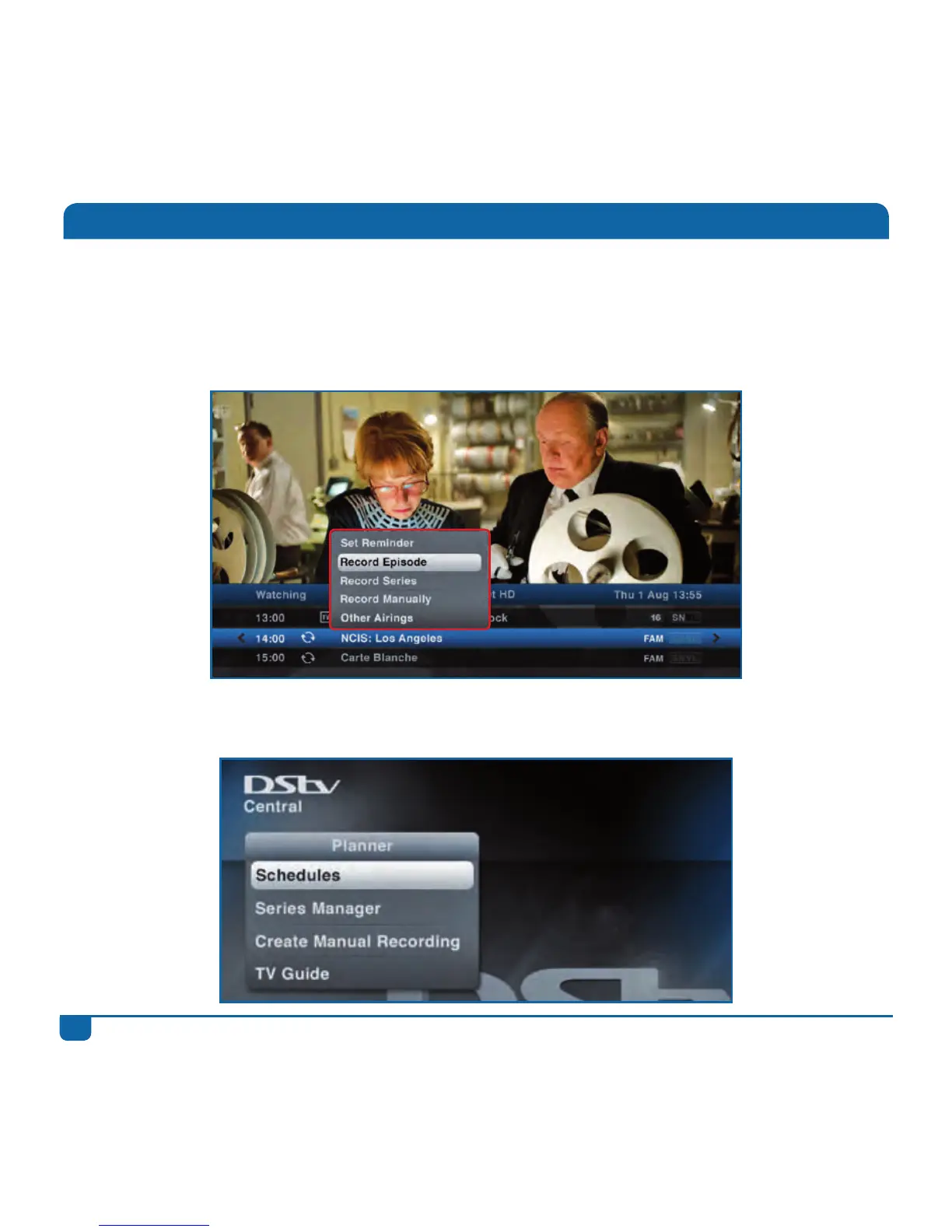
Step 1 PressOKonanyprogrammetoseetherecordingoptionsavailable.Iftheprogrammeis
partofaseries,youcanrecordjusttheepisode,ortheentireseasonoftheseries.
Step 2 Afterschedulingarecording,theprogrammeismarkedasascheduledrecordingandlisted
in“Schedules”in“Planner”.



 To Next Page