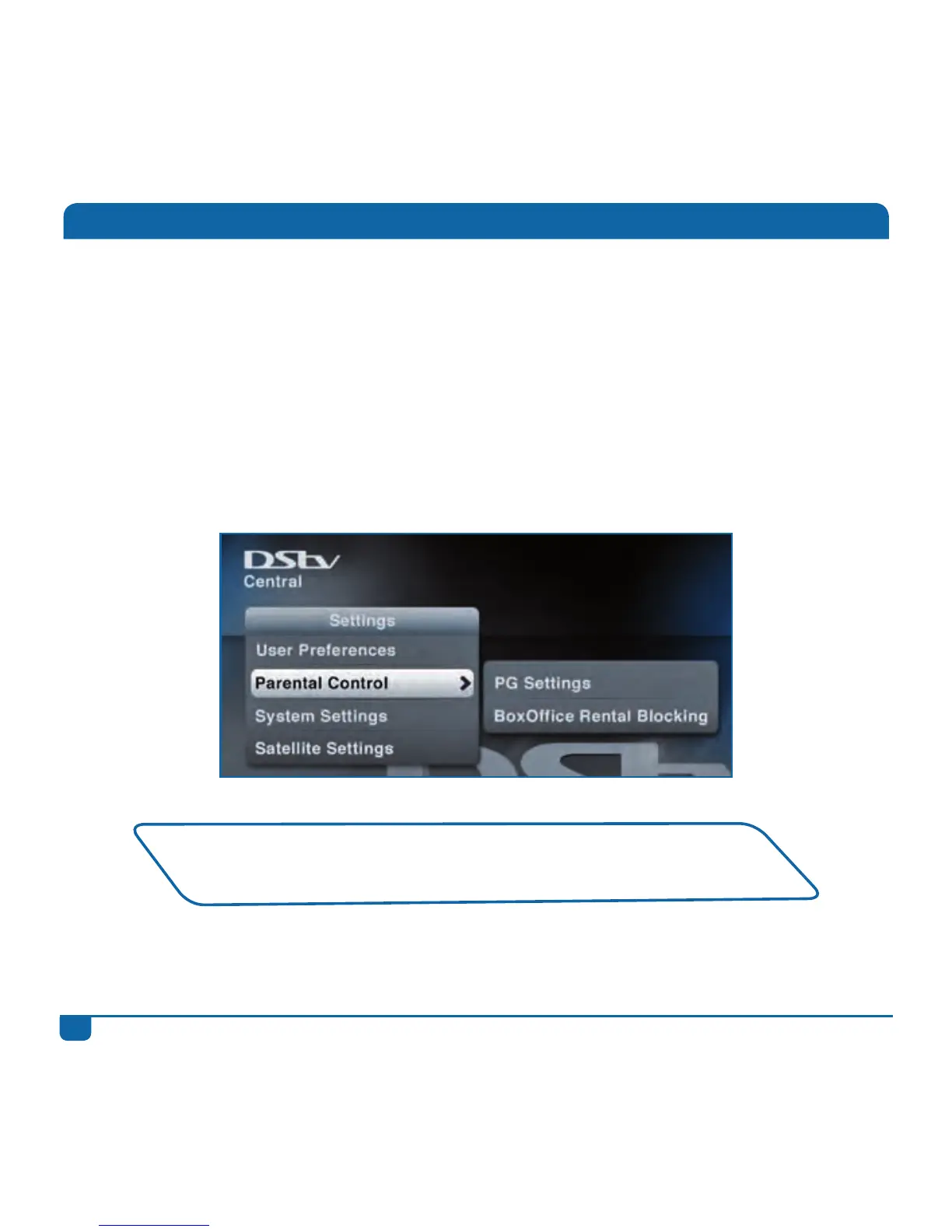
Parental Control
TheDStvExplorahasaParentalControlfeaturewhichallowsyoutoblockprogrammingbasedon
thePGrating.Thisfeaturealsoallowsyoutoblockentirechannels.Viewingisthenonlyavailable
onceavalidPGPINhasbeenentered.
ThedefaultPGPINis1234.IfyoublockthePGPIN,pleasecontactyourclosestcallcentreand
askthemtoresetit.
YoucanalsoblockBoxOfficemoviesfrombeingchargedtoyouraccount.
Tomakeuseofthisfeature,goto“ParentalControl”in“Settings”.
AllprogrammingcarriesaPGratingandincludesSNVLnotification
(anindicatorofprogrammingcontent–Sex,Nudity,Violence,Language).



 To Next Page