Getting Connected
Quick Notes
1.TheDStvExploracomespackagedwithaDStvSwitchandbasiccablingthatallowsconnection
tomostexistingPVRinstallations.PleaserefertotheDStvSwitchUserGuideformore
information.
2.TheDStvExploraisXtraViewcapableandcanbelinkedwithanyotherXtraViewcapable
decoder.
3.IfyoualreadyhaveXtraViewandarereplacingoneofthedecoderswiththeDStvExplora,you
mustFIRSTcontactMultiChoicetobreakthelinkbetweentheexistingXtraViewdecoders
BEFOREdisconnectingthecablethatlinksthem.
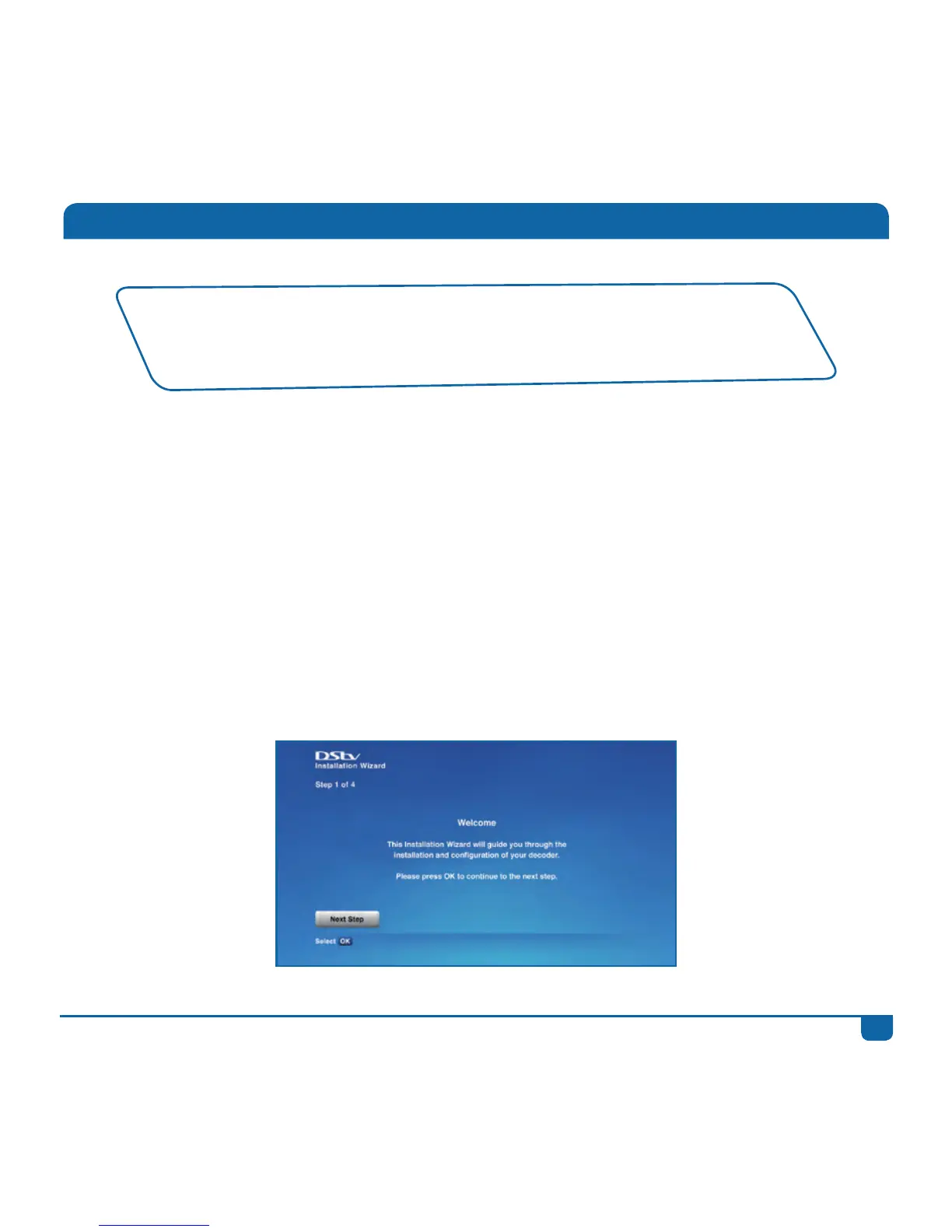
4.TheDStvExplorahasanInstallationWizardtoguideyouthroughthefirsttimeset-up.
• WerecommendtheuseofaDStvAccreditedInstallerforallinstallations.
• Tofindyourlocalinstaller,visitwww.dstv.comorSMSyoursuburbto32445
(SMScostsR1).
• Foradditionalinstallationinformation,pleasevisitwww.dstv.com



 To Next Page