The Playlist
TheDStvExploraallowsyoutorecordupto220hoursofyourfavouriteprogrammingandyour
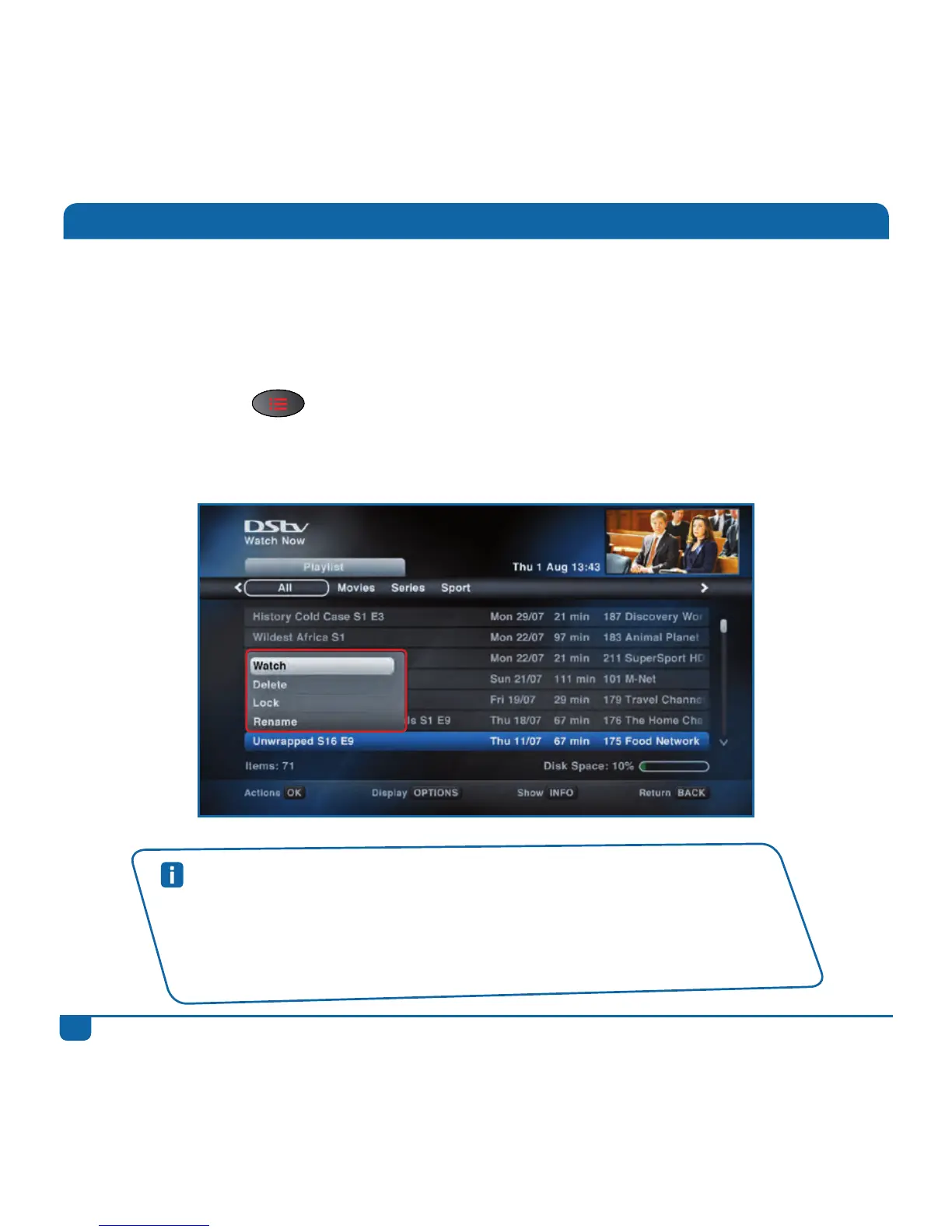
Playlistiswhereyouwillfindalltheprogrammesyou’verecorded.Yougettochoosewhatyou
wanttowatch,whenyouwanttowatchit.(We’vealsosortedyourrecordingsbasedonthecontent,
makingiteasierforyoutofindwhatyou’relookingfor.)
PressthePLAYLIST buttontogodirectlytoyourlistofrecordings.
SelectaprogrammeandpressOKtoseetheavailableoptions.
Quick Tips
• PressOPTIONStochangetheorderoftheprogrammesinthePlaylist.
• Youcan“jump”totheschedulesbypressingALTatanytime.
• Youcanlockyourrecordingstopreventthembeingaccidentallydeleted.PressOK
andselectLock.
• Setupyourrecordingpreferencesin“UserPreferences”in“Settings”.



 To Next Page