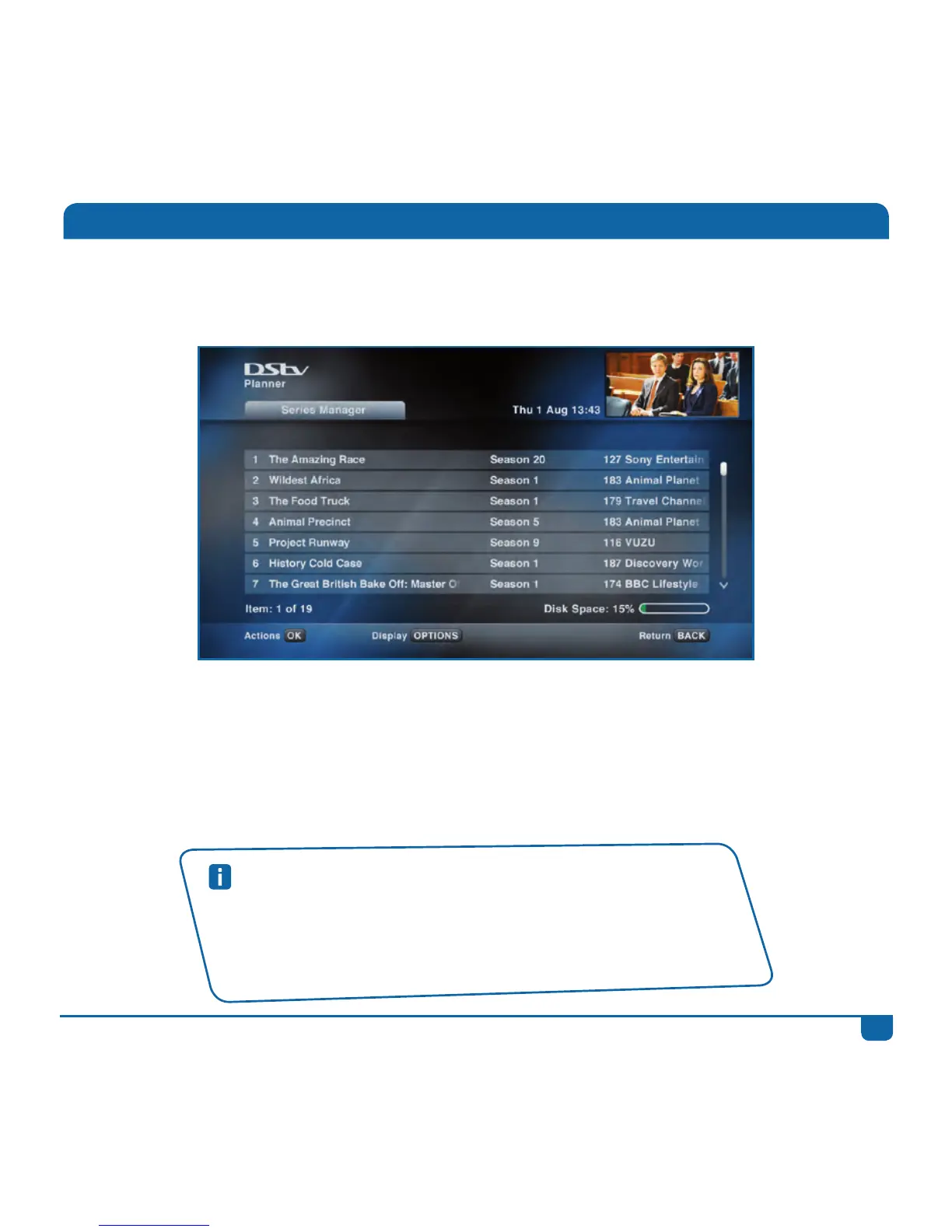
Step 3 Youcaneditordeletetheseriesrecordingatanytime.Youcanalsoprioritiseyourseries,
sothatyourDStvExploraknowswhichismoreimportanttoyouintheeventofaconflict.
Step 4 Whentheprogrammehasrecorded,itwillbelistedinyour“Playlist”in“WatchNow”.
(Iftheprogrammefailedtorecord,itwillbelistedin“FailedRecordings”inyour
“Schedules”).
Step 5
Theprogrammeisnowreadyforviewing!
Series Recordings
Quick Tips
• YouwillneedtodeletetheseriesfromtheSeriesManageroncethe
seasonhascometoanend.
• Ifaseriesisalwaysonatthesametime,butdoesnothaveseries
recordingavailable-youcanuseManualRecordingstosetarecurring
recording.



 To Next Page