Trickmodes
Needtoanswerthephone,butdon’twanttomissathing?PressPLAY/PAUSEandtheDStv
Explorawillwaitforyoutocomeback.YoucanpauseliveTVforupto2hours!
Toresumeviewing,justpressPLAY/PAUSEagain.
Tofastforward,pressFFoncetofastforwardslowly,andagain(uptothreetimes)tofastforwardat
themaximumspeed.PressPLAY/PAUSEtoresumeviewing.
Torewind,pressREWoncetorewindslowly,andagain(uptothreetimes)torewindatthe
maximumspeed.PressPLAY/PAUSEtoresumeviewing.
Andifyouwanttowatchthatunbelievablegoalagainorcatchwhatthevillainjustsaid,press
REPLAYtojumpback10seconds.EachtimeyoupressREPLAY,thevideojumpsbackanother10
seconds.
Nowthatyou’veseenthegoal,you’llwanttowatchitinslowmotion-pressandholdthe
PLAY/PAUSEbuttontoactivateSlowMotion.ThenpressFForREWtoviewthevideoin
slowmotionatvariousspeeds.
Quick Tip
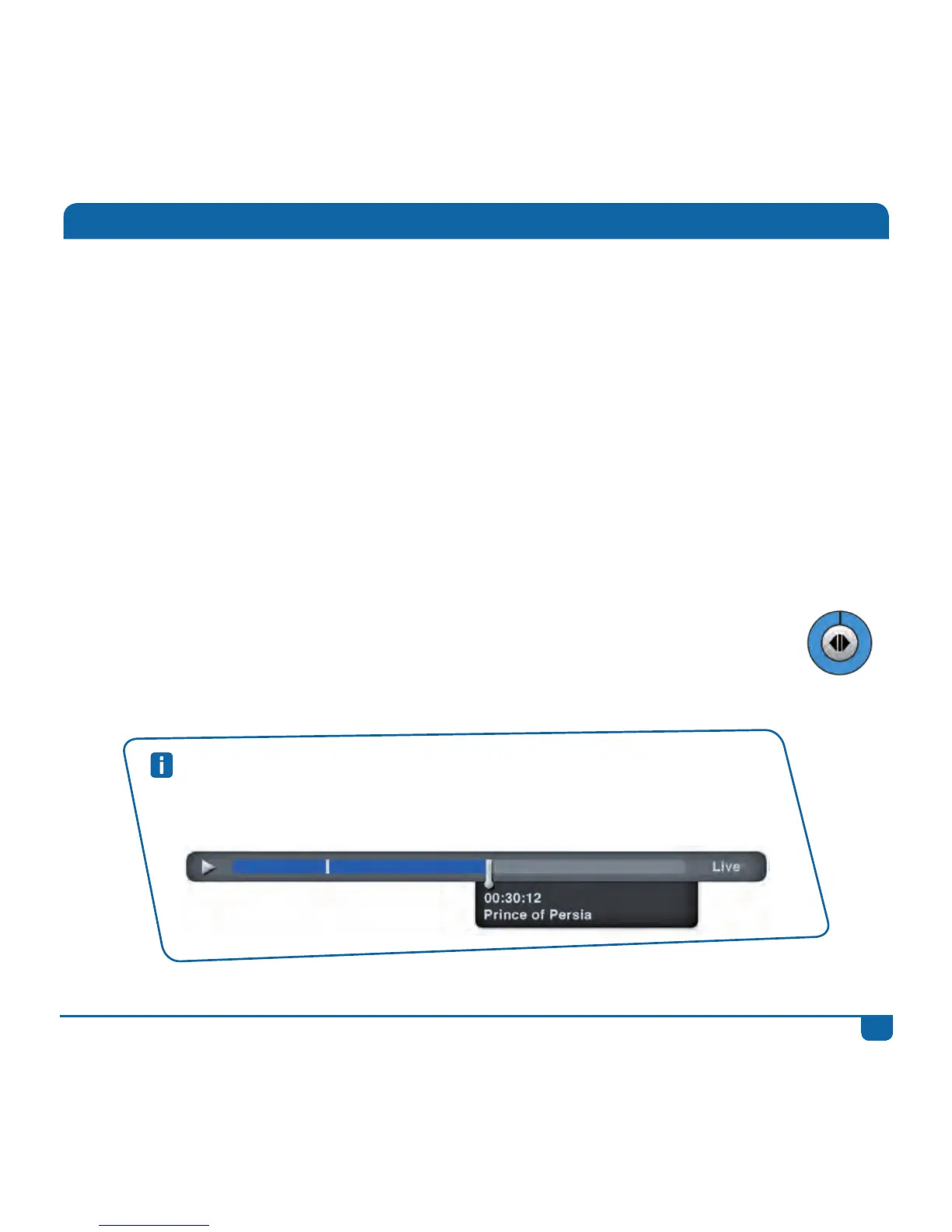
YoucanalsousetheStatusBarto“jump”throughcontent.Whenwatchingany
programme,pressSTATUS BAR.UseFForREWtoquicklymovethroughthecontent,
orusetheLEFT/RIGHTarrowstojumptothebookmarks.



 To Next Page