Step 3 Youcaneditordeletethescheduledrecordingatanytime.
Step 4 Whentheprogrammehasrecorded,itwillbelistedinyour“Playlist”in“WatchNow”.(If
foranyreasontheprogrammefailedtorecord,itwillbelistedin“FailedRecordings”in
your“Schedules”).
Step 5 Theprogrammeisnowreadyforviewing!
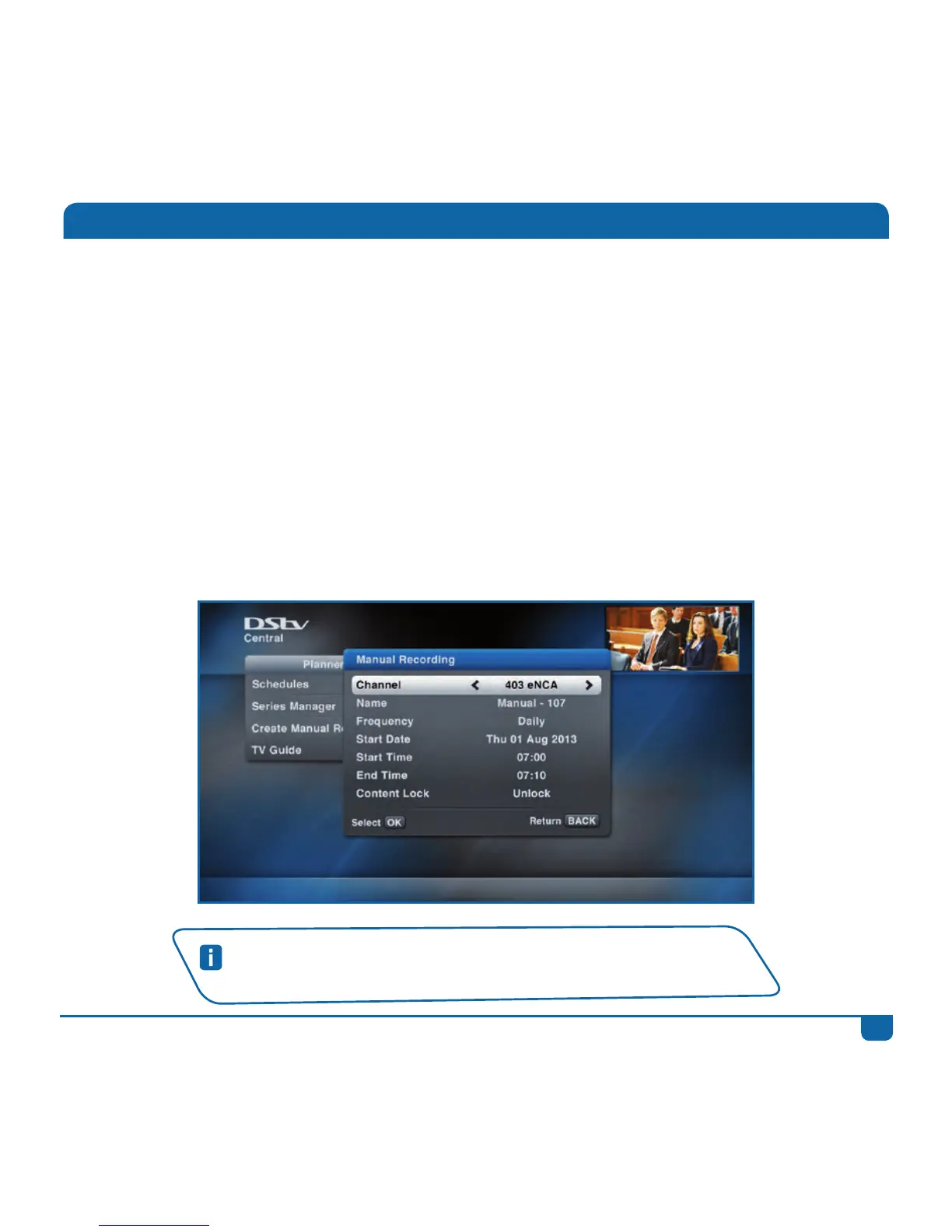
Youcanalsocreatemanualrecordings.Example:Youwanttorecordthefirst10minutesofthe
newseachmorningsothatyoucanquicklycatchuponnewsheadlines.Select“CreateManual
Recordings”from“Planner”andscheduletherecordingasrequired.ManualRecordingscanbe
scheduledonceoff,daily,weeklyorjustonweekdays.Youcanalsosetmanualrecordingsfromthe
Actionslist(whenyoupressOK onanyprogramme).
Quick Tip
SetupyourRecordingpreferencesin“UserPreferences”in“Settings”.
Recordings



 To Next Page