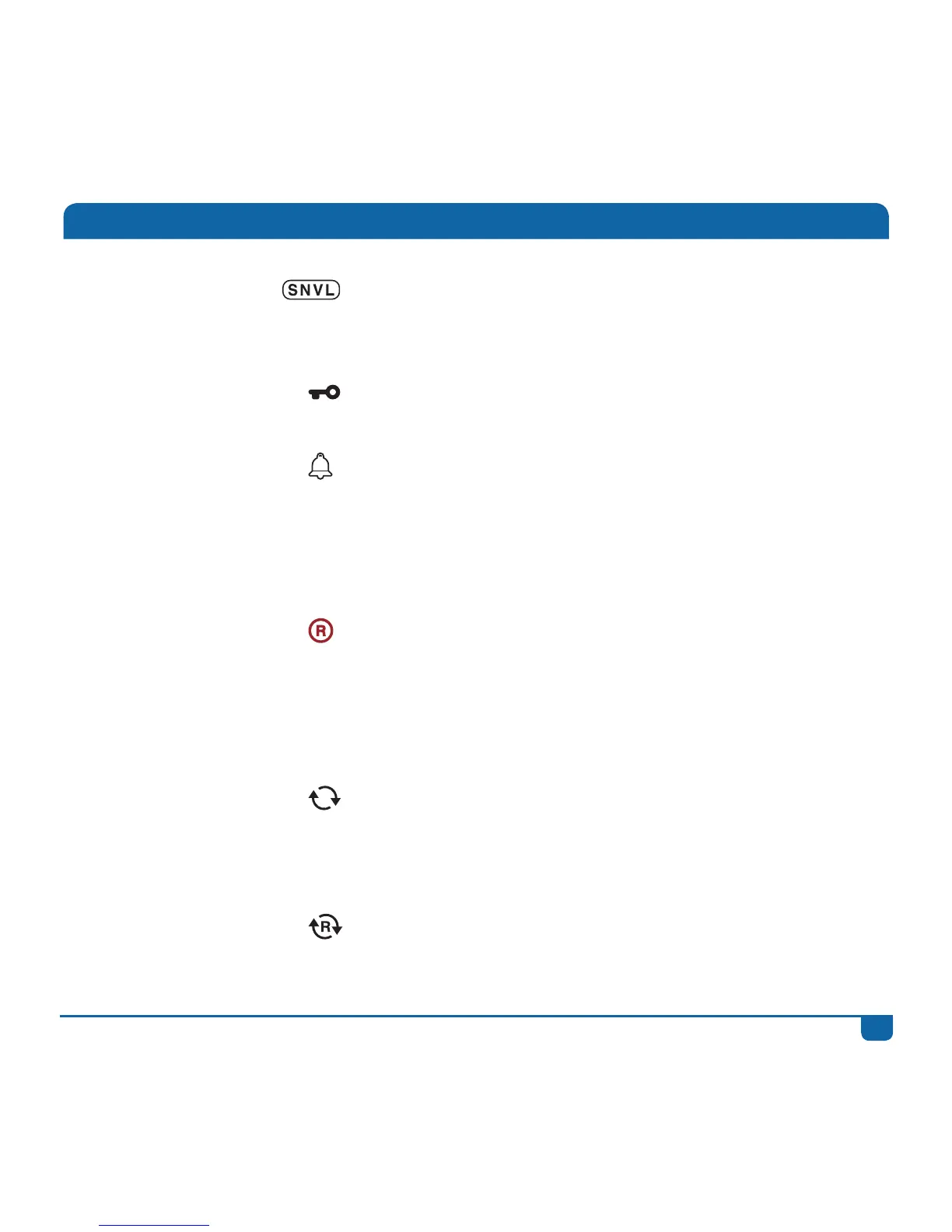
SNVL
Thisinformationisdisplayedforallprogrammesand
isanindicatorofprogrammingcontent(Sex,Nudity,
Violence,Language).
PG Block
ContentisblockedduetoParentalControlsettings.
AvalidPGPINisrequiredtowatchthiscontent.
Reminder Youcansetareminderforanyfutureprogramme
(selecttheprogramme,pressOKand“SetReminder”).
Thisiconwillthendisplaywiththeprogramme
information.Toseeallreminders–presstheDStv
buttonandgoto“Schedules”in“Planner”.
Scheduled
Recording (Single)
Youcanscheduleasinglerecordingofanyprogramme.
Selecttheprogramme,pressOKand“Record
Episode”or“RecordProgramme”.Thisiconwillthen
displaywiththeprogrammeinformation.Toseeall
scheduledrecordings–presstheDStvbuttonandgoto
“Schedules”in“Planner”.
Series Link Thisprogrammeispartofaseriesandhasseries
recordingavailable.Selecttheprogramme,pressOK
and“RecordSeries”.Toseeallseriesrecordings-press
theDStvbuttonandgo“SeriesManager”in“Planner”.
Booked Series Thisprogrammeispartofaseriesthatyouhave
alreadysetaseriesrecordingfor.
All about Icons



 To Next Page