HD PVR Viewer’s Guide – UEC Page 52 of 62
➌
➌➌
➌
X
TRA
V
IEW
S
ET
-U
P
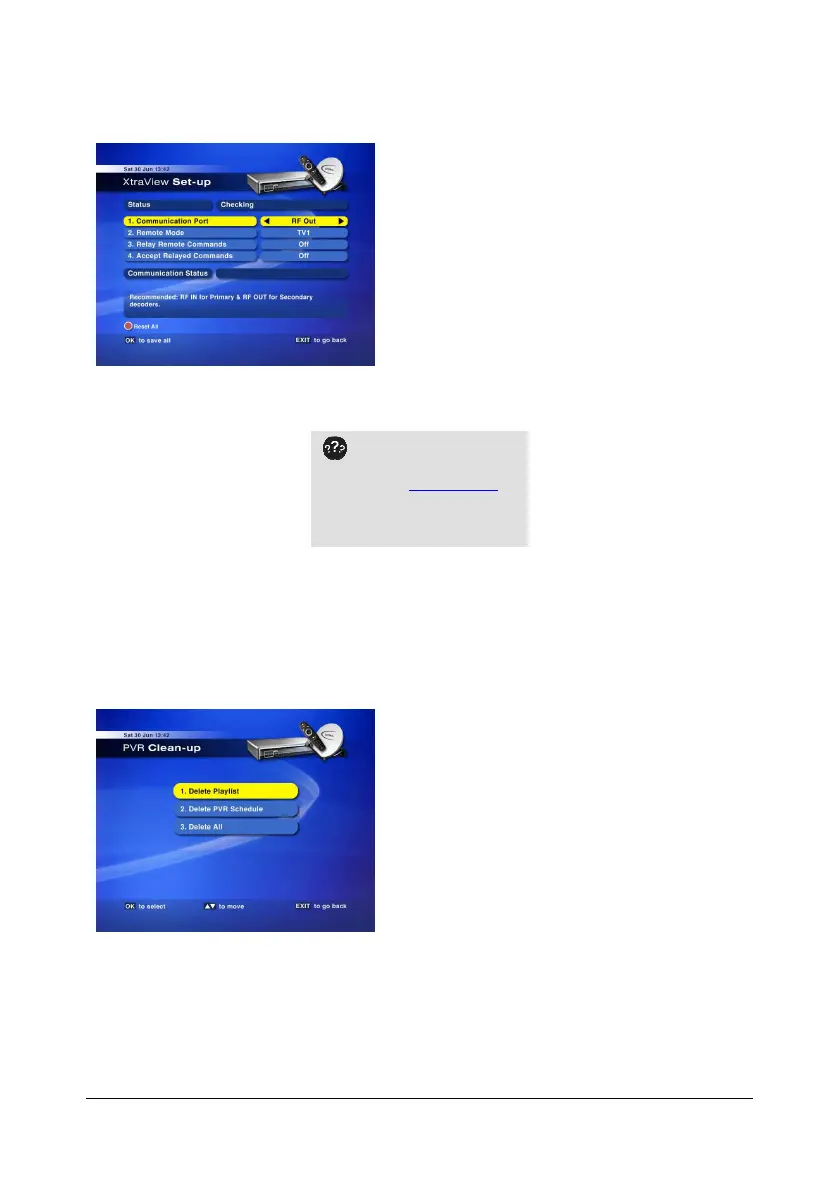
The default settings are :
1. Communication Port = RF Out
2. Remote mode = TV1
3. Relay Remote Commands = Off
4. Accept Relayed Commands = Off
If the HD PVR is being
linked to another XtraView
decoder, visit www.dstv.com
for full XtraView info (including
detailed installation options and
a guide to installation prices).
➍
➍➍
➍
PVR
C
LEAN
-
UP
This option allows you to delete the Playlist, PVR Schedule (Scheduled Recordings & Reminders) or All
of these.
On selecting the required option, a confirmation
pop-up is displayed. Once you have pressed OK to
start the clean-up, a progress bar is displayed.
DO NOT interrupt the process.
.


 To Next Page