DataBase
Profiles – All Locations
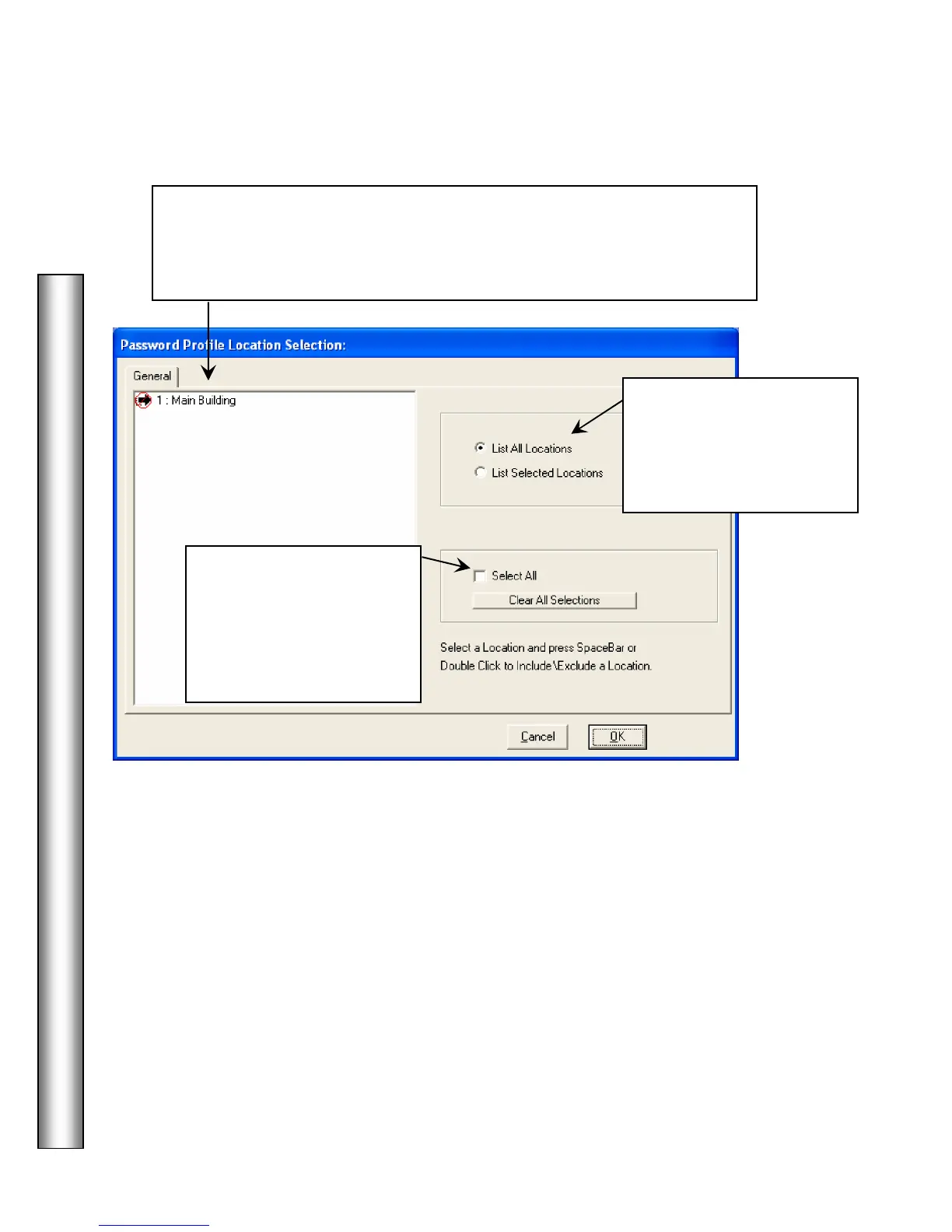
Use the
below to determine which locations this password
profile will be valid for. Select the Locations this Password should work at.
Select a Location and press the Space Bar or Double Right Click to
include or exclude a location.
Click on one of the
selections to the left to view
All Locations or to only
view the Locations selected
for this profile.
Click on the
checkbox to automatically
select all locations.
Click on the Clear All
Selections button to
deselect all locations.



 To Next Page