DataBase
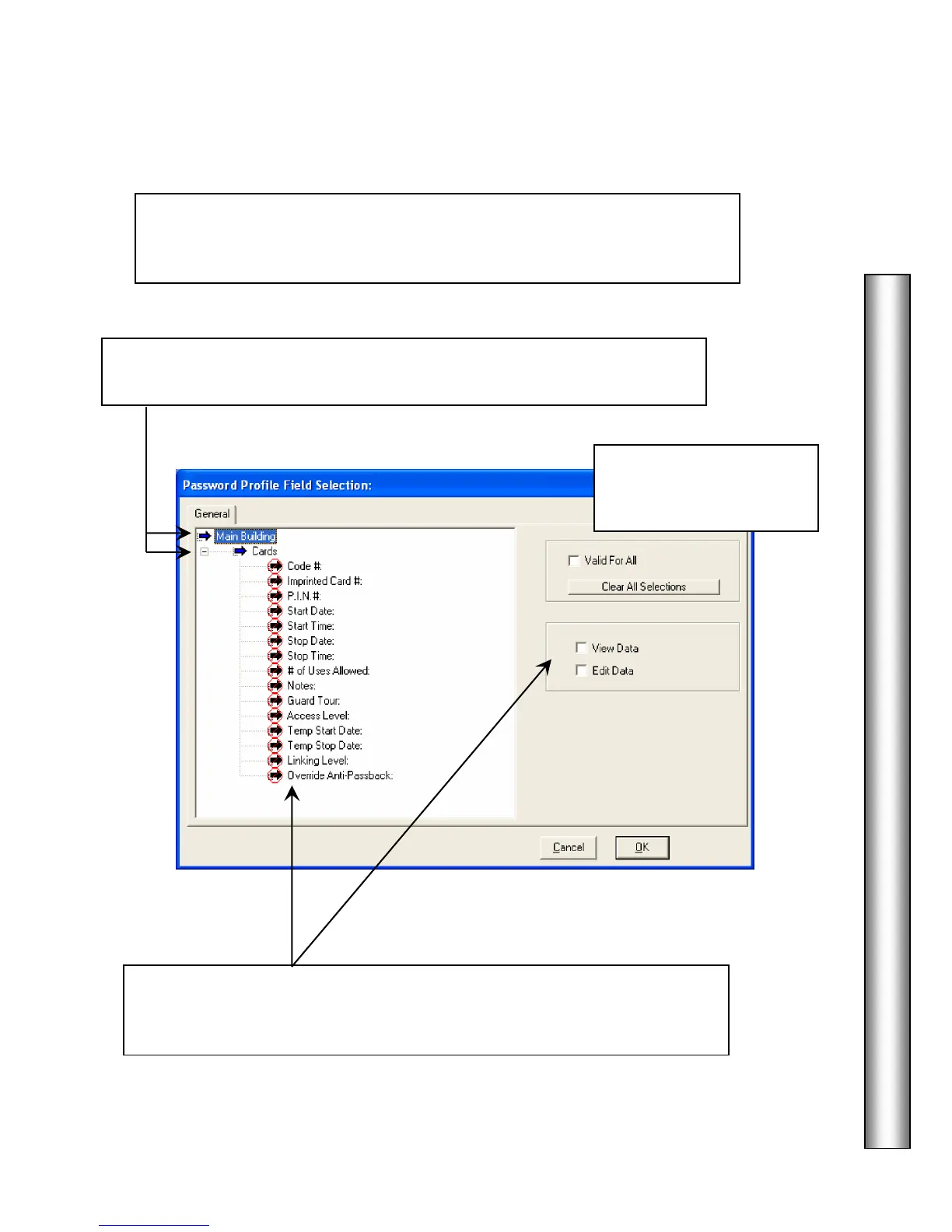
All Card Fields
Select the
you wish an operator with this password profile
to be able to view and/or edit in the DataBase program under Card Holder /
Cards.
Click on one of these to
Select All or Clear All
Select the Card Fields from the list above then click on View Data and/or
Edit Data to determine which of these fields a user with this password
profile will be allowed to view and edit.
Double click on the Location or Location Group and then click on Cards
to expand the menu to display the list of card data fields.



 To Next Page