DataBase
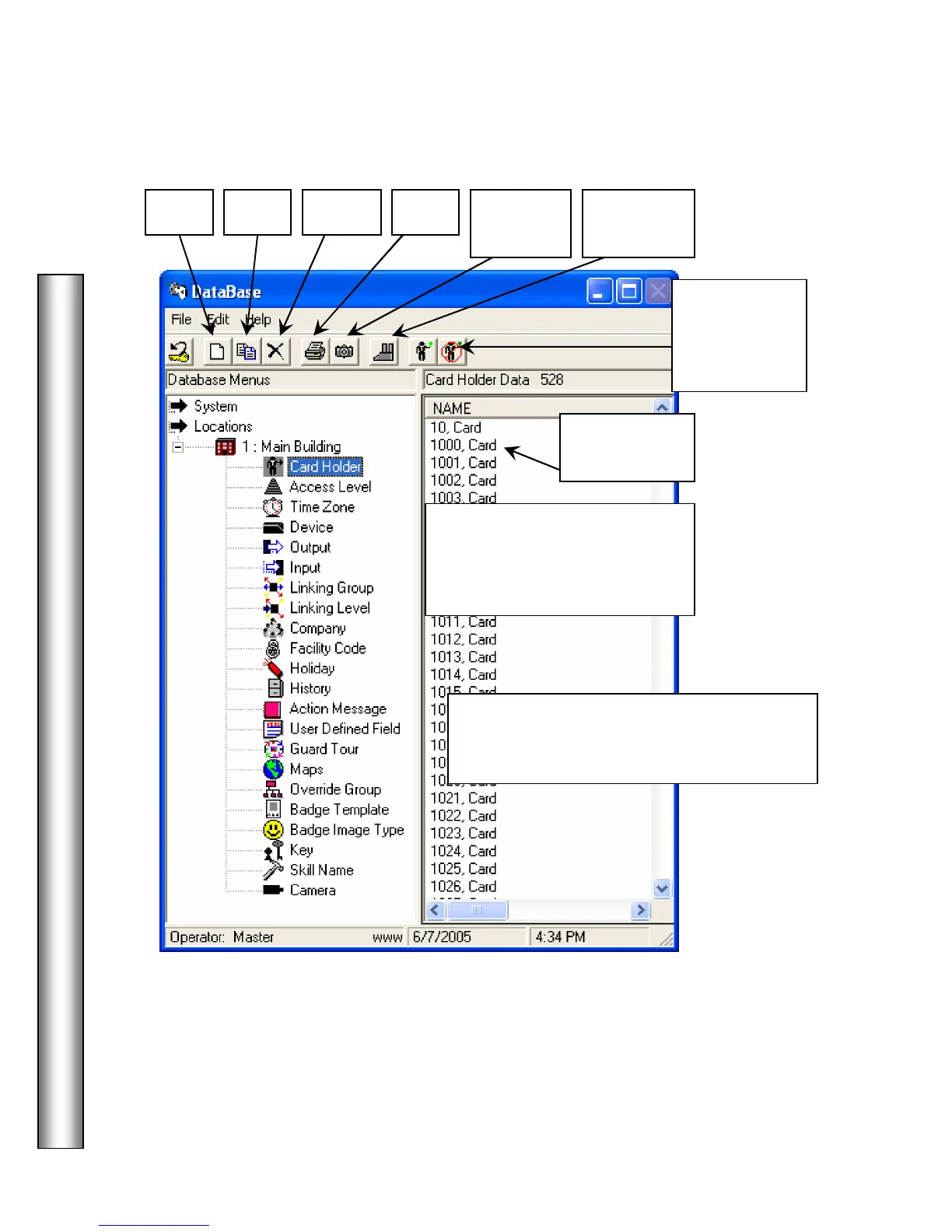
Card Holder – View List
After selecting Card Holder and
then Show All, The card holders
are alphabetically listed here in
this display column.
Capture
Image
Select a Card Holder in the list and double
click on their name to edit, or use one of the
other tools at the top of the DataBase Menu.
–
double
click on name
Who is
In Report
Activate and
De-Activate
the selected
card holders.



 To Next Page