DataBase
System / Setup
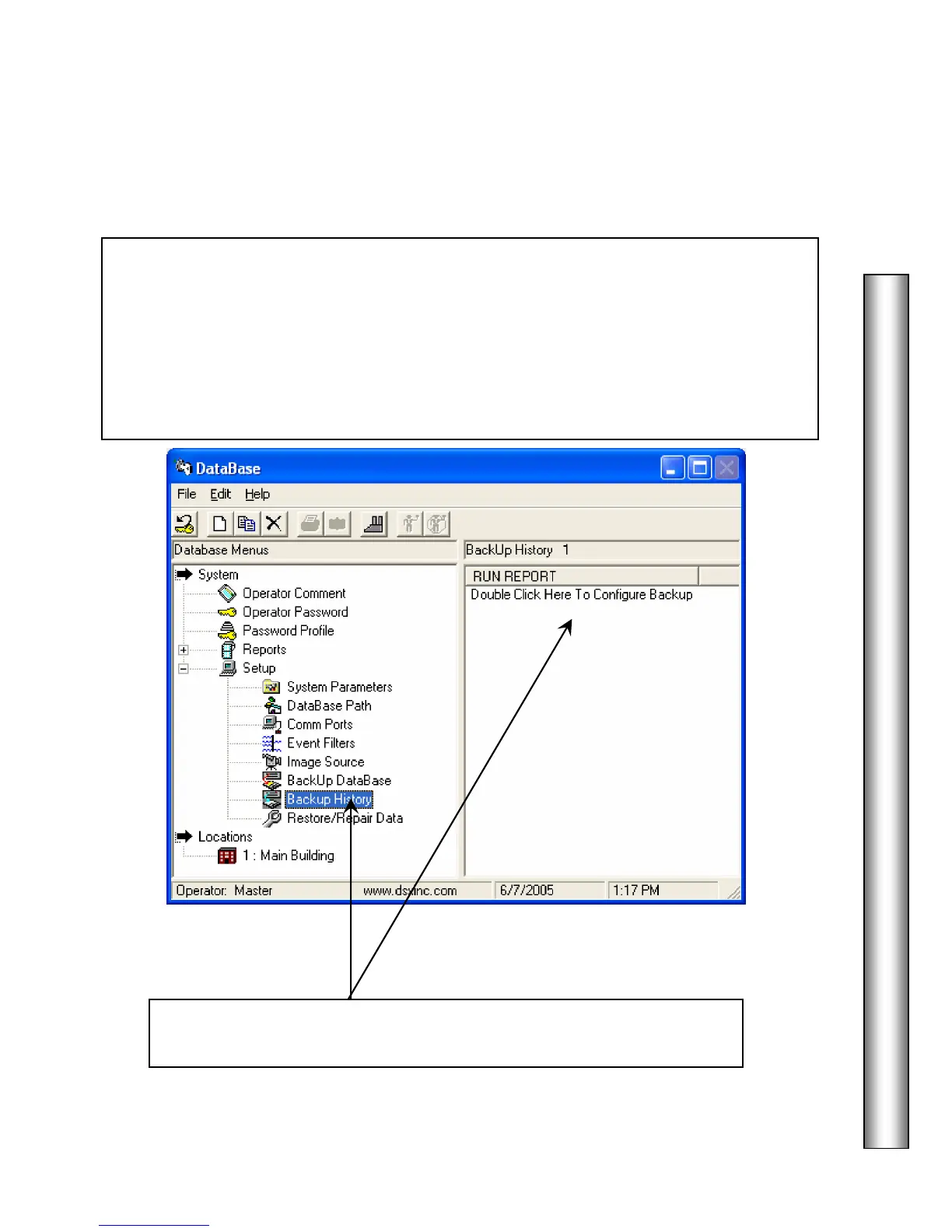
Backup History
This is the location of the
The History database can be backed up
to any drive and or directory in a compressed or non-compressed format. Automatic
Backups are configured under “Setup” “System Parameters” and can be executed by the
Comm Server only. History can be archived and saved in a different location or resource on
regular intervals and the archived or backed up history can be deleted from the current
History database. When running a History Report the name and location of the history
database can be specified as one of the archived history files.
***See important note on page 27.***
1. Select
and click on either the Add button or on the
“Double Click Here to Configure Backup” message.



 To Next Page