DataBase
Profiles – All Menus
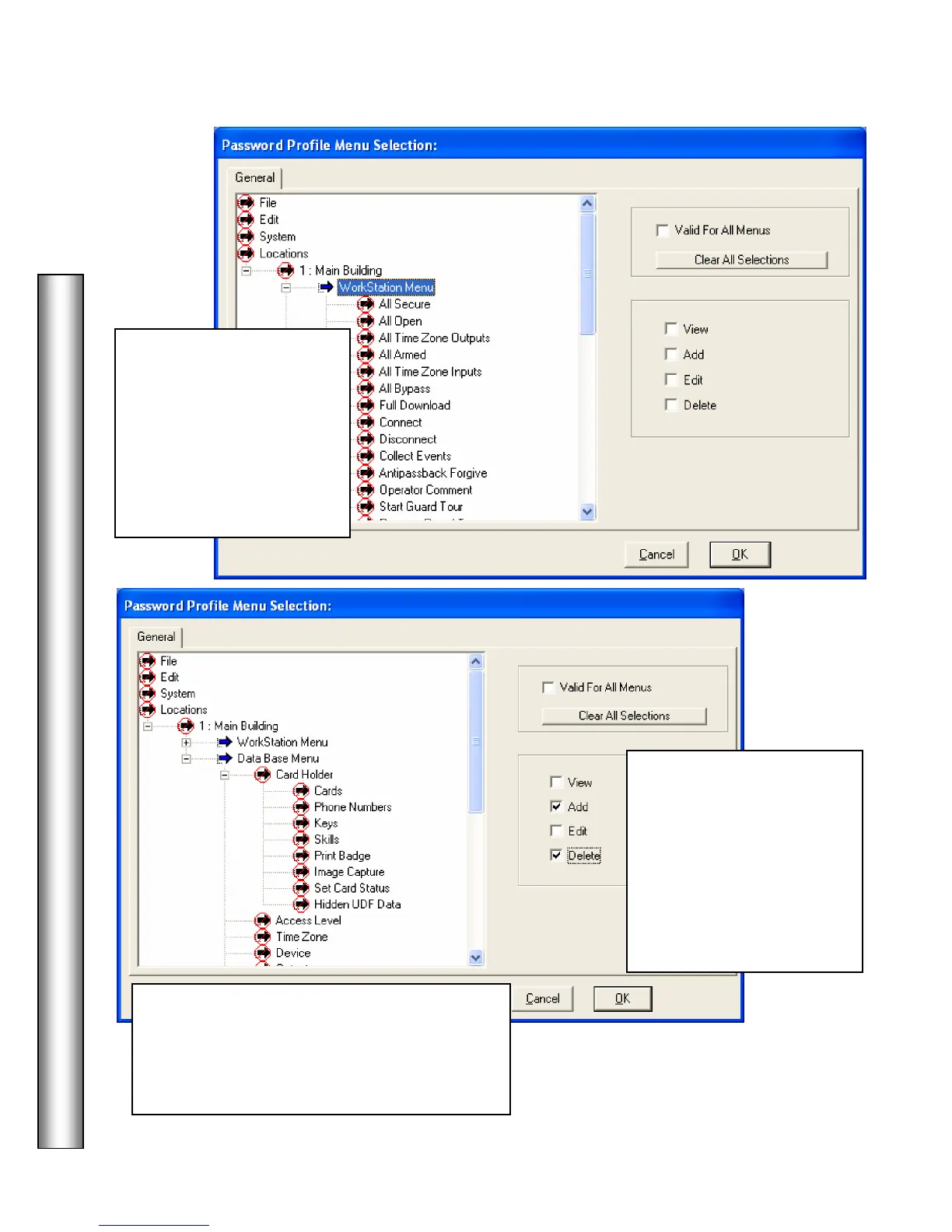
Under
– selecting
the operator to Activate Cards, and selecting
Delete allows the operator to Deactivate Cards.
These two functions can now be separately
Select the
and
assign the
and/or Delete privileges by
checking the appropriate
box to the right and then
Click OK at the bottom.
Double Right Click on the
Menu Item to provide full
rights.
Double Click to expand the
Locations Menu. Select
the appropriate Locations
followed by Workstation,
DataBase, and Cardholder
Menus and set the level of
access for each item.



 To Next Page