DataBase
System / Setup
Backup History
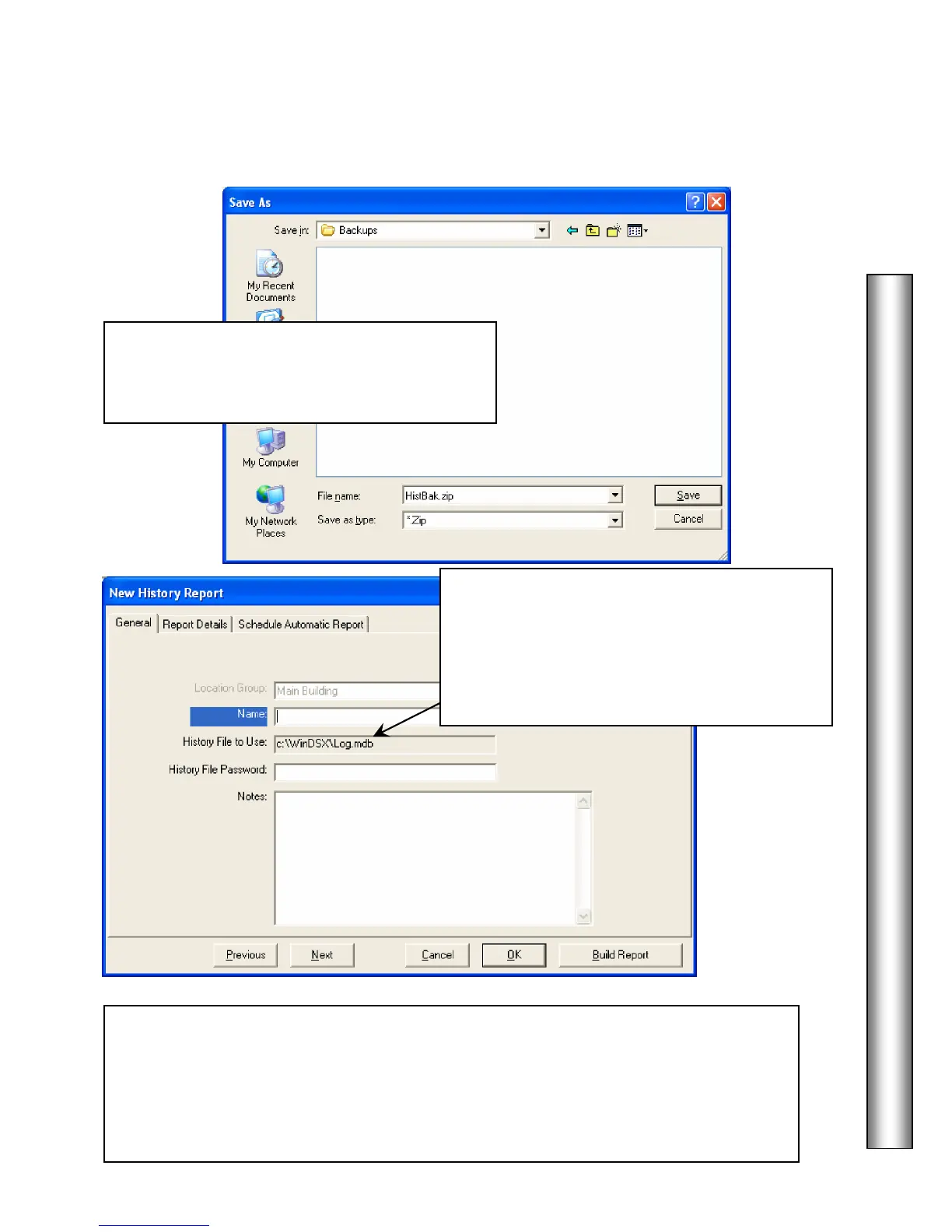
10. Save the backup to any drive available to
Windows™. The Comm Server PC is the only
one that can perform an automatic backup.
To Use an Archived History File
When creating a History Report you may specify
which history file to use. This way when
historical data is archived it can still be easily
accessed for reporting. Click on this name to
open a search window to find an alternate file.
*** IMPORTANT ! ***
The log.mdb file contains ALL history generated on the system except for Database
Changes. This includes Access Grants, Denieds, Alarms, Restorals, etc. Therefore,
the log.mdb file can become quite large and possibly too large to be managed. It is
highly recommended that the backup and delete routine be done on at least a
monthly basis.



 To Next Page