DataBase
System / Setup
Restore/Repair Data
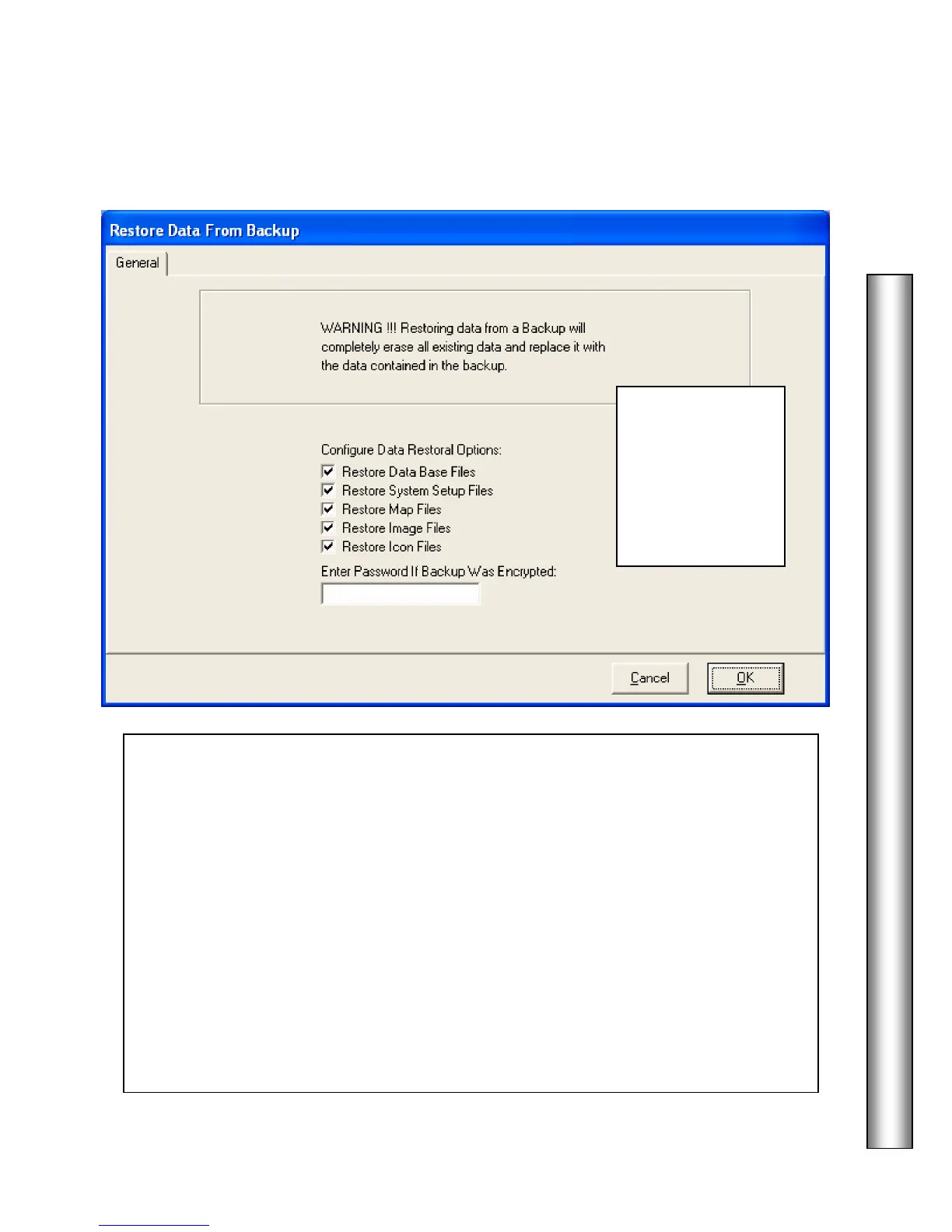
3. Next, choose
which data from
the backup is to be
restored using the
check boxes.
Definitions below
for those items.
– Select this to restore the Database Files. De-select this to
exclude it from the Restoration.
This includes all location and card holder information.
Restore System Setup Files – Select this to restore the Setup Files. This includes system
parameters, and comm ports. De-select this to exclude this information from the Data
Restoration.
Restore Map Files – Select this to restore the Graphic Alarm Maps. De-select this to
exclude the Graphic Alarm Maps from the Data Restoration.
Restore Image Files – Select this to restore the Card Holder Image Files. De-select this
to exclude Image Files from the Data Restoration.
Restore Icon Files – Select this to restore the System Icons. De-select this to exclude
Icon Files from the Data Restoration.



 To Next Page