DataBase
History / Print PreView
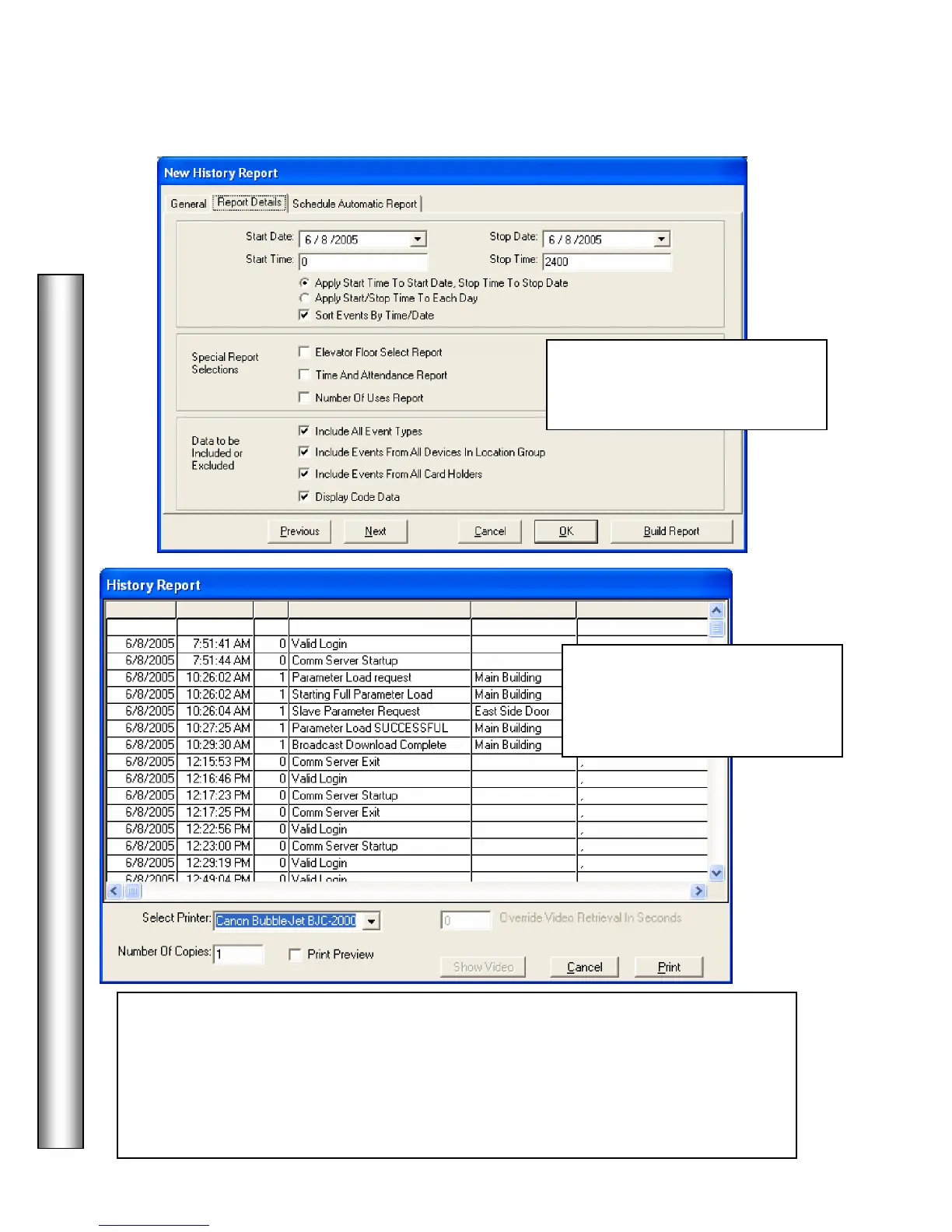
14. Once the report has been
configured click on Build Report
below.
15. Once the report has been
configured, select print preview if
desired and click on the Print
button shown below.
- Alternately, from this screen you may
click on an alarm event. Then you can modify the pre and post alarm video playback
time in the Override Video Retrieval In Seconds box. The default amount of stored
video that should be retrieved is preset under the Camera/DVR setup for each camera.
(One half of the time entered is for pre-Alarm and one half is post-Alarm.) Then click
on Show Video to display associated video for this alarm.



 To Next Page