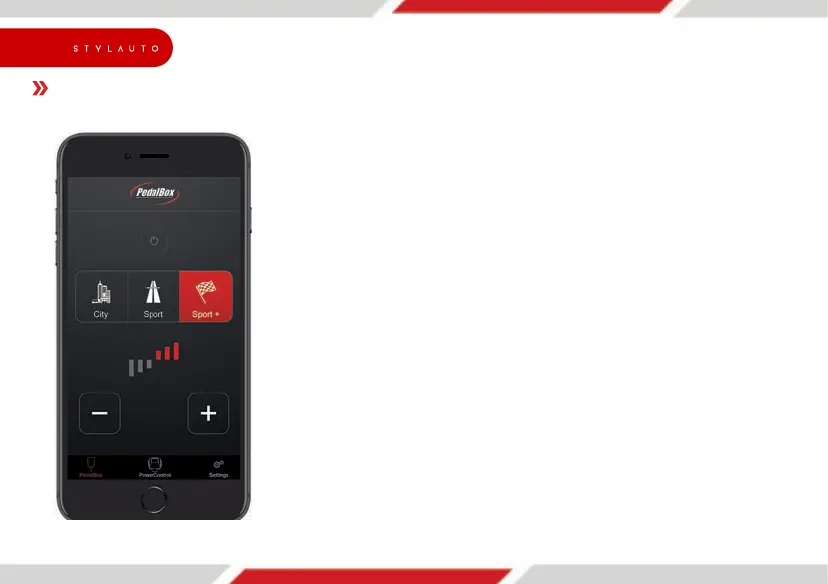
PedalBox App: Pairing (only for PedalBox
+
)
YourPedalBox
+
featuresamodernsmartphoneinterfacethatallowstocontrolthecentralfunctions
ofyourtuningviayoursmartphone.TopairyourPedalBox
+
withyoursmartphone,pleasefollowthe
stepsbelow.
ForquestionstopairaBluetoothdevicewithyour
Androidphone,pleaseconsultyoursmartphonemanufacturer.
Apple iPhone
•DownloadthePedalBoxappbyDTESystemsforfreeviatheAppleAppStoreonyour
smartphone.
•TurnonignitiontostartyourPedalBox
+
module.YoushouldseethemenuLEDlightedup.Donot
runtheengineforyoursafety.
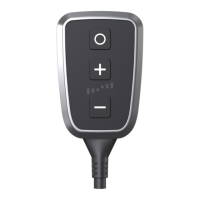
• Pressandholdtheplusbutton[+]foraminimumof5seconds.TheprogramLEDlightsupblue.
ThePedalBox
+
nowisinpairingmode.
•StartthePedalBoxappandfollowtheinstructionsinside.Yoursmartphonewillnowconnectto
your PedalBox
+
.IncaseyouareaskedforaPIN code,pleaseenter000000.
Android
•DownloadthePedalBoxappbyDTESystemsforfreeviatheGooglePlaystoreonyour
smartphone.
•TurnonignitiontostartyourPedalBox
+
module.YouwillseeblinkingLEDs.Donotruntheengine
foryoursafety.
• Pressandholdtheplusbuttons[+]foraminimumof5seconds.TheprogramLEDlightsupblue.
ThePedalBox
+
nowisinpairingmode.
•OpenBluetoothsettingsinsidetheAndroid‘ssettingsmenu.
•ThePedalBox
+
moduleisvisibleinpairingmodewiththenamePB-xxxxxxxxx.PairtheDTEdevice.
IncaseyouareaskedforaPIN code,pleaseenter000000.
24
dystrybutor


 To Next Page