7
PROGRAMMING
1 – Run Time (Calibrating) Setup (With total power up, AC and DC, on PCB)
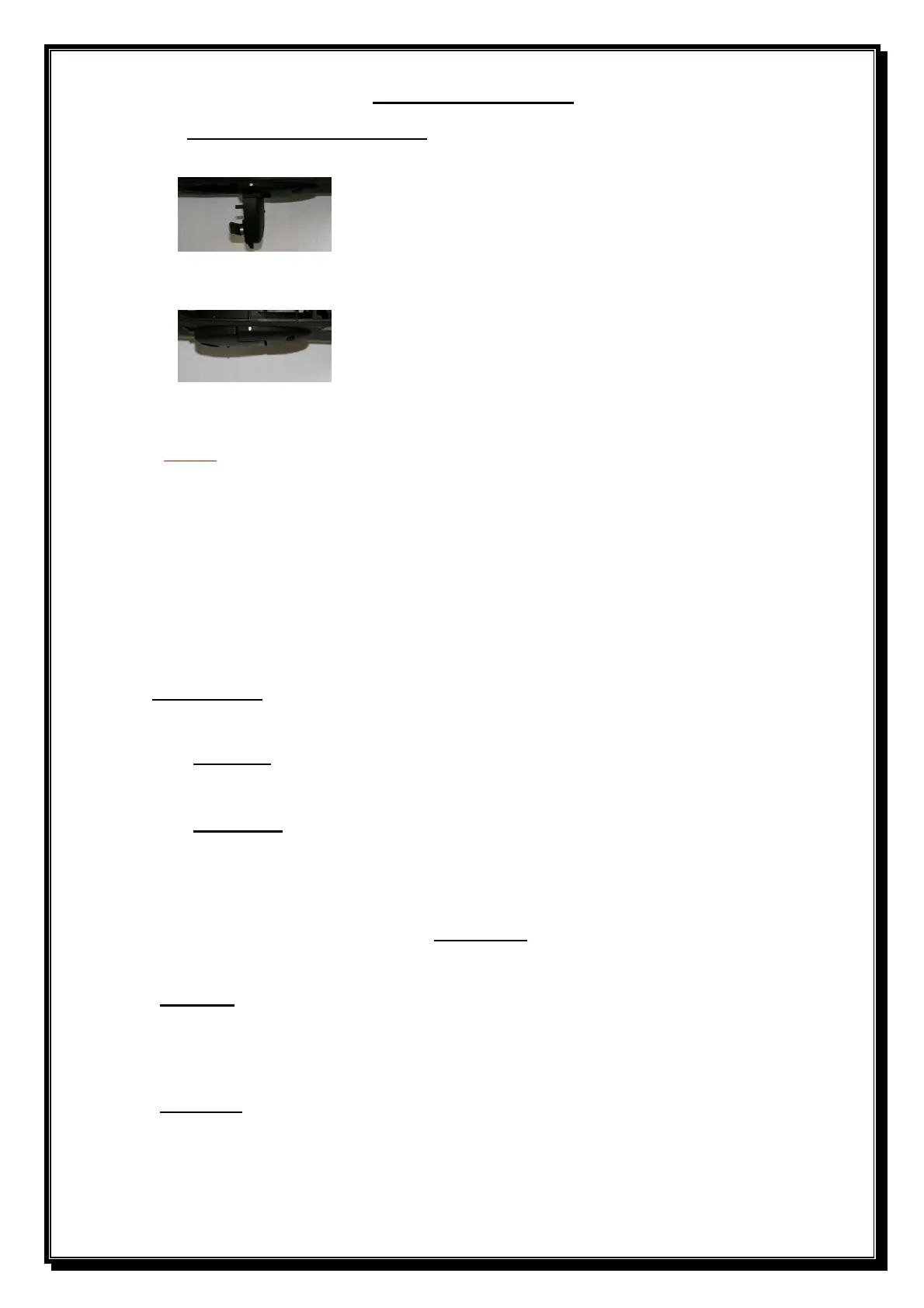
• Unlock and open the override lever on the gearbox.
• Open the gate manually approximately 1metre.
•
Close and lock the override lever on the gearbox.
• Pull the gate in any direction until the gear locks in.
NOTE: 1) If gate opens first, motor direction is incorrectly selected.
2) Gate will automatically calibrate every time the power is restored after a
total power failure.
3) The controller will drive the gate approximately 6mm past the closed limit
activation position. Allowance must be made for this when setting the limit actuators.
On power up screen display will bring up Close L or Close R. This must be changed to suit the
site by pressing ENT. Scroll down to MENU BACK and Press ENT to exit.
The motor direction can also be done from a black screen pressing the ENT button twice, the
Screen will display the following: - TEST MODE, SETTINGS, PROFILES, REMOTES, RUN
STATUS and GEN STATUS.
In TEST MODE press ENT button. Screen will display the following: - TRIG GATE and
AUTOSET.
1 – Trig Gate
• Press ENT button to trigger Gate to open or close.
• Press ENT button to exit.
2 – AUTOSET
• Press ENT button to start calibration of gate motor.
• Press ENT button to exit.
-----------------------------------------------------------------------------------
From TEST MODE, scroll down to SETTINGS and press ENT. Screen will display:-
DIRECTION, AUTOCLOSE, CONDO, PIRAC, PEDESTRIAN, AUX RELAY & DISPLAY.
1 – Direction
• Press ENT button.
• Now select Close L (Left) or Close R (Right) by using the ENT button.
• Scroll down to MENU BACK and Press ENT to exit.
2 – Auto close (Default, 10 seconds) (Infra
-
red beams must be fitted if auto close is activated).
• From TEST MODE, scroll down to SETTINGS and press ENT.
• Scroll down to AUTO CLOSE and press ENT.
• Select ON or OFF by using the ENT button.
• If ON, scroll down to Sec=, press the ENT button and an arrow will appear next to the Sec=.


 To Next Page