EasyManua.ls Logo

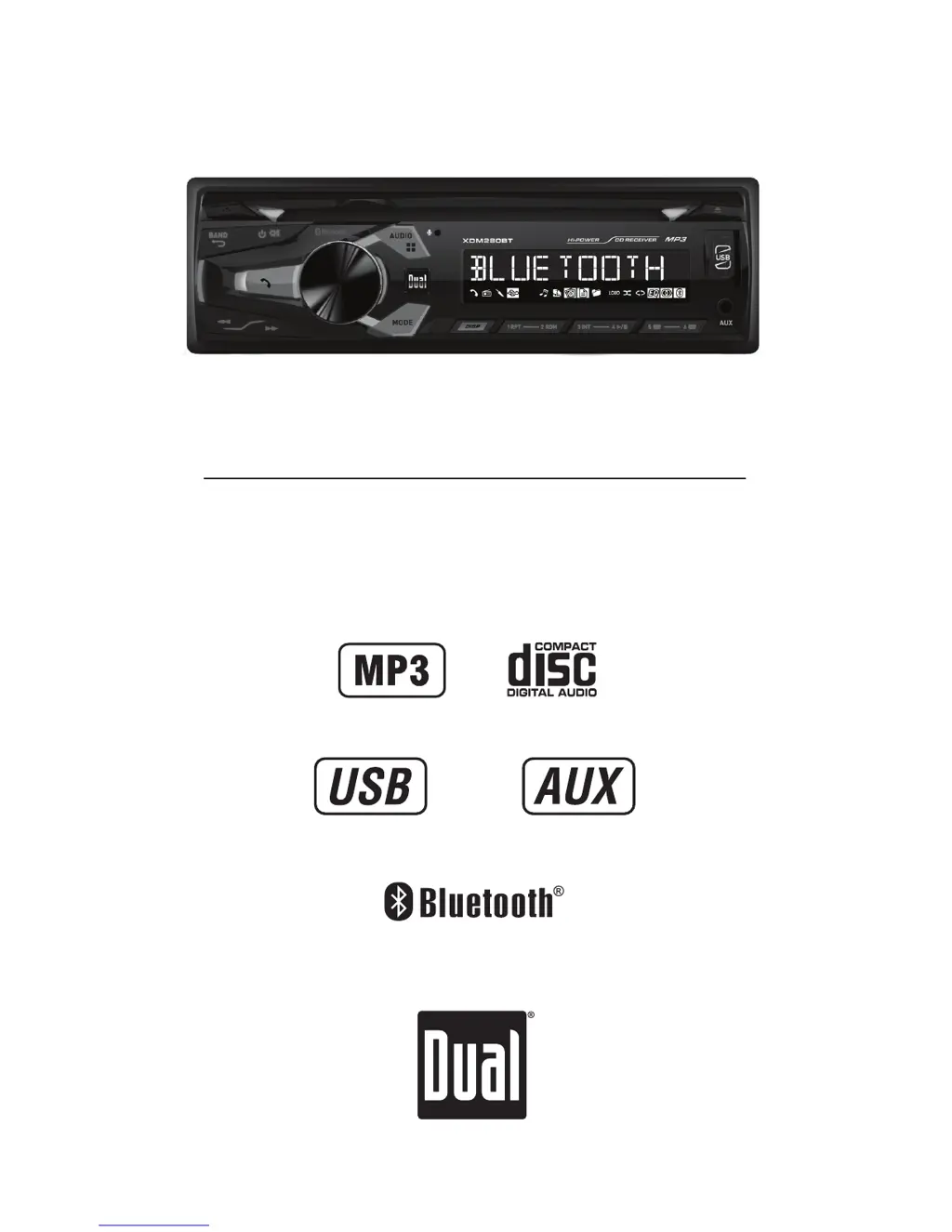
Dual XDM280BT - User Manual

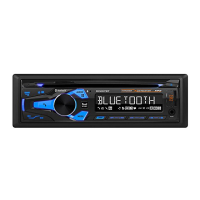
Dual XDM280BT
26 pages
Print Icon
To Next Page IconTo Next Page
Loading...
INSTALLATION/OWNER'S MANUAL
AM/FM/CD Receiver
XDM280BT

Questions and Answers

Summary

Installation Guide

Preparation Steps

Steps to prepare the unit for installation in a vehicle.

Wiring Diagram and Connections

Visual guide to connecting power, speakers, and antenna wires.

Operation and Features

Unit Control Locations

Identifies and labels all physical buttons and controls on the unit.

Remote Control Guide

Identifies and labels all buttons on the provided remote control.

General Unit Operations

Explains basic functions: power, mode, volume, display, reset, clock, and setup menu.

Setup Menu Configuration Options

Details configuration options for auto station store, tuning, audio, and display.

Audio Settings Adjustment Guide

Guide to adjusting Bass, Treble, Balance, and Fader for optimal sound.

AM;FM Tuner Operations

Instructions for tuning, selecting bands, and storing/recalling radio stations.

CD Player Basic Operations

How to insert, eject, select tracks, pause, and control CD playback.

MP3 CD Playback and Information Display

Playing MP3 files from CDs, displaying info, and character support.

MP3 CD Compatibility and Formatting

Compatible/incompatible media, recording formats, and ISO9660 standards for MP3 CDs.

MP3 File Technical Specifications

ESP, sampling rates, bit rates, and ID3 tag display for MP3 files.

USB Device Connectivity and Music Playback

Connecting, playing music, track selection, and file/folder search via USB.

USB File and Folder Management Features

Displaying info, folder access, repeat, random, and intro functions for USB playback.

USB Media and File System Requirements

Character support, media compatibility, playback order, capacity, and device requirements for USB.

USB MP3 File Formatting Guidelines

MP3 file requirements, sampling frequency, bit rates, and ID3 tag display for USB.

Bluetooth Pairing and Device Connection

Steps for pairing new devices and connecting previously paired devices via Bluetooth.

Bluetooth Call Handling and Audio Control

Managing calls, redialing, and controlling music streaming via Bluetooth.

Bluetooth Music Streaming Operation

Details on A2DP/AVRCP profiles and controlling music playback from a mobile device.

Troubleshooting Common Operational Issues

Solutions for common problems like power, sound, fuses, and media playback errors.

Limited One Year Warranty Information

FCC Compliance and Interference Guidelines

Technical Specifications Summary

Dual XDM280BT Specifications

General IconGeneral
DIN size1 DIN
Output power200 W
Product colorBlack
Ready for iPodNo
Disc types supportedCD
Audio output channels4.0 channels
Maximum power per channel50 W
Display typeLCD
Built-in displayYes
Illumination colorBlue

Related product manuals