EasyManua.ls Logo

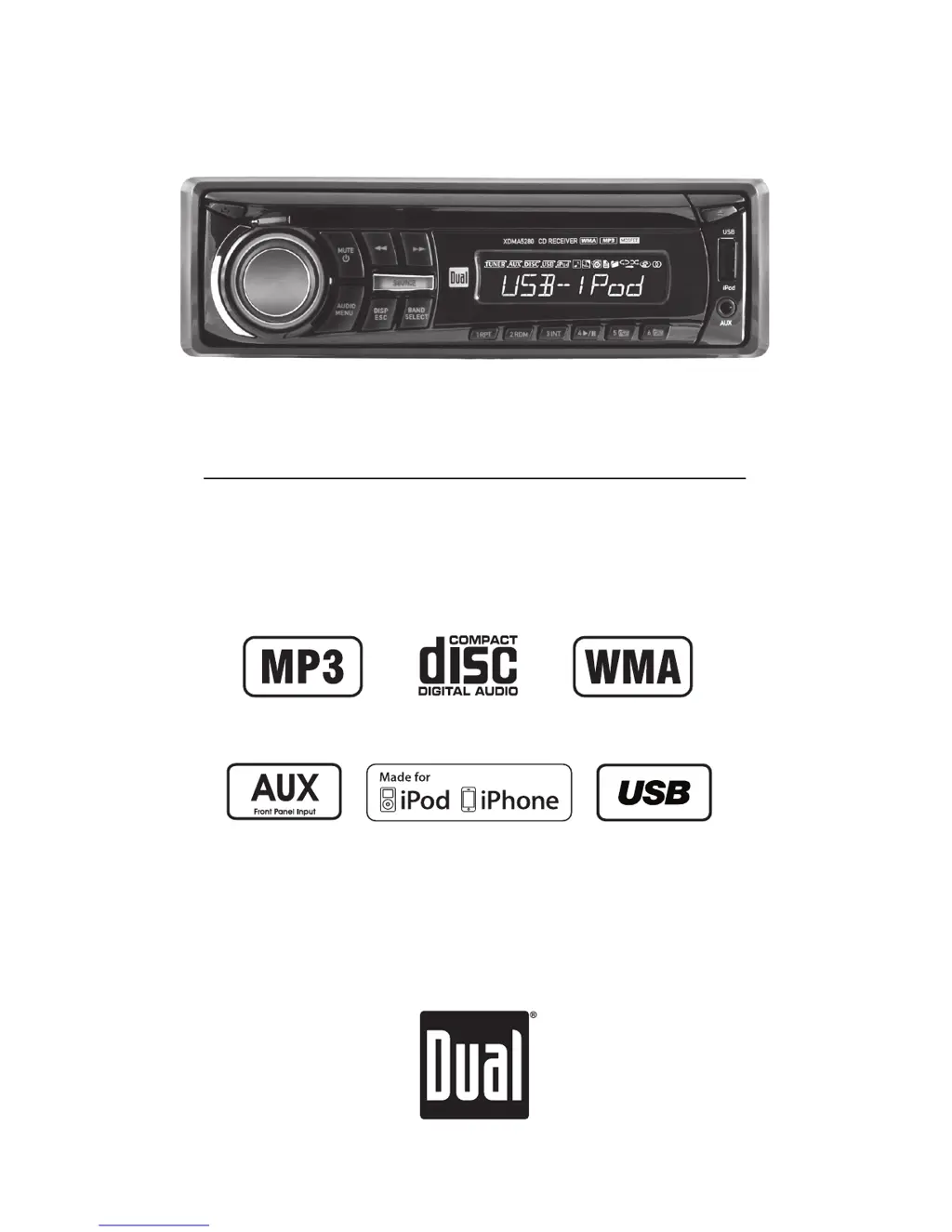
Dual XDMA5280 - User Manual

Dual XDMA5280
28 pages
Print Icon
To Next Page IconTo Next Page
Loading...
INSTALLATION/OWNER'S MANUAL
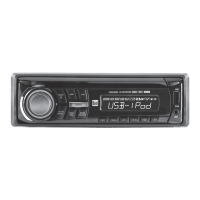
AM/FM/CD Receiver with Detachable Face
XDMA5280

Questions and Answers

Summary

Preparation and Installation

Before Installation

Safety precautions and initial checks before installing the unit.

Getting Started with Installation

Step-by-step instructions for mounting the unit in the dashboard.

Wiring Diagram

General Operation

Changing Operating Modes

How to switch between AM/FM, CD, auxiliary, USB, and iPod/iPhone modes.

Resetting the Unit

Procedure for resetting the unit to its default settings.

Setup Menu Navigation

Detailed options and actions available within the setup menu.

Audio Settings and Controls

AM;FM Tuner Operation

CD Player Operation

MP3;WMA File Playback

How to play music files encoded in MP3 and WMA formats.

CD Folder;File Search Mode

How to navigate folders and find specific MP3/WMA files on a disc.

USB Operation

Connecting and Playing Music via USB

Instructions for connecting a USB device and starting music playback.

USB File Search Mode

How to navigate folders and find specific files on a USB device.

USB Device Compatibility

Requirements for USB device compatibility (mass storage, FAT/FAT32).

Operation of iPod

Connecting and Initializing iPod

Steps to connect an iPod/iPhone and how the unit initializes it.

iPod Search Mode

How to search for music by playlist, artist, album, etc.

iPod Device Compatibility

Lists compatible iPod and iPhone models.

Limited One Year Warranty

Warranty Coverage and Exclusions

Defines who is covered and what is/isn't covered by the warranty.

Service and Troubleshooting Steps

Steps to take if service is required, including troubleshooting advice.

Troubleshooting Guide

No Power Troubleshooting

Solutions for when the unit does not turn on.

No Sound Troubleshooting

Solutions for when the unit has power but no audio output.

Fuse and Wiring Issues

Troubleshooting steps for blown fuses and incorrect wiring.

Skipping and Error Messages

Solutions for excessive skipping and error messages like ERROR 2.

Display Errors and File Issues

Solutions for PROTECT, NO FILE, and NO SUPPORT messages.

Disc Acceptance Problems

Troubleshooting for when the unit does not accept a disc.

Dual XDMA5280 Specifications

General IconGeneral
Tuner TechnologyDigital
Built-in BluetoothYes
USB PortYes
Auxiliary InputYes
AM/FM TunerYes
Remote ControlYes
Subwoofer OutputYes

Related product manuals