EasyManua.ls Logo

Dual XDVD8181 - User Manual

Dual XDVD8181
52 pages
Print Icon
To Next Page IconTo Next Page
Loading...
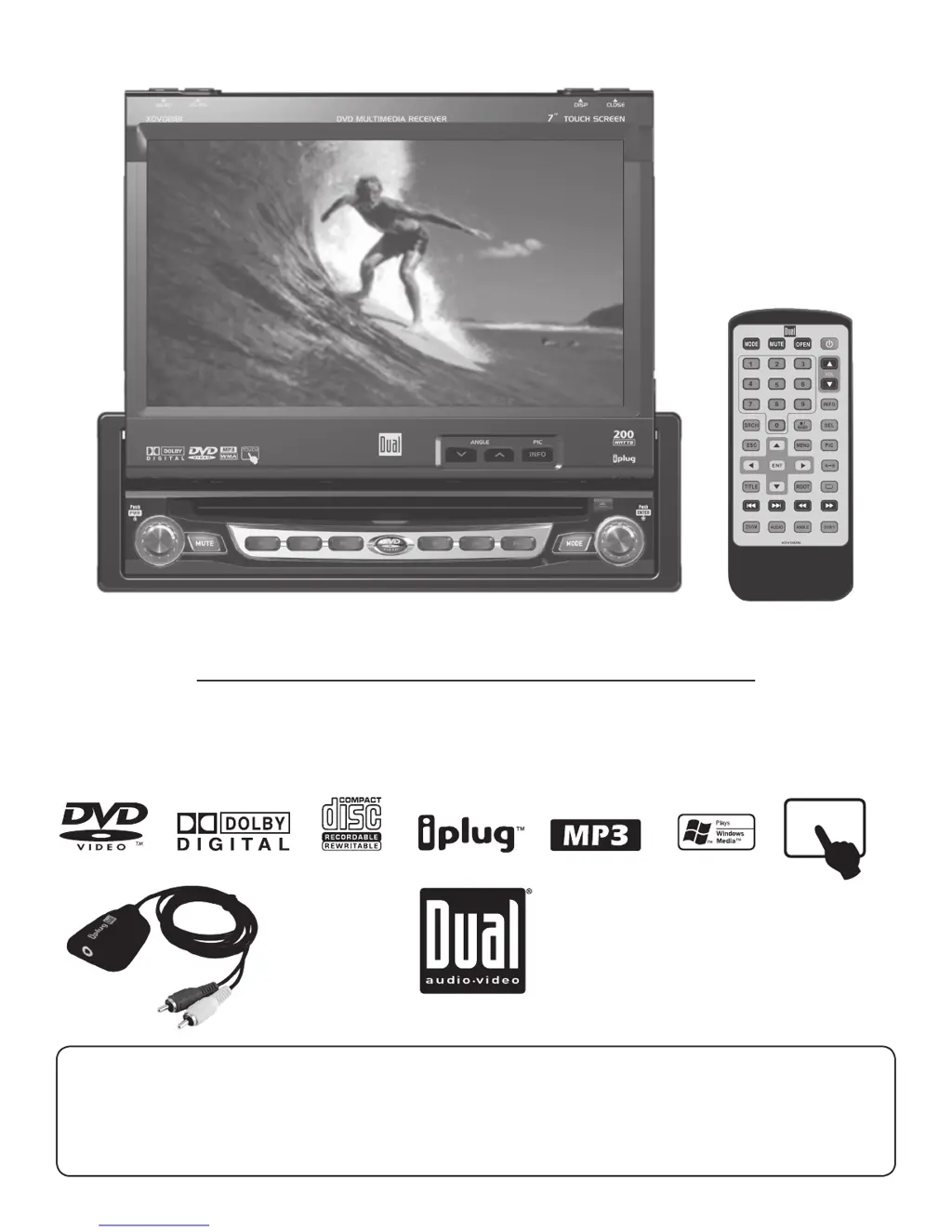
INSTALLATION/OWNER’S MANUAL
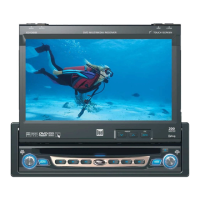
DVD Multimedia Receiver with 7” Touch Screen Display
XDVD8181
The DVD video display of the in-dash unit will not operate while the vehicle is moving. This is a safety feature to
prevent driver distraction. In-dash DVD video functions will only operate when vehicle is in Park and the parking
brake is engaged. It is illegal in most states for the driver to view video while the vehicle is in motion.
Safety Note:
TOUCH

Other manuals for Dual XDVD8181

Questions and Answers

Summary

Safety and Installation

Safety Information

General safety warnings, damage prevention, and additional operational notes.

Installation Preparation

Pre-installation checks, mounting, and wiring diagrams.

Remote Control Operation

IR Remote Preparation

Instructions for preparing the infrared remote control.

Remote Control Functions

Explains the functions of remote control buttons.

Unit Controls and System Setup

Unit Controls and Display

Front panel controls, screen interaction, and monitor adjustments.

General Operation

Basic unit functions like power, volume, and monitor adjustments.

System Setup Menus

Accessing and configuring system settings.

Media Playback and Tuner

Tuner Operation

How to use the AM/FM radio tuner.

Media Playback Operations

Guides for DVD, CD, MP3/WMA playback.

Media Compatibility

Information on supported disc and file formats.

Troubleshooting and Support

Troubleshooting

Solutions for common operational problems.

Warranty and Specifications

Product warranty, technical specs, and copyright information.

Dual XDVD8181 Specifications

General IconGeneral
DisplayYes
BluetoothYes
USB PortYes
DVD/CD PlaybackYes
Radio TunerAM/FM
Video OutputYes
Channels4
DVD PlayerYes
Display TypeLCD
Auxiliary InputYes
Audio Output Power50 Watts x 4
TypeIn-Dash Receiver
Audio Output4 channels

Related product manuals