EasyManua.ls Logo

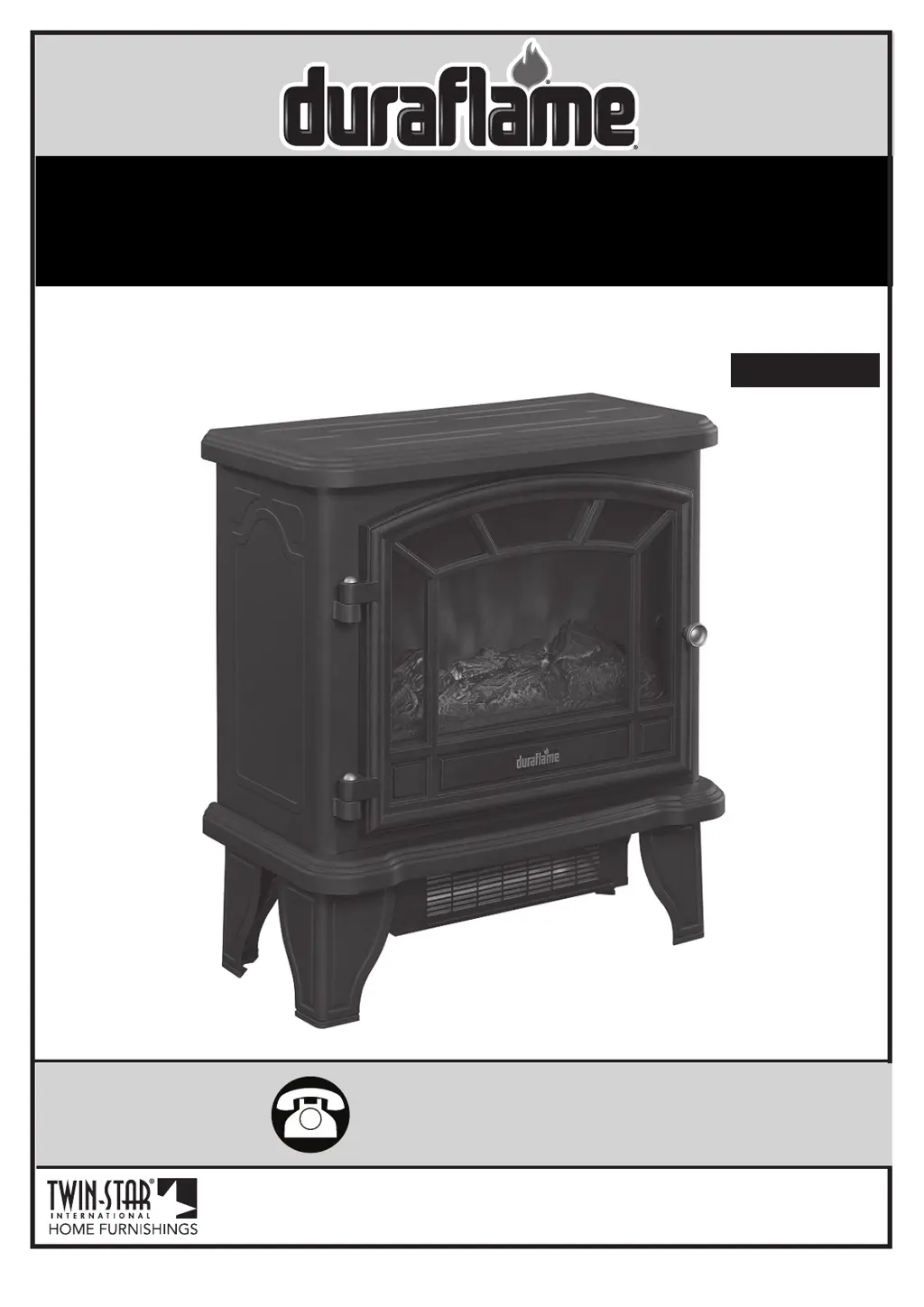
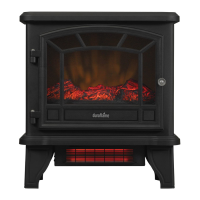
Duraflame DFI-550-22 - User Manual

Duraflame DFI-550-22
22 pages
Print Icon
To Next Page IconTo Next Page
Loading...
www.tsicustomerservice.comA435
1
800-318-9373
www.tsicustomerservice.com
Twin-Star International, Inc; Delray Beach, FL 33445
Made in China • Printed in China • Fabricado en China • Impreso en China
MODEL/ MODELE/ MODELO:
DFI-550-22
Español P.13

Questions and Answers

  • M
    Mrs. Sara Wright MDAug 18, 2025
    What to do if Duraflame Stove does not turn on?
    • G
      Gabriel WestAug 19, 2025
      If your Duraflame Stove isn't turning on manually, here are a few things to check: * First, ensure that the unit is getting power from the wall socket. Check the circuit breakers and try a different outlet. * Next, make sure you are operating it correctly by manually pressing the main power button on the front of the unit. * Finally, the button itself may be defective and need replacement.
  • C
    Claudia PeckAug 20, 2025
    Why Duraflame Stove is not producing enough heat?
    • J
      Justin BrownAug 21, 2025
      If your Duraflame Stove isn't producing enough heat, make sure that the unit is plugged directly into the wall, avoiding power strips, surge protectors, and extension cords. Also, ensure the unit is placed on an interior wall.
  • J
    Jason PattersonAug 23, 2025
    What to do if Duraflame Stove heater is not turning on?
    • T
      Thomas MillerAug 23, 2025
      If the heater on your Duraflame Stove isn't turning on, try the following: 1. Ensure you are operating it correctly by manually pressing the main power button on the front of the unit. 2. The button itself may be defective and need replacement. 3. The heater blower motor might be defective and require replacement.
  • E
    eandrewsAug 26, 2025
    What to do if Duraflame Stove heater doesn't work?
    • C
      Cheryl CoxAug 26, 2025
      If your Duraflame Stove heater isn’t working even with the power and heater buttons on and the thermostat at the highest setting, the thermal protector may have tripped. Turn all buttons to the “OFF” position and unplug the unit from the wall outlet for 5 minutes. After 5 minutes, plug it back in and operate as normal.
  • K
    kellymartinezAug 27, 2025
    How to fix a Duraflame Stove with no power?
    • J
      jessicageorgeAug 28, 2025
      If your Duraflame Stove isn't powering on and the buttons aren't lighting up, ensure the power cord is properly plugged into a working 120-volt outlet.
  • M
    Maureen AustinAug 30, 2025
    How to fix noise with Duraflame Stove heater on?
    • M
      Margaret SanfordAug 30, 2025
      If you're experiencing noise when the heater is on in your Duraflame Stove, it could be due to a dirty or defective heater blower motor. Try gently vacuuming the heater blower vents. If the noise persists, the heater blower motor may need to be replaced.
  • W
    williamsjessicaSep 1, 2025
    How to fix Duraflame Stove flames not visible?
    • E
      eespinozaSep 1, 2025
      If the flames are not visible on your Duraflame Stove, the light bulb may be burnt out. Replace it with a 40-watt candelabra bulb.
  • M
    Maureen RossSep 3, 2025
    Why Duraflame Stove blows cool or cold air?
    • A
      adam29Sep 4, 2025
      If your Duraflame Stove is blowing cool or cold air, the heater blower motor may be defective and need to be replaced.
  • L
    Lauren WrightSep 6, 2025
    How to fix Duraflame Stove flames not moving?
    • C
      Chad RuizSep 6, 2025
      If the flames in your Duraflame Stove are not moving, it could be due to a defective spinner motor, which would need to be replaced. Alternatively, the spinner might have detached from the motor. In this case, remove the back panel and check if the spinner is correctly mounted to the motor.
  • D
    David BrownSep 8, 2025
    How to adjust Duraflame Stove flame brightness?
    • R
      Russell PalmerSep 8, 2025
      If the flames on your Duraflame Stove are not bright enough, first, try turning the brightness dimmer knob until you achieve the desired brightness. If that doesn't work, the dimmer button may be defective and need to be replaced.

Summary

Important Instructions

Appliance Safety and Handling

Key precautions for safe operation, including heat, unattended use, and component safety.

Usage Guidelines and Placement

Instructions on proper placement, cord management, and intended use of the appliance.

Electrical Safety and Connections

Guidance on electrical connections, grounding, and handling of power cords and plugs.

Getting Started

Serial and Model Number Identification

Locating the serial and model numbers on the back of the stove for registration.

Product Warranty Registration

Information on registering the product for warranty purposes via the website.

Product Specifications

Installation Instructions

Tools Required for Assembly

Lists the necessary tools for assembling the appliance, primarily a screwdriver.

Leg Assembly

Step-by-step guide for attaching the appliance legs securely to the base.

Care and Maintenance

Cleaning the Trim

Instructions for cleaning the appliance's metal trim using specific cleaning products.

Maintenance Warnings

Important warnings regarding electrical wiring compliance and power disconnection before maintenance.

Operation Instructions

Control Panel Overview

Visual guide to the location and buttons of the stove's control panel.

Remote Transmitter Usage

Notes on operating the remote control transmitter correctly to avoid malfunction.

Function Descriptions

Detailed explanation of the POWER, FLAME, HEATER, and TEMPERATURE functions and their controls.

Bulb Replacement

Tools Required for Assembly

Lists the necessary tools, specifically a Phillips head screwdriver and bulb.

Bulb Replacement Procedure

Step-by-step instructions for safely removing and replacing the appliance's light bulb.

Troubleshooting Guide

No Power or Functionality Issues

Troubleshooting steps for when the unit has no power, buttons don't light up, or it won't turn on.

Flame and Heat Output Problems

Resolving issues with flame movement, visibility, brightness, and insufficient heat output.

Noise and Cord Issues

Addressing operational noises from flames or heaters, and concerns about the power cord.

Operational and Safety Checks

Guidance on placing the unit on carpet, its heating capacity, and thermal protector reset.

Exploded View

Component Identification

Diagram and list identifying all parts of the appliance for reference.

FCC;IC Information

Compliance and Interference

Details on FCC/IC compliance and user guidance to mitigate radio frequency interference.

Battery Replacement Guidelines

Instructions and cautions for safely replacing batteries in the remote control.

1-Year Limited Warranty

Warranty Terms and Conditions

Conditions, limitations, and exclusions for the appliance's one-year limited warranty.

Customer Service Information

Contact details and required information for customer service support and inquiries.

Duraflame DFI-550-22 Specifications

General IconGeneral
BrandDuraflame
ModelDFI-550-22
CategoryIndoor Fireplace
LanguageEnglish

Related product manuals