EasyManua.ls Logo

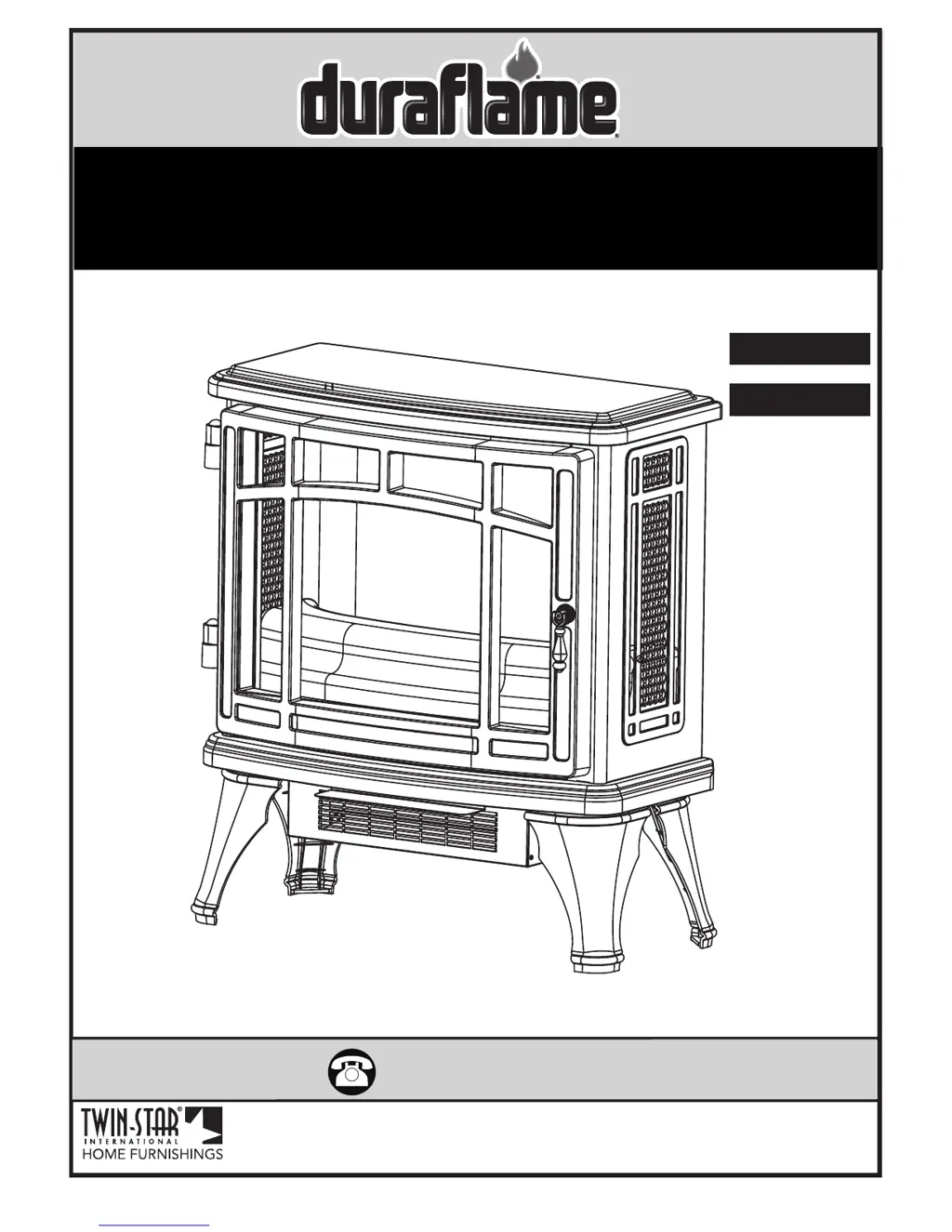
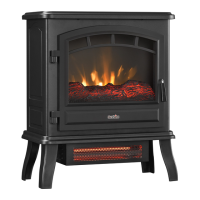
Duraflame DFI-8511-03 - User Manual

Duraflame DFI-8511-03
10 pages
Print Icon
To Next Page IconTo Next Page
Loading...
www.tsicustomerservice.comA485
1
www.tsicustomerservice.com
Twin-Star International, Inc; Delray Beach, FL 33445
Made in China • Printed in China • Fabricado en China • Impreso en China • Fabriqué en China • Imprimé en Chine
1-800-318-9373
MODEL/ MODELE/ MODELO:
DFI-8511-01, DFI-8511-02, DFI-8511-03, DFI-8511-04,
DFI-8511-08, DFI-8511-09, DFI-8511-10
Español P.11
Français P.20

Other manuals for Duraflame DFI-8511-03

Questions and Answers

  • J
    Jennifer StephensonSep 23, 2025
    Is it safe to place Duraflame Stove on carpet?
    • A
      Ashley JonesSep 23, 2025
      It is safe to place your Duraflame Stove on carpet if you operate it with the legs installed and keep flammable items at least 3 feet (0.9 M) away from the front and sides of the unit.
  • F
    felicia40Aug 25, 2025
    How to fix a Duraflame Stove with no power?
    • Q
      qnelsonAug 25, 2025
      If your Duraflame Stove has no power, first check that the power cord is securely plugged into a standard 120-volt outlet. If the issue persists, it may indicate a circuit board failure, in which case you should contact Customer Service for a replacement main PCBA.
  • W
    wchaseAug 25, 2025
    What to do if Duraflame Stove does not turn on manually?
    • S
      Susan Lloyd MDAug 26, 2025
      If your Duraflame Stove does not turn on manually, check the circuit breakers and try a different outlet to ensure there is incoming power from the electrical wall socket. Also, make sure to manually press the main power button on the front of the unit. If it still fails to turn on, the control panel circuit board may have failed, and you should contact customer service to replace the control panel PCBA.
  • L
    Lori HoodAug 27, 2025
    Why is the remote control not working on my Duraflame Stove?
    • M
      Mark LloydAug 27, 2025
      If your Duraflame Stove remote control isn't working, try these steps: 1. Change the remote batteries. 2. Operate the remote at a slow, measured pace, pressing the buttons with an even motion and gentle pressure. 3. Ensure you are within 20 feet of the unit and pointing the remote at the control panel.
  • H
    hillkellyAug 27, 2025
    What to do if Duraflame Stove heater is not turning on and beeps?
    • M
      Michael DaughertyAug 27, 2025
      If your Duraflame Stove heater is not turning on and beeps many times when pressing the heater button, the HEATER function might be locked. To unlock it, hold the POWER button on the control panel for about 10 seconds to activate the heater function.
  • R
    Rebecca RhodesSep 13, 2025
    Why is my Duraflame Stove making excessive noise with the heater on?
    • M
      Mrs. Abigail GrahamSep 14, 2025
      If your Duraflame Stove is making excessive noise when the heater is on, gently vacuum the heater blower vents to remove any dust or debris. If the noise continues, the heater blower motor may be defective and require replacement.
  • T
    Tyler CampbellSep 12, 2025
    Is it safe to put Duraflame DFI-8511-03 on carpet?
    • H
      hbennettSep 12, 2025
      It is safe to place your Duraflame Indoor Fireplace on carpet if you operate it with the legs installed. Make sure to keep flammable items at least 3 feet (0.9 M) away from the front and sides of the unit.
  • B
    brentstevensSep 12, 2025
    Why is my Duraflame DFI-8511-03 making noise with flames on?
    • K
      Kyle CummingsSep 12, 2025
      If your Duraflame Indoor Fireplace is making noise with the flames on but the heater off, contact customer service to replace the flame generator drive motor, as it may be defective. Also, contact customer service if the back panel is dented or if the Flame Generator/Spinner shaft is warped.
  • M
    Mark NorrisSep 4, 2025
    Why won't my Duraflame DFI-8511-03 turn on manually?
    • S
      Stephen RobertsSep 4, 2025
      If your Duraflame Indoor Fireplace stove doesn't turn on manually, check the circuit breakers and try moving the unit to another outlet to ensure incoming power from the electrical wall socket. Also, make sure you are manually pressing the main power button on the front of the unit. If these steps do not solve the issue, contact customer service to replace the control panel PCBA, as there may be a control panel circuit board failure.
  • M
    Melissa CabreraSep 2, 2025
    How to troubleshoot Duraflame DFI-8511-03 Indoor Fireplace with no power?
    • V
      Victoria RichardSep 2, 2025
      If your Duraflame Indoor Fireplace is not turning on, first, check that the unit is plugged directly into a standard 120-volt outlet. If that doesn't work, contact Customer Service for a replacement main PCBA due to potential circuit board failure.

Summary

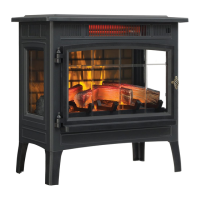
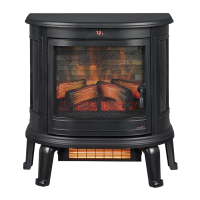
Duraflame Electric Stove Models

Important Safety Instructions

General Usage Precautions

Key safety guidelines for operating the appliance, including avoiding burns, supervision, and proper unplugging.

Electrical Safety and Grounding

Ensures correct electrical connections, avoiding extension cords, and using grounded outlets.

Getting Started and Product Specifications

Locating Model and Serial Numbers

Identifies the location of model and serial numbers on the appliance for registration and service.

Product Technical Specifications

Details the electrical specifications: voltage, amperage, and maximum wattage.

Installation and Maintenance

Leg Assembly Instructions

Step-by-step guide for attaching the legs to the stove base using screws.

Care and Maintenance Guidelines

Instructions for cleaning the trim and general electrical safety warnings.

Operating the Stove

Control Panel and Remote Operation

Explains how to operate the stove using the control panel or the remote control.

Understanding Control Functions

Details the functions of the POWER, FLAME, and HEATER buttons on the control panel.

Bulb Replacement Procedure

Troubleshooting Common Issues

Resolving Power and Operation Problems

Addresses issues like no power, unit not turning on manually or via remote, and flame movement.

Addressing Heating and Noise Issues

Guides on fixing insufficient heat, cool air, excessive noise, and warm power cords.

Troubleshooting Remote and Placement

Deals with remote control malfunctions, carpet placement safety, and heating capacity.

Replacement Parts Identification

FCC and IC Compliance Information

Remote Control Battery Replacement

1-Year Limited Warranty Terms

Customer Service and Support

Duraflame DFI-8511-03 Specifications

General IconGeneral
TypeElectric Fireplace
Heating Power1500 Watts
StyleTraditional
Adjustable BrightnessYes
Remote ControlYes
Safety FeaturesOverheat protection
Voltage120 Volts
Wattage1500 Watts
Power Consumption1500 Watts
Adjustable ThermostatYes
ColorBlack
Coverage AreaUp to 400 sq ft
Flame EffectRealistic Flame Effect
MaterialMetal, Glass

Related product manuals