GENERATOR SETUP
Unpack
a. Remove the generator from the box.
b. Place the largest piece of packing foam on a at surface.
c. Flip the generator upside down on the pad.
CAUTION: NEVER Attempt this if you have put fuel or oil in
the generator.
1.
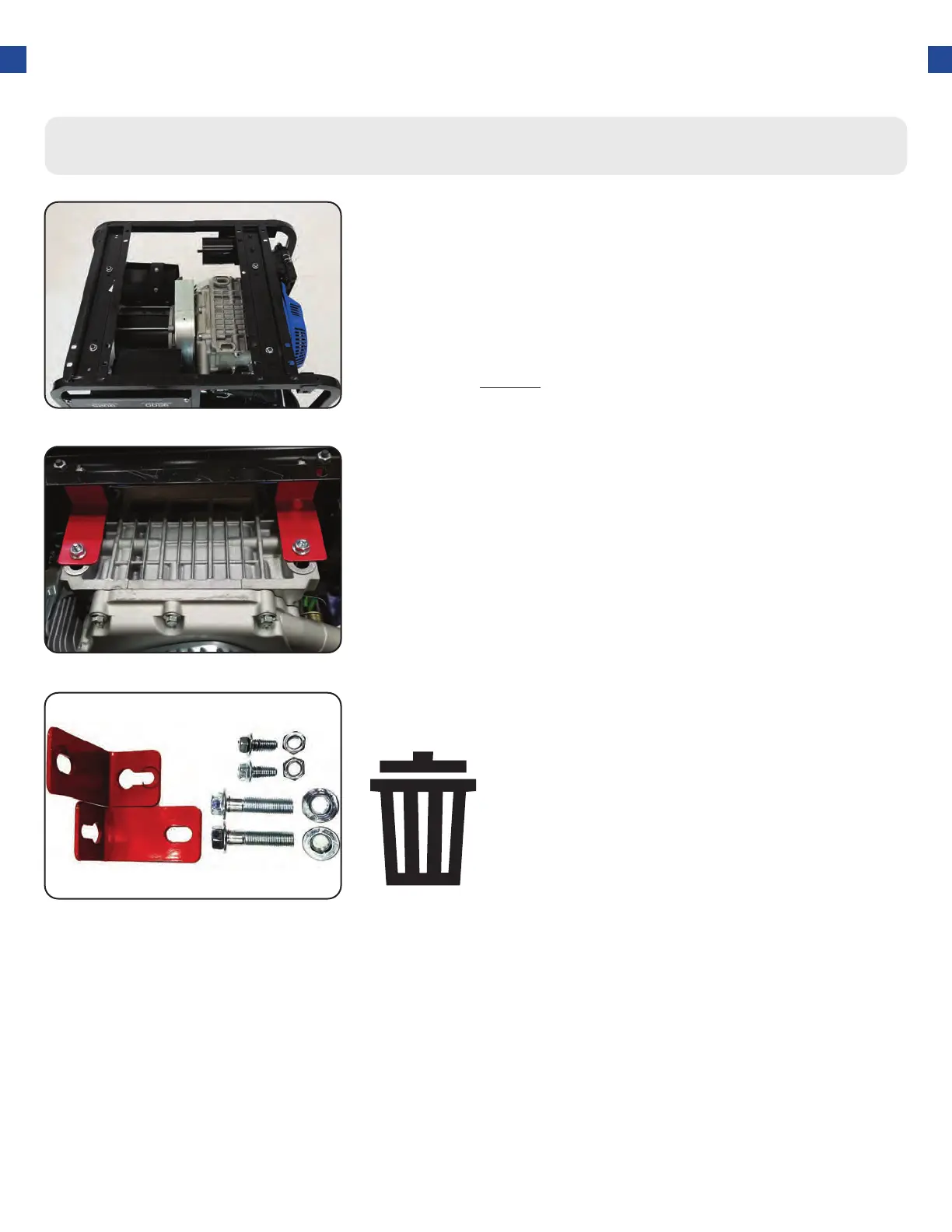
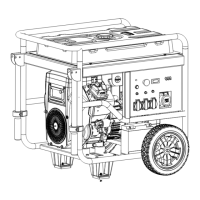
Step 1 - Remove Shipping Braces
Remove braces
The shipping braces prevent engine movement during
shipment. Flip the generator over and remove the brightly
colored braces between the motor and the frame, and the
wood brace under the generator.
2.
23
Note: Shipping braces can be thrown away.
They will not be needed again.




 To Next Page