CAUTION: Never try to jump start a car with your generator.
USING THE GENERATOR (CONTINUED)
DC Usage
CAUTION: The DC receptacle is for recharging 12 Volt automotive-type batteries only.
Do not connect any other device to this receptacle.
USING THE GENERATOR (CONTINUED)
DC Usage
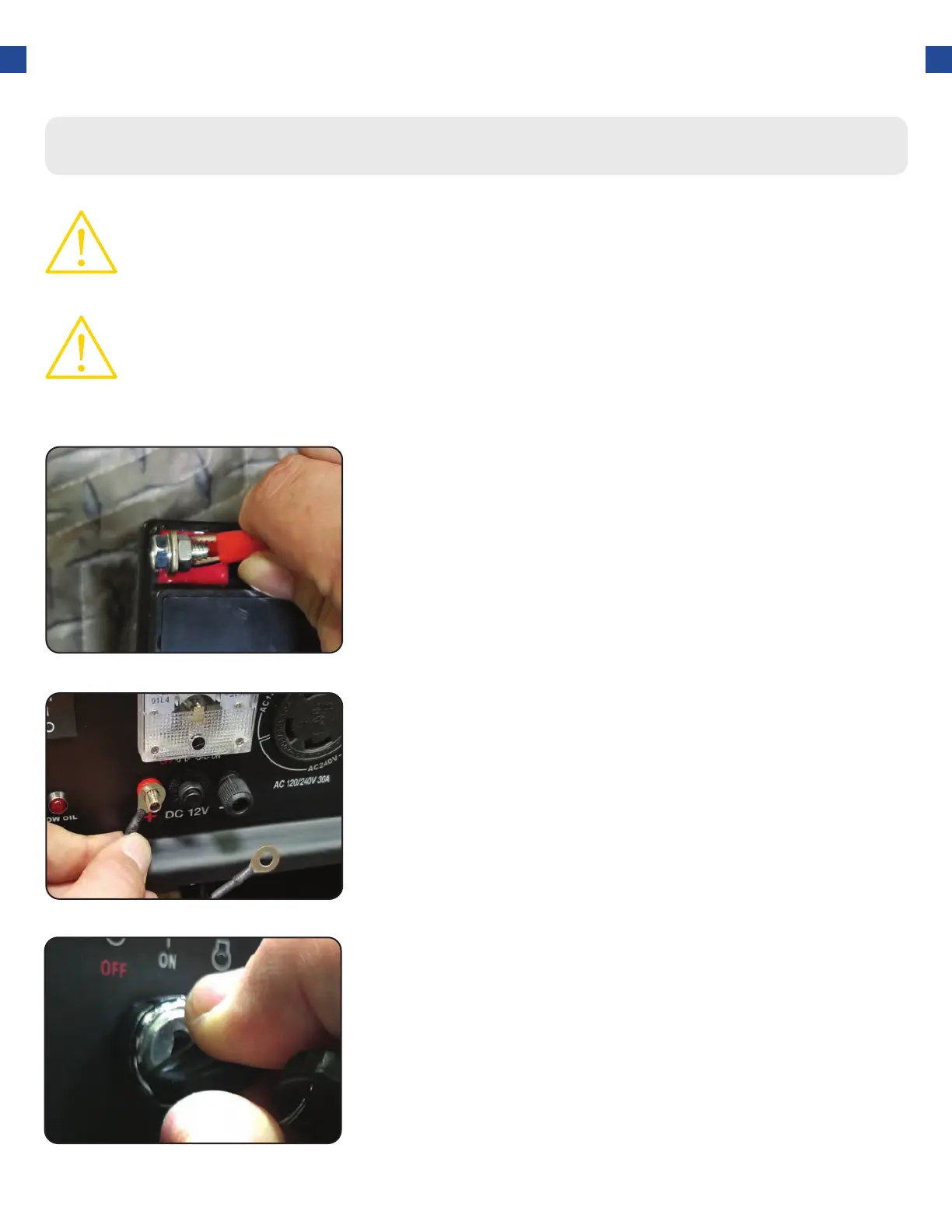
Connect the battery
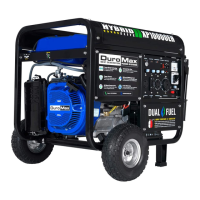
Connect positive receptacle
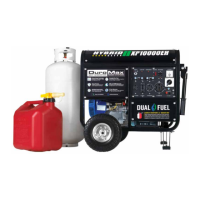
Start Generator
Connect one charging wire to the positive terminal on the
battery and the other charging wire to the negative terminal
on the battery.
Connect the free end of the positive wire to the positive
receptacle (outlet) on the generator.
The start switch is located on the left side of the front power
panel. Push to the start position to start the generator.
Allow the switch to return to the run position once started.
1.
2.
3.
44




 To Next Page