EasyManua.ls Logo

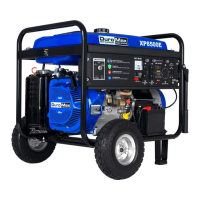
DUROMAX XP8500E - User Manual

DUROMAX XP8500E
33 pages
Print Icon
To Next Page IconTo Next Page
Loading...
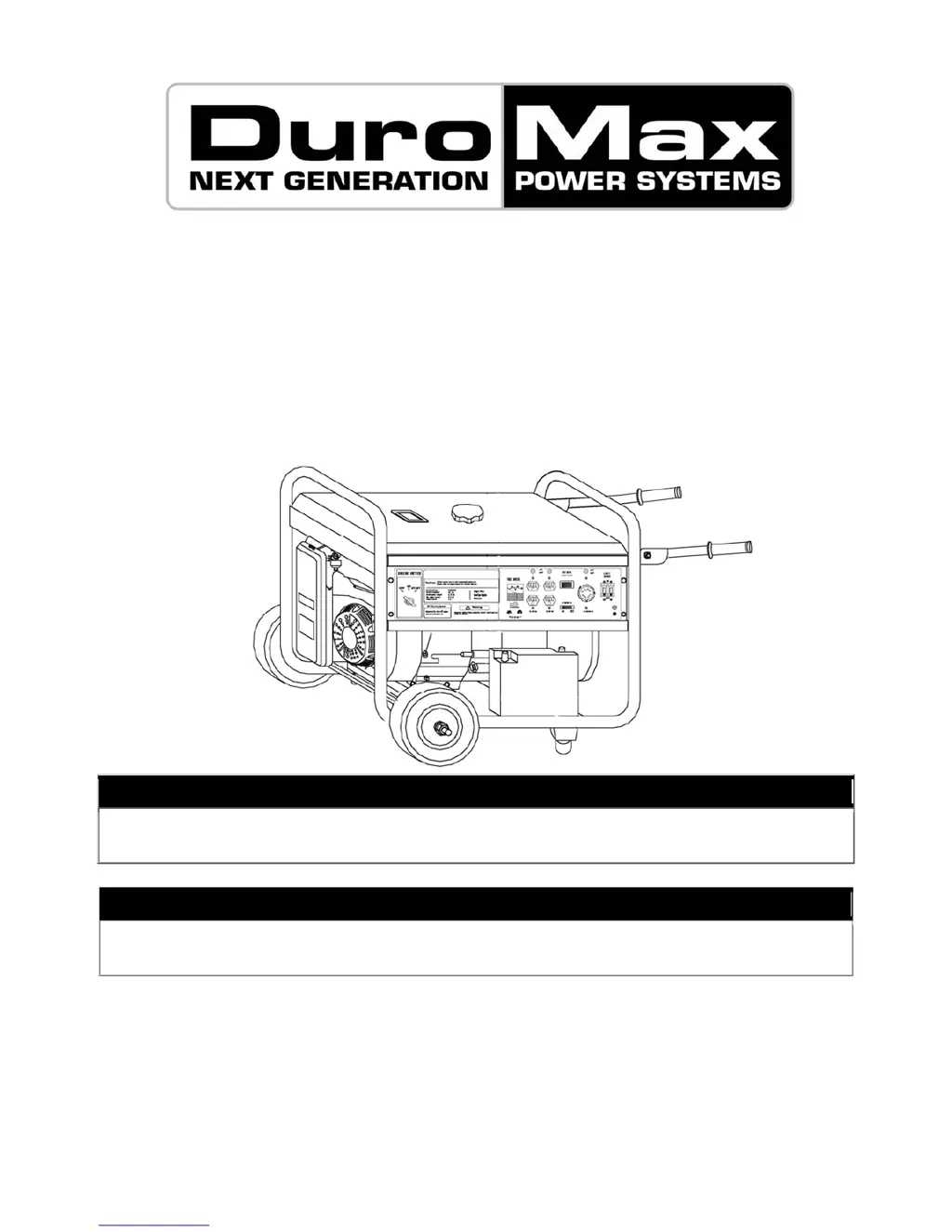
Gasoline Powered Generator
XP6500E and XP8500E
Owner’s Manual
Max Tool Customer Service
customer_service@maxtool.com
Product Support (Product: information, application, service info & warranty questions)
support@maxtool.com
This manual provides information regarding the operation and maintenance of these products.
We have made every effort to ensure the accuracy of the information in this manual.
We reserve the right to change this product at any time without prior notice.
or call 1-800-629-3325 (option 3) Monday -Thursday 6am to 7pm, Friday 6am to 5:30pm. PST

Questions and Answers

  • C
    Catherine LopezJul 29, 2025
    What to do if my DUROMAX XP8500E Portable Generator runs but has no electrical output?
    • R
      Richard LevyJul 29, 2025
      If your DUROMAX Portable Generator runs but there is no electrical output, check if the circuit breaker is off and set it to the “on” position. If that doesn't work, and you are using an extension cord, try a different one. Also, try connecting a different electrical device to rule out a problem with the original device.
  • A
    Aaron ChavezAug 9, 2025
    Why my DUROMAX XP8500E runs but does not support all electrical devices connected?
    • M
      Monica PopeAug 9, 2025
      If your DUROMAX Portable Generator runs but does not support all connected electrical devices, the generator might be overloaded. Try connecting fewer electrical loads to the generator. Also, a short in one of the connected devices may be the cause. Try disconnecting any faulty or short-circuited electrical loads. Finally, check if the air cleaner is dirty and clean or replace it.
  • J
    jonesanthonyAug 18, 2025
    What to do if my DUROMAX XP8500E Portable Generator is not on a level surface?
    • A
      Amy FlemingAug 18, 2025
      To prevent low oil shutdown from triggering, move the DUROMAX Portable Generator to a level surface. If the oil is low, add or replace it.

Summary

General Safety Procedures

Generator Components

Preparing the Generator for Use

Using the Generator for the First Time

Steps for initial setup and preparation before first use.

Subsequent Use of the Generator

Checks and procedures for using the generator after the first time.

Starting the Generator

Using the Generator

AC Usage

Guidelines for connecting and operating electrical devices via AC power.

Stopping the Generator

Maintenance; Care

Checking the Oil

How to check the engine oil level before each use.

Generator Specifications

Troubleshooting

Wiring Diagram(XP6500 E;XP8500 E)

Exploded View and Parts List(XP6500 E;XP8500 E)

DUROMAX XP8500E Specifications

General IconGeneral
BrandDUROMAX
ModelXP8500E
CategoryPortable Generator
LanguageEnglish

Related product manuals