EasyManua.ls Logo

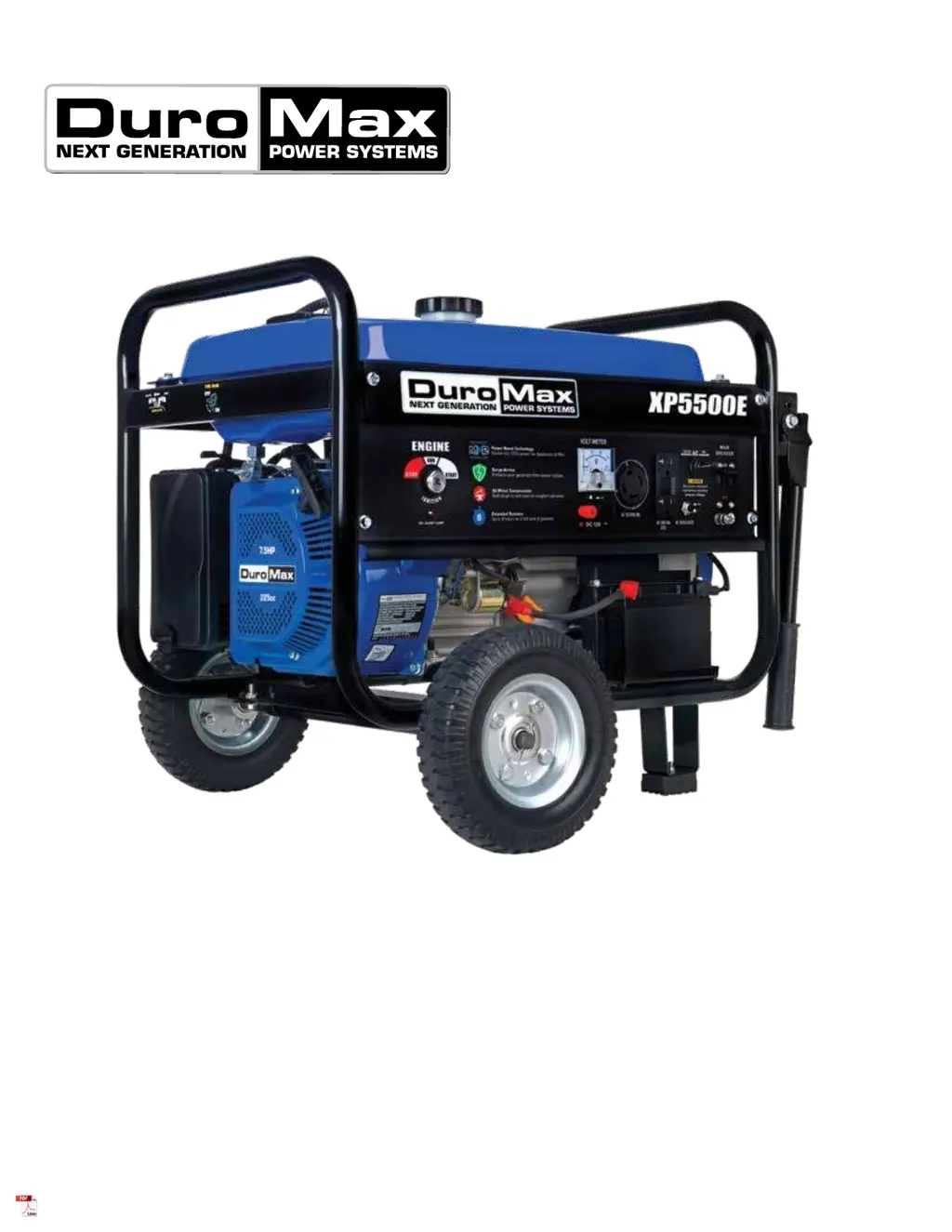
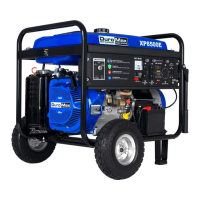
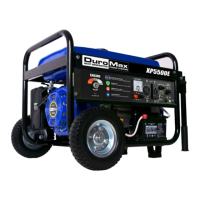
DUROMAX XP5500E - User Manual

DUROMAX XP5500E
76 pages
Print Icon
To Next Page IconTo Next Page
Loading...
5800 Ontario Mills Pkwy
Ontario, CA 91764 USA
www.duromaxpower.com
Call our Customer Care Team Toll Free 8-5pm PST Mon-Fri
844-DUROMAX
XP5500E GENERATOR
User Manual
REV: XP5500E-05192020
This manual provides information regarding the operation
and maintenance of these products. We have made every
effort to ensure the accuracy of the information in this
manual. We reserve the right to change this product at
any time without prior notice.

Questions and Answers

  • O
    ospenceJul 28, 2025
    Why won't my DUROMAX XP5500E Portable Generator start?
    • B
      Brandon PrinceJul 28, 2025
      If your DUROMAX Portable Generator's engine won't start, several issues could be the cause. First, ensure the engine switch is set to “run” and the fuel valve is in the “open” position. Check that the choke is closed and that there is sufficient fuel in the generator, making sure the fuel isn't old or contaminated. A dirty or broken spark plug can also prevent starting, so clean or replace it as needed. Also, confirm the generator is on a level surface and that the oil level is adequate; add or change the oil if necessary.
  • K
    Kelly WoodAug 7, 2025
    What to do if my DUROMAX XP5500E runs but does not support all electrical devices?
    • J
      Jonathan DennisAug 7, 2025
      If your DUROMAX Portable Generator runs but can't support all connected devices, it might be overloaded. Try disconnecting one or more items to reduce the load. Also, a malfunctioning device can cause this issue, so disconnect any device that might be faulty. Lastly, a dirty air filter can affect performance, so clean or replace it.
  • M
    Margaret AndersonAug 17, 2025
    How to fix a DUROMAX Portable Generator that runs, but has no electrical output?
    • A
      Austin PrinceAug 18, 2025
      If your DUROMAX Portable Generator's engine runs but there's no electrical output, first check if the circuit breaker is in the “Off” position and turn it “on”. A bad wiring connection could also be the problem, so replace the extension cord(s). Finally, the device connected to the generator might be malfunctioning; disconnect it to see if that resolves the issue.

Summary

GENERAL SAFETY PROCEDURES

QUICK START

Generator Quick Start Guide

Provides step-by-step instructions for initial setup and starting the generator with gasoline.

GENERATOR SETUP

Adding Oil

Details on how to properly add engine oil to the generator's crankcase before operation.

Adding Gasoline

Instructions for safely filling the generator's fuel tank with gasoline.

Grounding the Generator

Explains the importance and procedure for properly grounding the generator for safety.

STARTING THE GENERATOR

Check the oil

Procedure for checking the engine oil level before starting the generator.

Check the gas level

Instructions on verifying the gasoline level in the fuel tank before starting.

Starting the Generator Using Gasoline

Step-by-step guide to starting the generator using gasoline power.

Starting the Generator Using Recoil Start

Detailed instructions for starting the generator using the manual recoil start method.

USING THE GENERATOR

Connecting a load to the generator

Step-by-step process for connecting appliances and devices to the generator's outlets.

MAINTENANCE AND CARE

Checking the oil

Detailed steps for checking the engine oil level to ensure proper lubrication.

SPECIFICATIONS

TROUBLESHOOTING

CUSTOMER SERVICE

DUROMAX XP5500E Specifications

General IconGeneral
BrandDUROMAX
ModelXP5500E
CategoryPortable Generator
LanguageEnglish

Related product manuals