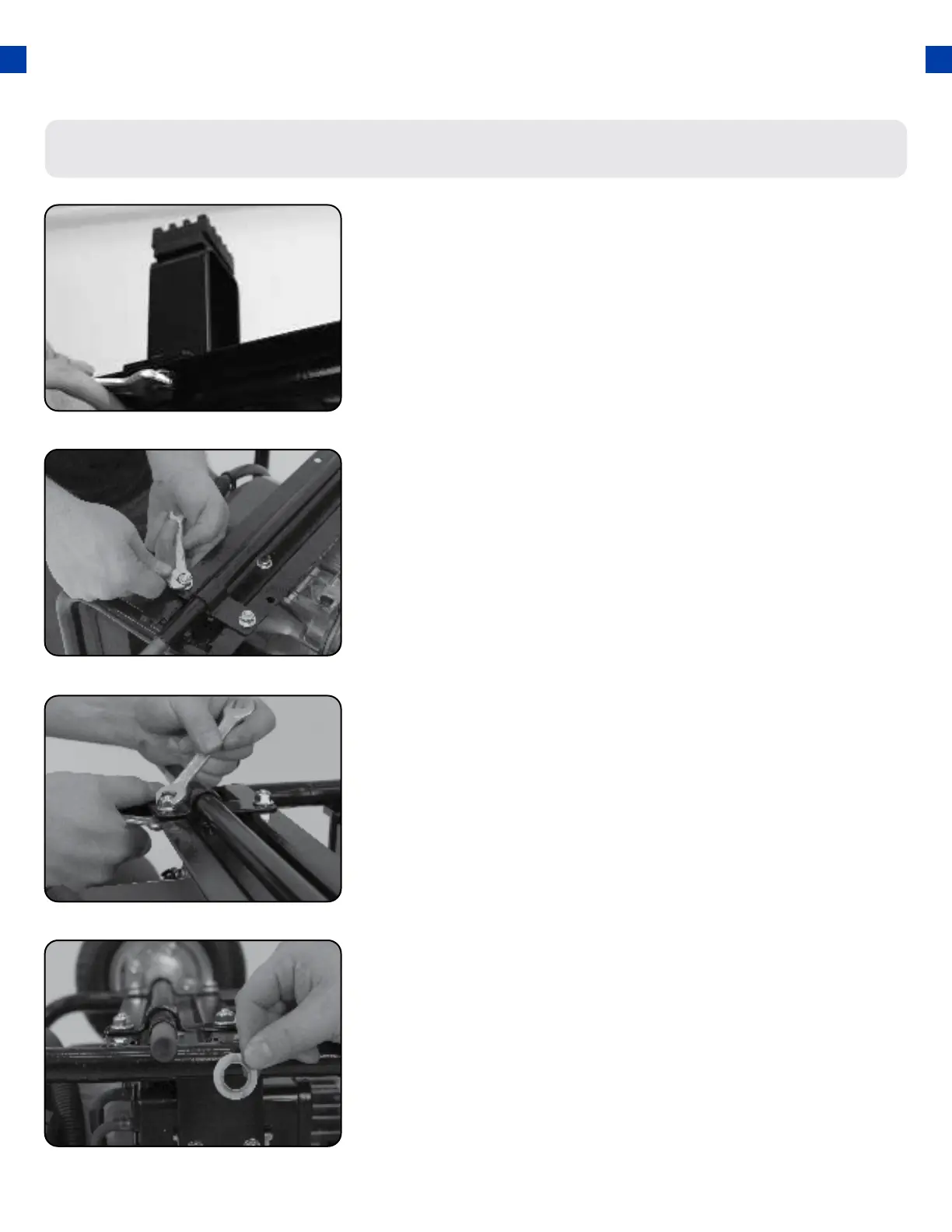
Install support legs
a. Secure the support legs to the frame with the
provided lock nuts.
1.
Step 2 - Wheel Kit Installation (Optional)
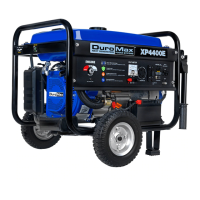
Install inside wheel washers
a. Place one of the large washers onto both sides of
the axle behind the wheel.
4.
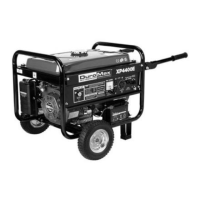
Install wheel axle
a. Insert wheel axle bolts through the frame and secure
with the provided nut and wrenches.
2.
GENERATOR SETUP (CONTINUED)
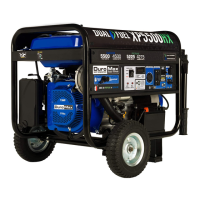
Install wheel axle bracket
a. Insert wheel axle bracket bolts through the frame
and secure with the provided nut and wrenches.
3.
24


 To Next Page