19
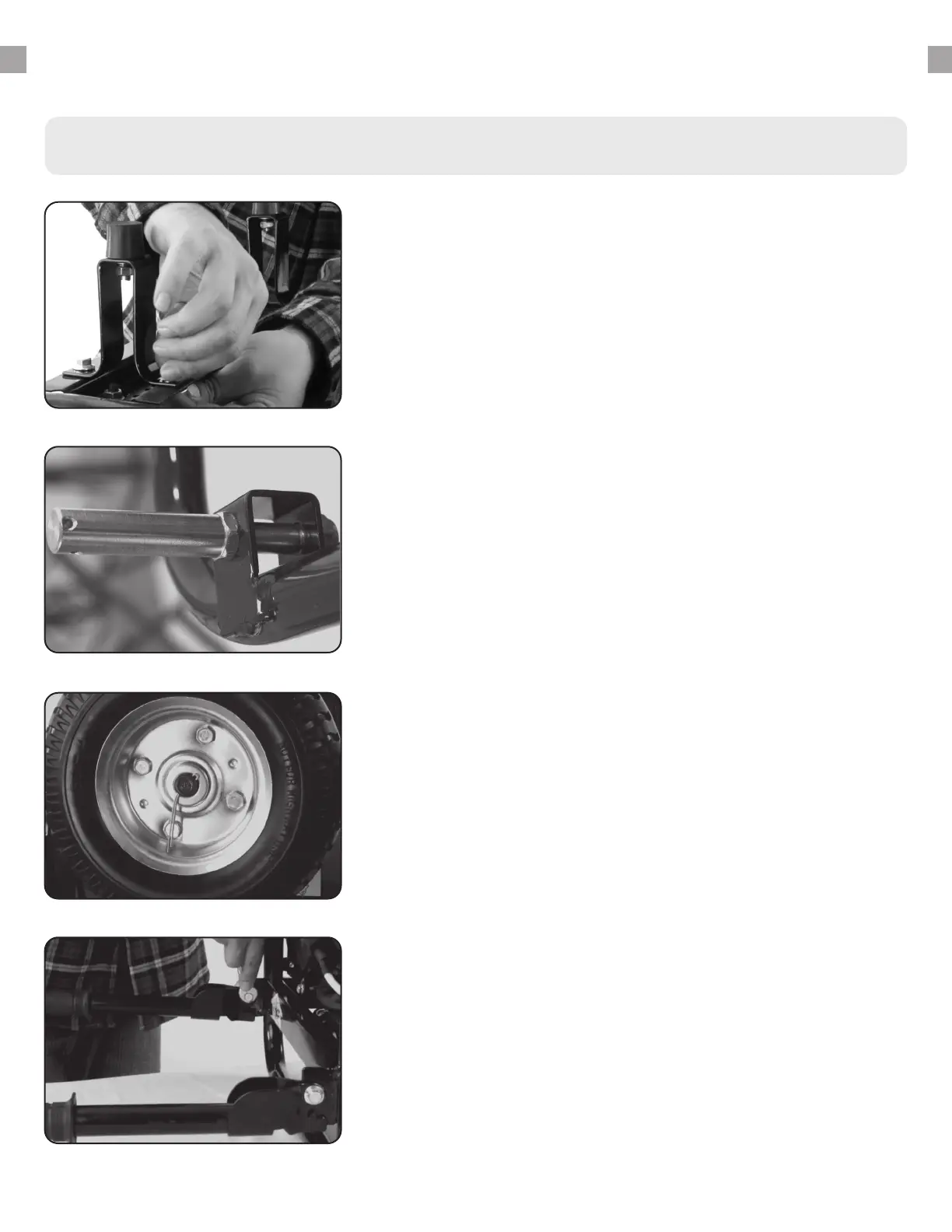
Install support legs
Secure the support legs to the frame with provided bolts and
lock nuts.
1.
Step 2 - Wheel Kit Installation (Optional)
Install Handles
Attach the handles to the brackets on the frame using the
provided bolts and nuts.
Do not over tighten the handles, it will prevent
free movement.
3.
Install wheels
a. Insert wheel bolt through frame and secure with
provided nut.
b. Slide one wheel over each axle end and secure with
the provided retaining pins.
2.








 To Next Page