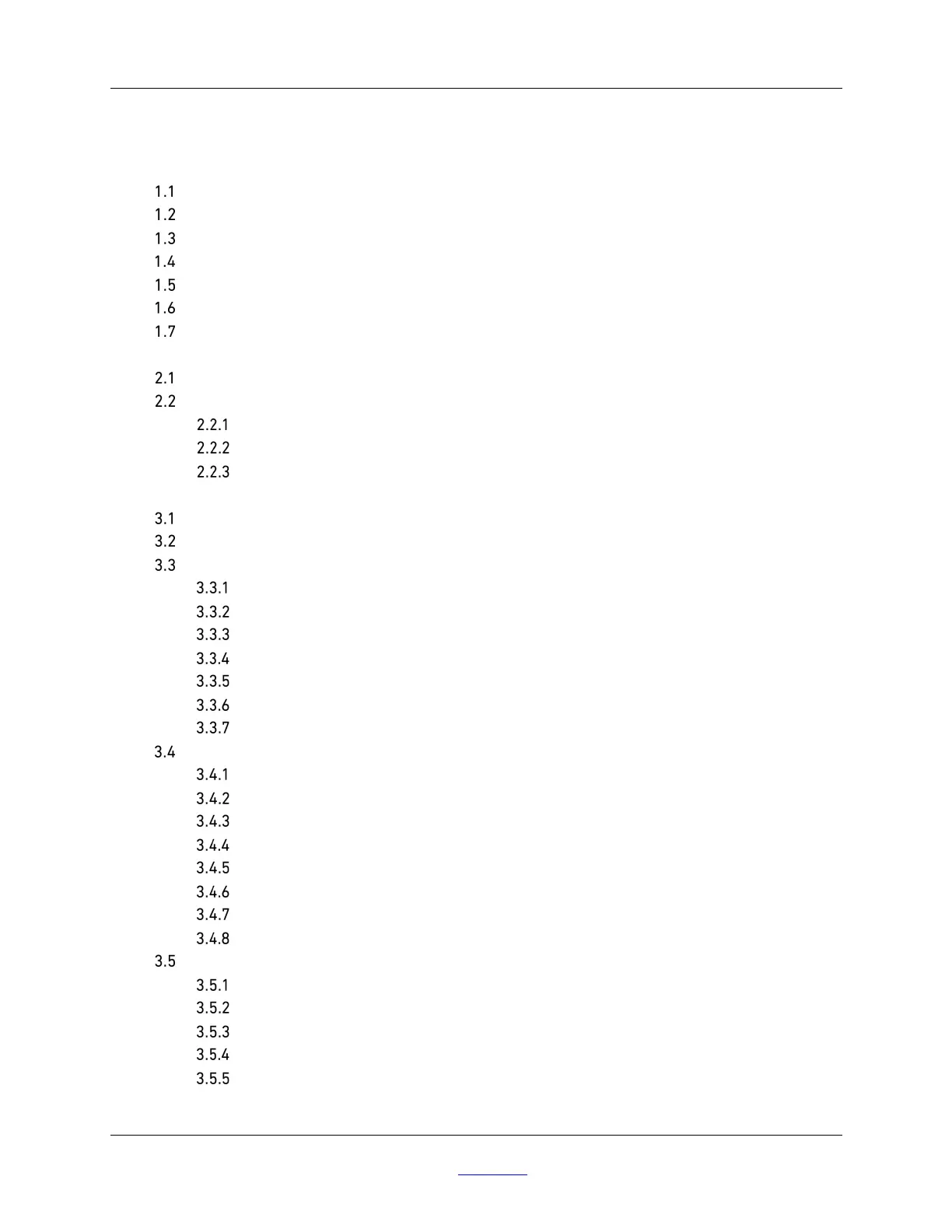
WHEATON® R2P
™
2.0 Bottom Drive Roller Apparatus
2
DWK Life Sciences | 856.825.1100 | www.dwk.com | P/N 50099817 Rev. 11/2021
CONTENTS
1 INTRODUCTION ............................................................................................................................... 5
R2P™ 2.0 Bottom Drive Roller Apparatus ................................................................................ 5
Limited Warranty................................................................................................................... 6
Safety Symbols ..................................................................................................................... 8
Specific Safety Considerations ............................................................................................. 10
Specifications – R2P 2.0 Bottom Drive Roller Apparatus ........................................................ 11
Dimensions and Capacities .................................................................................................. 13
Available Options ................................................................................................................. 13
2 INSTALLATION AND INITIAL STARTUP ............................................................................................ 14
Initial Startup and Touch Screen Navigation .......................................................................... 15
First Time Startup ............................................................................................................... 15
Initial Settings ............................................................................................................ 15
Splash Screen............................................................................................................ 15
Screen Saver ............................................................................................................. 16
3 MAIN OPERATION .......................................................................................................................... 17
Touch Screen Navigation ..................................................................................................... 17
General Guidelines on Numerical Entry................................................................................. 19
The Home Screen ................................................................................................................ 20
Bottle Speed and Direction Setting .............................................................................. 21
Unit Network ID .......................................................................................................... 22
Network Online/Offline Icon – WSP Protocol Only......................................................... 22
Alarm Notification Screen ........................................................................................... 23
Unit Power Icon .......................................................................................................... 24
Unit Screen Lock Icon ................................................................................................. 24
Information Screen .................................................................................................... 24
User Setup Screen ............................................................................................................... 25
Speed Ramp Time Screen ........................................................................................... 26
Temperature Alarm Screen ........................................................................................ 26
Retrieve Unit Settings Screen ..................................................................................... 27
Save Unit Settings Icon ............................................................................................... 28
Internal Event Log Recording Icon ............................................................................... 29
Download Event Log File Icon ..................................................................................... 29
Erase Event Log File Icon ............................................................................................ 29
Set System Date/Time Screen .................................................................................... 29
Factory Screen .................................................................................................................... 31
Change Bottle Diameter Screen .................................................................................. 32
Temperature Sensor Calibration Screen ...................................................................... 33
Change Motor Gear Ratio Screen ................................................................................. 34
Restore Factory Defaults Icon ..................................................................................... 35
Defaults that are restored after unit is powered down and powered back up ................. 35


 To Next Page