EasyManua.ls Logo

DXG DXG-5C8V HD - User Manual

DXG DXG-5C8V HD
75 pages
Print Icon
To Next Page IconTo Next Page
Loading...
DXG USA
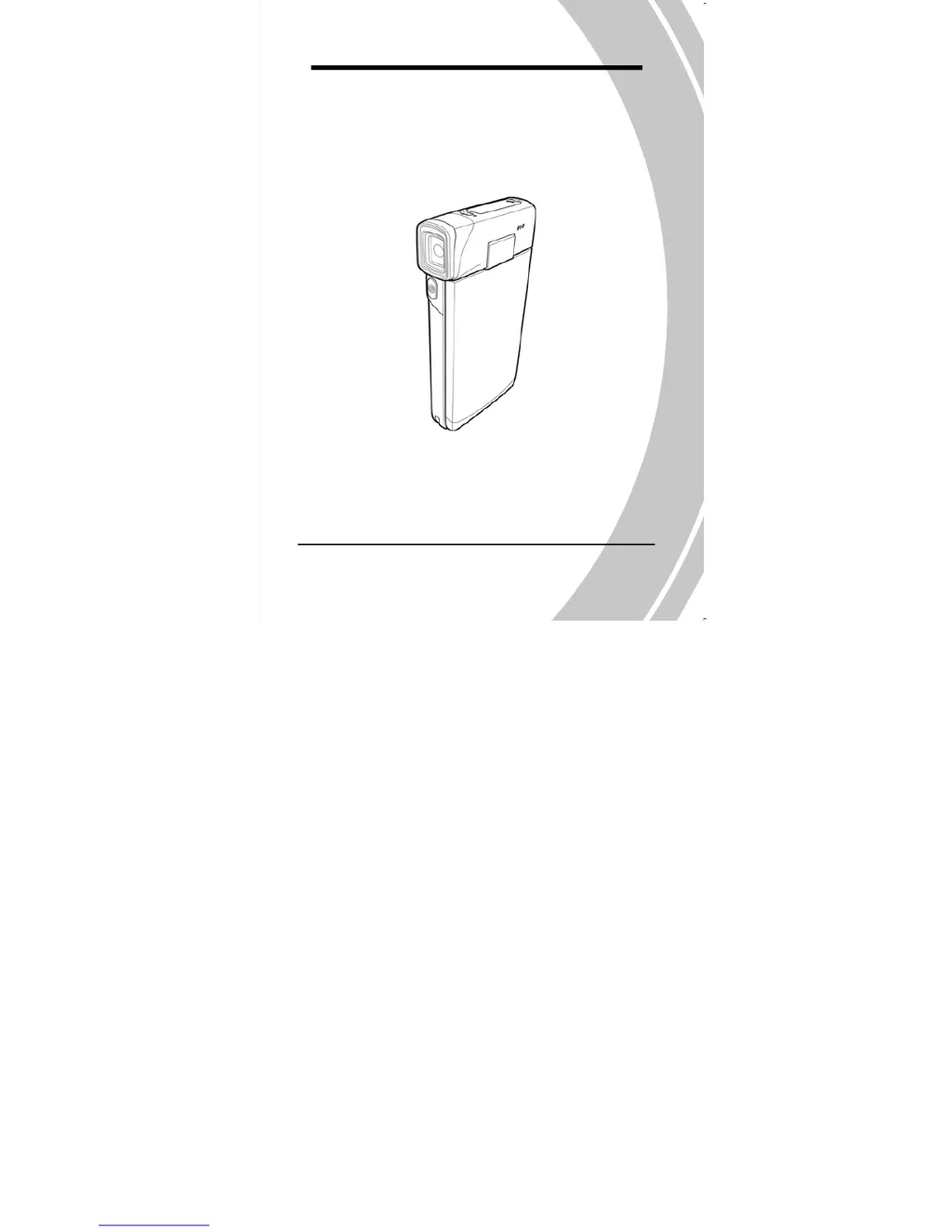
DXG-5C0V HD and DXG-5C8V HD
User’s Manual

Table of Contents

Questions and Answers

  • B
    Brian WebbAug 3, 2025
    Why does my DXG DXG-5C8V HD suddenly turn off?
    • A
      andrewschneiderAug 3, 2025
      Your DXG Camcorder might be turning off suddenly because the auto power off function was enabled. To solve this, simply turn the power on again. Alternatively, the camera could be running out of battery power, in which case you should replace the batteries.
  • J
    jillsmithAug 8, 2025
    What to do if my DXG Camcorder cannot turn on?
    • C
      cherylreedAug 8, 2025
      If your DXG Camcorder won't turn on, it might be due to the batteries not being inserted correctly; ensure they are properly inserted. Another reason could be that the batteries have no power, so try replacing them with fresh ones.
  • D
    Devon HinesAug 12, 2025
    What to do if my DXG DXG-5C8V HD Camcorder memory card cannot be used?
    • K
      Kathryn McmahonAug 12, 2025
      If your DXG Camcorder says the memory card cannot be used, it might be because the memory card is protected; try unlocking it. Another possibility is that the memory card contains non-DCF images taken by other cameras. In this case, format the memory card, but remember to back up your files first.
  • T
    tschneiderAug 17, 2025
    What to do if all buttons are inactive on my DXG Camcorder?
    • A
      Adam AndersonAug 17, 2025
      If all the buttons on your DXG Camcorder are inactive, it could be due to a short circuit that occurred when connecting the camera with other devices. To fix this, remove the batteries from the camera and then reinsert them.
  • N
    nturnerAug 20, 2025
    What to do if the image is out of focus on my DXG DXG-5C8V HD?
    • A
      Angela TaylorAug 20, 2025
      If the image on your DXG Camcorder is out of focus, the subject might be beyond the focus range. Try taking the picture within the available focus range and choose normal or macro mode.
  • A
    Alyssa McknightAug 25, 2025
    Why does my DXG DXG-5C8V HD Camcorder turn off when capturing image using self-timer?
    • K
      Kimberly BrownAug 26, 2025
      Your DXG Camcorder might be turning off when capturing an image using the self-timer because the camera is running out of battery power. Replace the batteries to resolve this issue.
  • J
    Joshua SchmidtAug 29, 2025
    What to do if the captured image is not stored in memory of my DXG DXG-5C8V HD?
    • M
      melanie85Aug 29, 2025
      If the captured image is not being stored in the memory of your DXG Camcorder, it could be because the power was cut off before the image was saved. To prevent this, when the battery indicator turns red, replace the batteries immediately.

Summary

Introduction to Your Camcorder

System Requirements

PC specifications needed to operate the video camera.

Camcorder Features Overview

Overview of the video camera's key features and functions.

Unpacking the Video Camera Package

Details the contents of the video camera package.

About the Camera Controls

Identifies buttons and controls on the video camera.

Getting Started with Your Camcorder

Inserting an SD Card

Instructions for installing an SD card into the video camera.

Inserting the Batteries

Guide to correctly inserting the Li-ion battery into the camera.

Charging the Battery

Steps to charge the camera's battery using the provided unit.

Turning the Video Camera On;Off

How to power the video camera on and off.

Changing Operating Modes

Explanation of switching between Movie, Photo, and SET modes.

Initial Setup Before Use

Initial setup for date, time, language, and beep settings.

Shooting and Playing Video Clips

Instructions for recording and playing video clips.

Taking and Viewing Pictures

Guide to capturing and reviewing still images.

Connecting to a Computer

How to connect the video camera to a computer via USB.

Connecting to a Standard TV

Instructions for connecting the camera to a standard TV.

Connecting to an HDTV

Steps for connecting the camera to an HDTV using an HDMI cable.

Using the Camera Functions

Movie Mode Operations

How to use the camera to capture video clips.

Photo Mode Operations

How to use the camera to capture still pictures.

Movie Playback Mode

How to review stored movie files.

Photo Playback Mode

How to review stored image files.

Thumbnail Mode for Viewing

Viewing images and video clips as thumbnails.

USB Mode for PC Connection

Connecting the camera to a host PC via USB.

Using the Camera Menus and Settings

Movie Menu Options

Configuring settings for movie recording.

Movie Playback Menu

Managing movie files during playback.

Photo Menu Options

Configuring settings for photo capture.

Photo Playback Menu

Managing image files during playback.

System Menu Settings

Configuring miscellaneous camera functions.

Appendix and Support Information

Camcorder Specifications

Technical specifications of the video camera.

Troubleshooting Common Issues

Solutions for common problems encountered with the camera.

DXG DXG-5C8V HD Specifications

General IconGeneral
Video ResolutionHD 1280 x 720
Sensor TypeCMOS
Optical Zoom5x
Digital Zoom4x
Display3-inch LCD
StorageSD/SDHC card
Battery LifeUp to 2 hours
Optical Sensor Resolution5 MP
SensorCMOS
BatteryRechargeable lithium-ion battery

Related product manuals