EasyManua.ls Logo

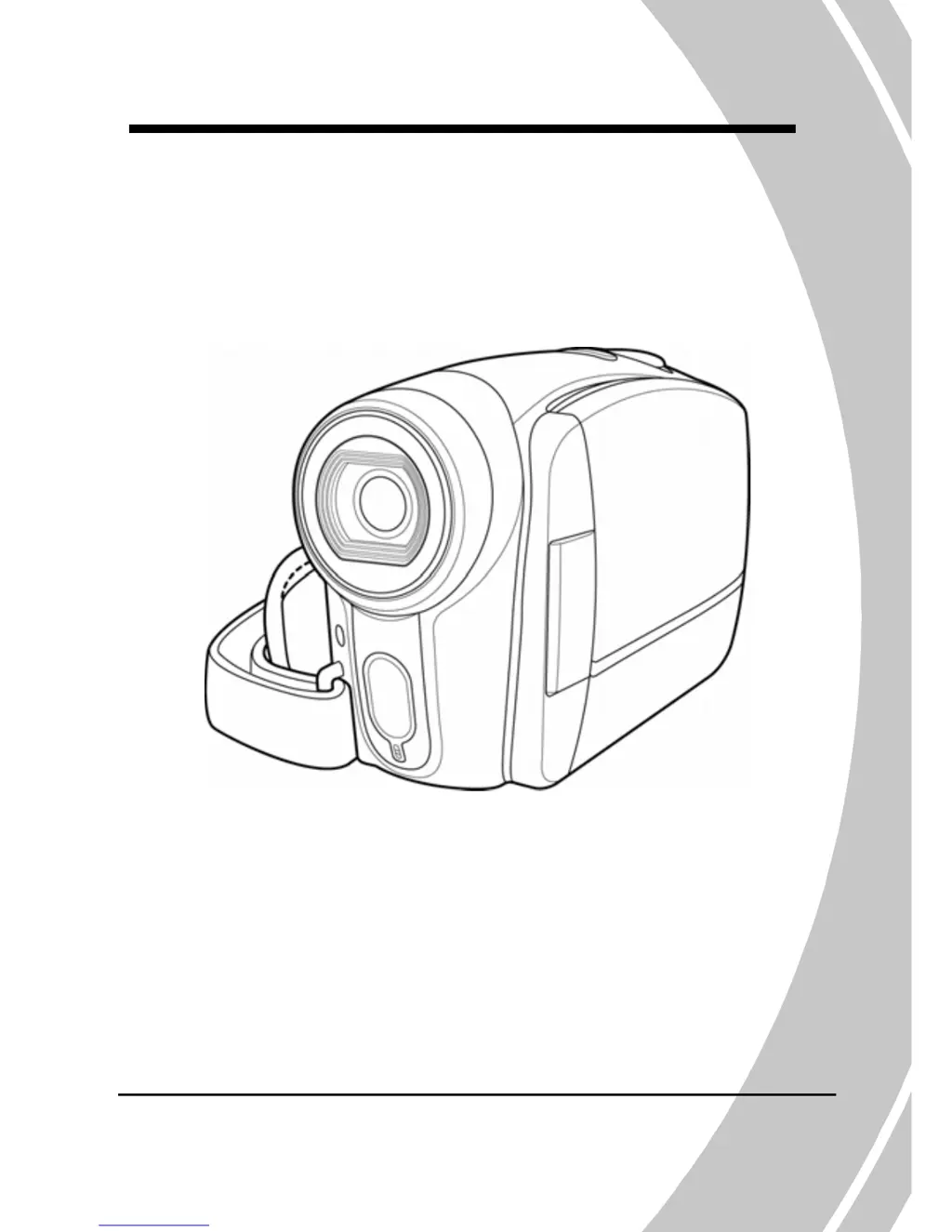
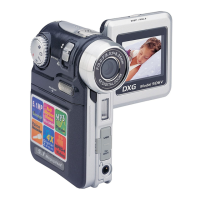
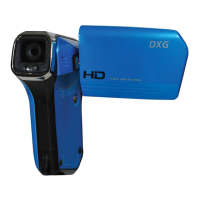
DXG DXG-517V HD - User Manual

DXG DXG-517V HD
84 pages
Print Icon
To Next Page IconTo Next Page
Loading...
DXG-517V HD
User’s Manual
DXG USA

Table of Contents

Questions and Answers

  • R
    rbrownJul 28, 2025
    Why does my DXG DXG-517V HD Camcorder suddenly turn off?
    • C
      cherrycharlesJul 28, 2025
      Your DXG Camcorder might be turning off suddenly because the auto power off function was enabled. In this case, turn the power on again. Alternatively, the camera could be running out of battery power, so try replacing the batteries.
  • K
    Karen LeeAug 1, 2025
    What to do if my DXG DXG-517V HD Camcorder cannot turn on?
    • P
      Patricia RobinsonAug 1, 2025
      If your DXG Camcorder won't turn on, it could be due to a couple of reasons. First, check that the batteries are inserted correctly. If they are, the batteries might be drained, so try replacing them.
  • L
    Lisa HuntAug 5, 2025
    What to do if memory card cannot be used in DXG DXG-517V HD?
    • G
      Gregory MorrisAug 5, 2025
      If your memory card cannot be used in the DXG Camcorder, it might be protected; unlock the memory card. Another reason might be that the memory card contains non-DCF images taken by other cameras, in that case format the memory card after backing up your files.
  • D
    Douglas ColeAug 10, 2025
    Why is my DXG DXG-517V HD image out of focus?
    • J
      Jennifer HawkinsAug 10, 2025
      If the image from your DXG Camcorder is out of focus, it could be that the subject is beyond the focus range. Please take a picture within the available focus range and choose normal or macro mode.
  • A
    Andrew GarrisonAug 15, 2025
    What to do if all buttons are inactive on my DXG DXG-517V HD?
    • J
      Jessica RobertsAug 15, 2025
      If all buttons are inactive on your DXG Camcorder, it may be due to a short circuit that occurred when connecting the camera with other devices. Remove the batteries from the camera and insert them again.
  • O
    otaylorAug 19, 2025
    What to do if DXG DXG-517V HD Camcorder turns off when capturing image using self-timer?
    • A
      Andrea ThompsonAug 19, 2025
      If your DXG Camcorder turns off when capturing an image using the self-timer, the camera is likely running out of battery power. Replace the batteries.
  • E
    Erin StewartAug 23, 2025
    What to do if captured image is not stored in DXG DXG-517V HD memory?
    • R
      Roger GreerAug 23, 2025
      If the captured image is not being stored in your DXG Camcorder's memory, it's possible that the power was cut off before the image was saved. When the battery indicator turns red, replace the batteries immediately.

Summary

1 Introducing the camera

1.1 System requirements

System requirements for the video camera.

1.4 About the camera

Guide to familiarize with camera buttons and controls.

2 Getting started

2.1 Initial Setup and Basics

Inserting SD card, batteries, powering on, and changing modes.

2.6 Video Operations

Instructions for recording and playing video clips.

3 Using the camera

3.1 Movie and voice recorder mode

Using the camera for video recording and voice memos.

3.2 Photo mode

Capturing still pictures and their settings.

4 Using the menus

Appendix

Troubleshooting

Solutions for common camera problems and issues.

DXG DXG-517V HD Specifications

General IconGeneral
Sensor TypeCMOS
Optical Zoom5x
Display TypeLCD
Resolution5.0 MP
Image StabilizerDigital
Video FormatAVI
Storage TypeSD Card
LensFixed
BatteryLithium-Ion
Video Resolution1280 x 720

Related product manuals