EasyManua.ls Logo

DXG DXG-5B6V - User Manual

DXG DXG-5B6V
83 pages
Print Icon
To Next Page IconTo Next Page
Loading...
DXG USA
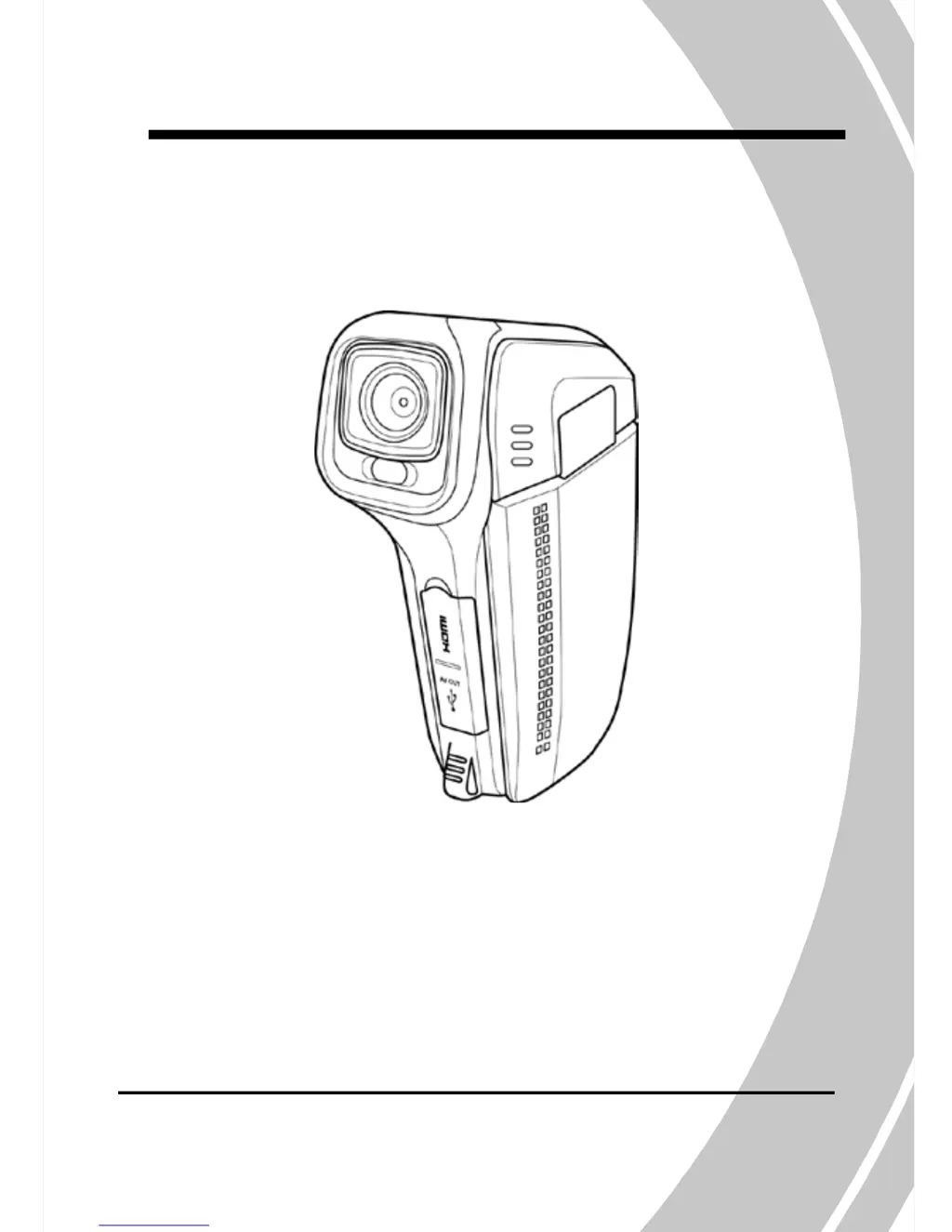
DXG-5B6V
User’s Manual

Table of Contents

Questions and Answers

  • J
    Jordan ArcherJul 26, 2025
    Why is my DXG Camcorder image out of focus?
    • A
      Alicia ElliottJul 26, 2025
      If your DXG Camcorder image is out of focus, it might be because the subject is beyond the focus range. Try taking the picture within the available focus range and select either normal or macro mode.
  • P
    Patty SmithJul 31, 2025
    Why does my DXG Camcorder suddenly turn off?
    • J
      Jamie SmithJul 31, 2025
      If your DXG Camcorder suddenly turns off, it may be because the auto power off function is enabled. Simply turn the power on again. Another reason could be low battery power, so try replacing the batteries.
  • N
    Nicole RuizAug 5, 2025
    What to do if memory card cannot be used in DXG Camcorder?
    • E
      Eddie TurnerAug 5, 2025
      If your DXG Camcorder memory card cannot be used, it might be protected. Unlock the memory card. Alternatively, the memory card may contain non-DCF images from other cameras. To resolve this, format the memory card, but remember to back up your files first.
  • L
    Lisa SchmidtAug 10, 2025
    Why are all buttons inactive on my DXG Camcorder?
    • C
      Craig KhanAug 10, 2025
      If all buttons on your DXG Camcorder are inactive, a short circuit may have occurred when connecting the camera to other devices. Remove the batteries from the camera and then reinsert them.
  • J
    Justin LeeAug 15, 2025
    Why does DXG Camcorder turn off when using self-timer?
    • S
      Stephanie ColeAug 15, 2025
      If your DXG Camcorder turns off when capturing an image using the self-timer, it's likely that the camera is running out of battery power. Replace the batteries to solve this issue.
  • V
    Virginia FowlerAug 20, 2025
    What to do if captured image is not stored in DXG Camcorder memory?
    • A
      Alan HartAug 20, 2025
      If the captured image is not stored in the memory of your DXG Camcorder, it's possible that the power was cut off before the image was saved. When the battery status indicator turns red, replace the batteries immediately.

Summary

Precautions and Initial Setup

General Handling and Storage Precautions

Essential safety guidelines for handling, storage, and operation to prevent device damage.

Operating Environment and Power Management

Guidelines for optimal operating conditions, temperature limits, and battery usage.

Before You Start: Testing and Copyright

Advice on testing the device and copyright considerations before initial use.

Introduction and Camcorder Overview

System Requirements and Package Contents

Specifies PC requirements for connectivity and lists items included in the camcorder package.

Camcorder Features and Capabilities

Highlights key capabilities like video, photo, zoom, and storage.

Camera Component Views: Front to Back

Details the camera's physical layout and views from front to back.

LCD Adjustment and Camera Controls

Instructions on adjusting the LCD screen and operating camera buttons.

LED Indicator Functions

Explanation of the meaning and function of the camera's LED indicators.

Getting Started: Basic Operations

Installing Media and Batteries

Step-by-step guide for correctly inserting SD cards and batteries.

Initial Device Setup and Configuration

Instructions for setting date/time, language, and beep preferences.

Recording and Playing Videos

Procedures for shooting video clips, recording voice, and playback operations.

Taking and Viewing Pictures

Guidance on capturing still images and browsing through them.

Connecting to External Devices

How to connect the camcorder to PCs, TVs, and use USB modes.

Using the Camcorder Functions

Mode Operations: Movie, Voice, Photo

Detailed usage of Movie, Voice, and Photo modes, including icons and functions.

Playback and Thumbnail Modes

How to review recorded media and use thumbnail views for efficient browsing.

USB Connectivity and Data Transfer

Connecting via USB for mass storage, direct printing, and file transfer.

Advanced Menu Settings and Management

Movie and Photo Menu Settings

Configuration options for Movie and Photo modes: white balance, quality, size, etc.

Playback and System Menu Functions

Managing files (delete, protect) and general camera settings via menus.

Specifications and Troubleshooting

Technical Specifications

Comprehensive list of the camcorder's technical features and capabilities.

Troubleshooting Common Problems

Solutions for frequently encountered issues and errors with the camcorder.

DXG DXG-5B6V Specifications

General IconGeneral
BrandDXG
ModelDXG-5B6V
CategoryCamcorder
LanguageEnglish

Related product manuals