1
EN
Quick Start Guide
Download the Full User Guide
For complete information on using your label maker, download
the DYMO MobileLabeler User Guide from one of the following
locations:
Register at www.dymo.com/register
Registering your label maker ensures that
you will receive any news and updates.
During the registration process, you will be
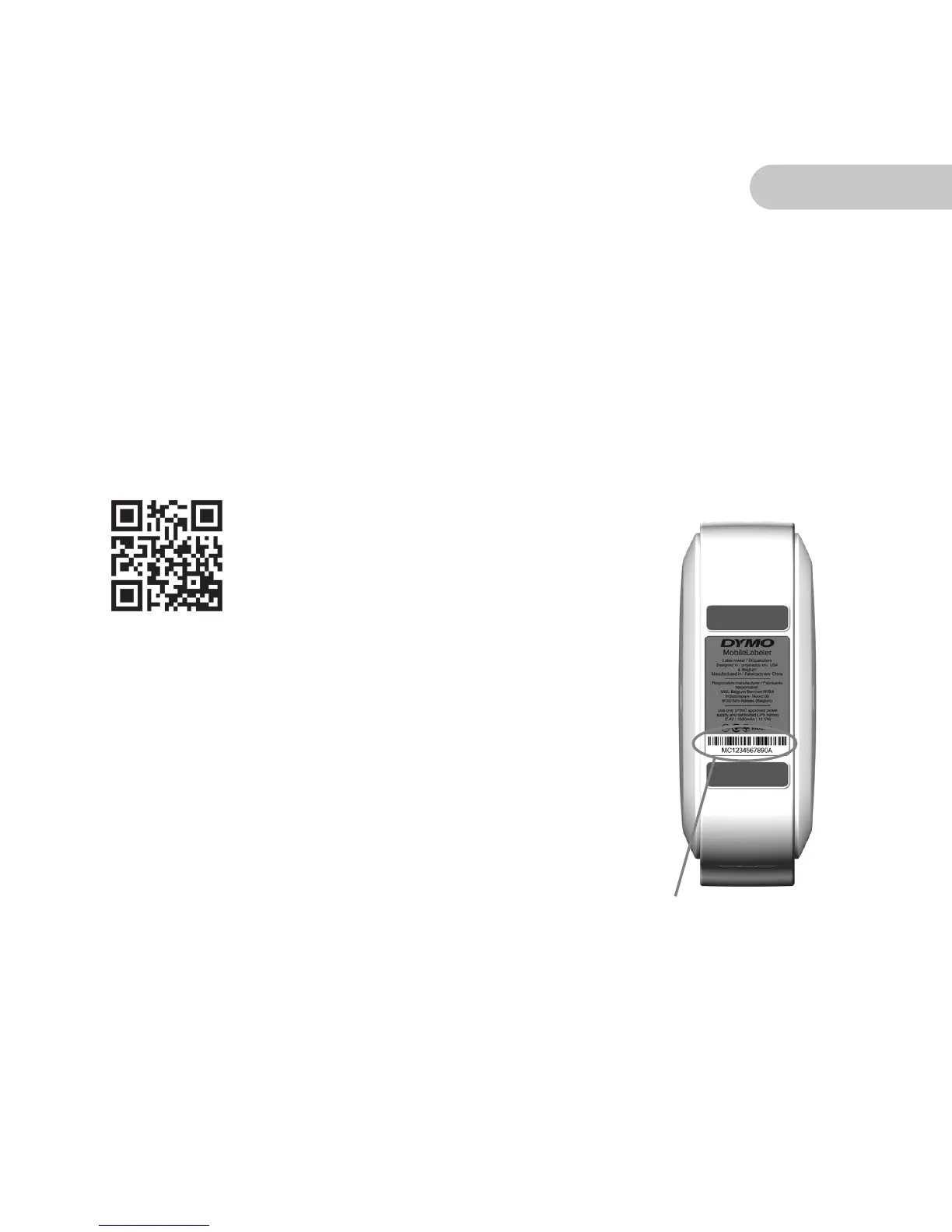
asked to enter the serial number for your
label maker. The serial number is located on
the bottom of the label maker.
From the
User Guide
link within
the DYMO Connect mobile app
Use the QR code at the left
From
support.dymo.com
Serial number on
bottom of label maker











 To Next Page