4
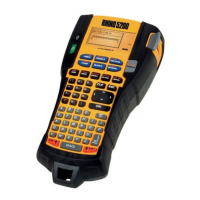
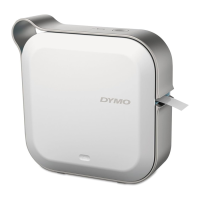
Pairing the Label Maker
Pair the label maker to your mobile device using Bluetooth
®
settings on your device.
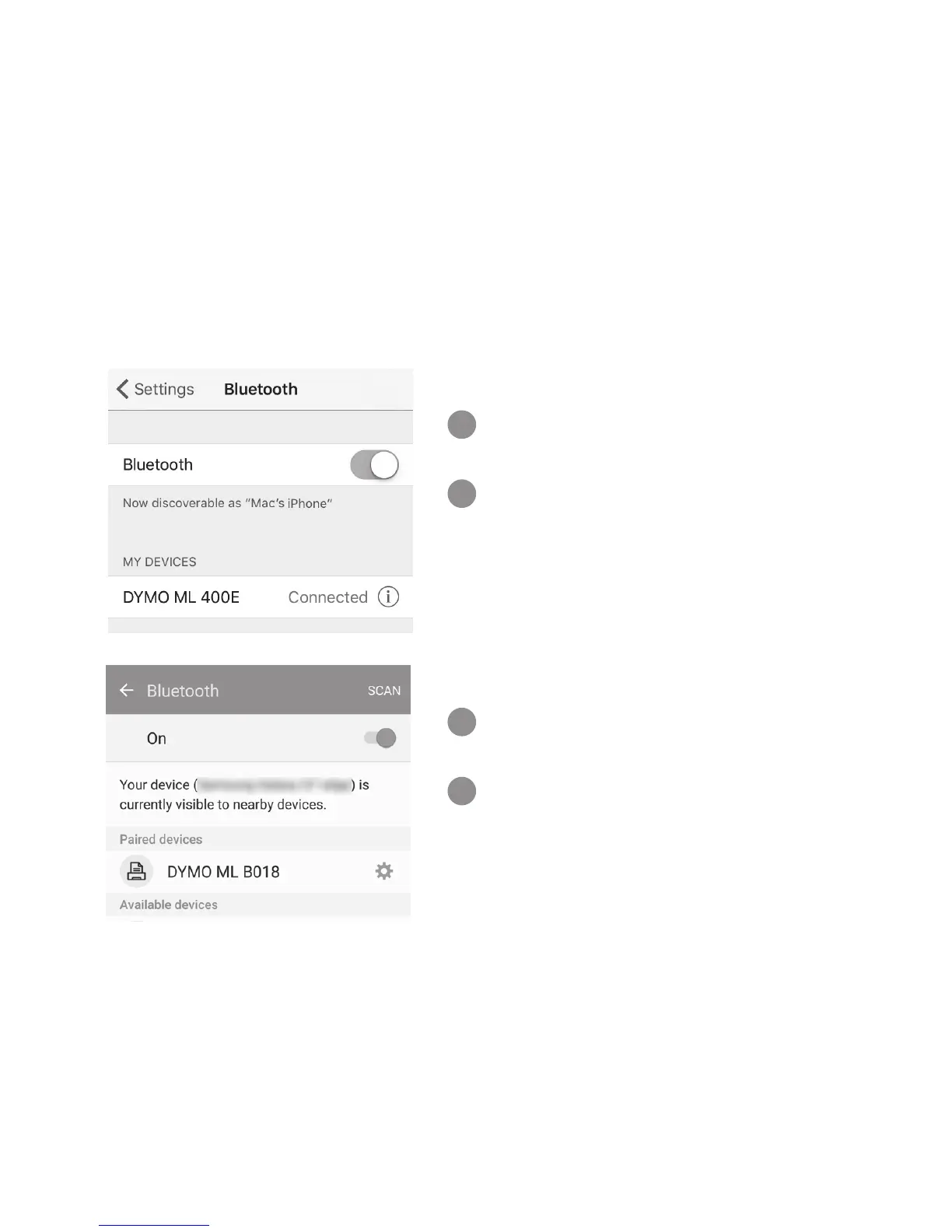
Pairing with an iOS
®
device
In Settings, turn on the
Bluetooth setting.
Tap DYMO ML xxxx under
OTHER DEVICES. After a few
seconds, Connected is
displayed when pairing is
complete.
Pairing with an Android
™
device
In Settings, turn on the
Bluetooth setting.
Tap DYMO ML xxxx under
Available devices. After a few
seconds, the label maker
appears under Paired devices
when pairing is complete.
1
2
1
2


 To Next Page
 Loading...