5
XTL
®
300
User Guide
Removing the Label Backing
DYMO XTL
™
continuous labels have an easy-to-peel split
back for easy removal of the label backing.
Does not apply to heat-shrink tubing or pre-sized labels.
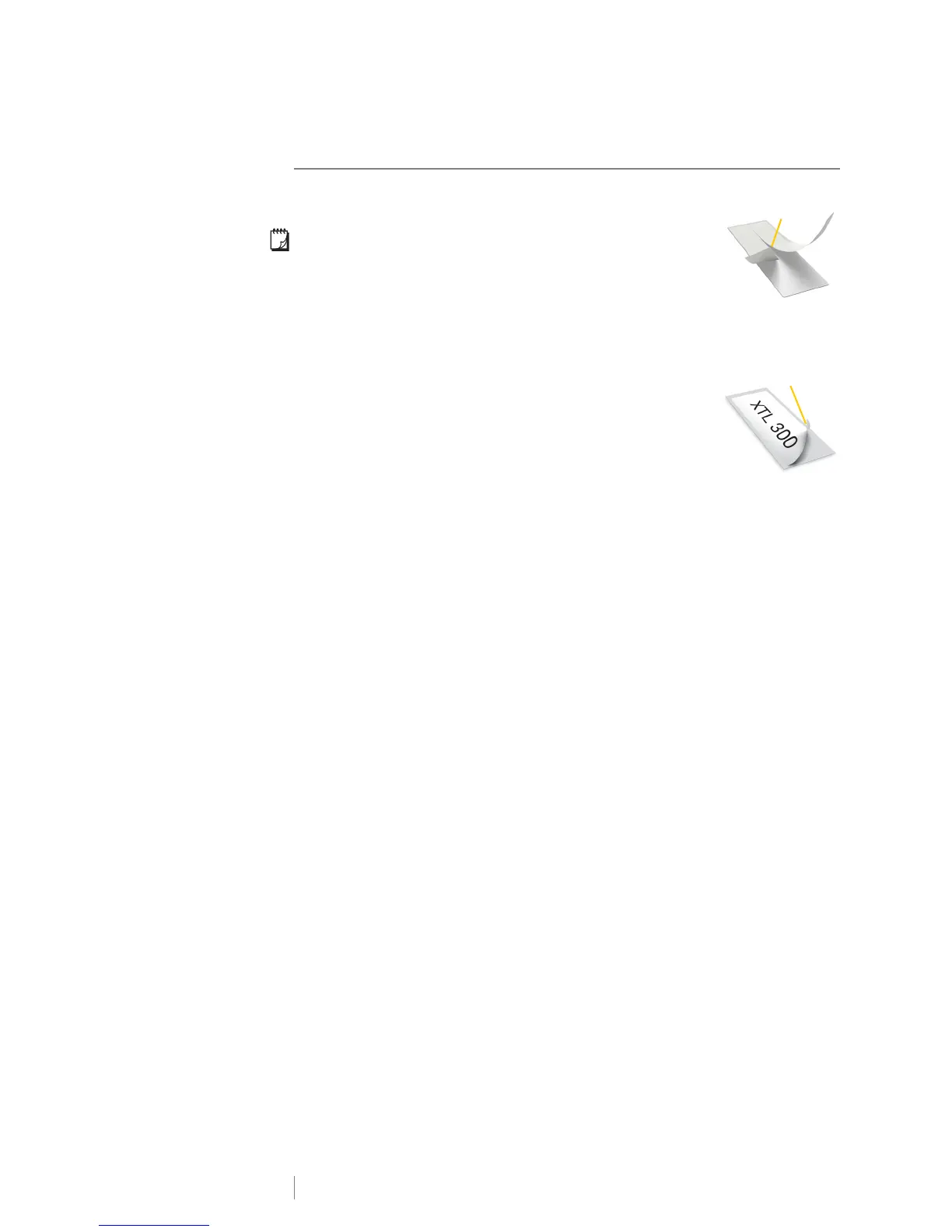
To remove the continuous label backing
1 Locate the split on the label backing.
2 Gently pinch the label lengthwise, folding toward the
printed side of the label. The label backing separates.
3 Carefully peel away the backing from the label.
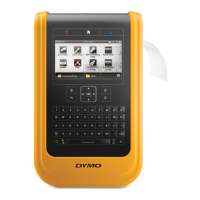
To remove pre-sized labels from the backing
Gently lift the corner of the label and peel the label from
the backing.
Remove split
backing
Continuous labels
Figure 7
Pre-sized labels
Peel label
from backing
Figure 8











 To Next Page