EasyManua.ls Logo

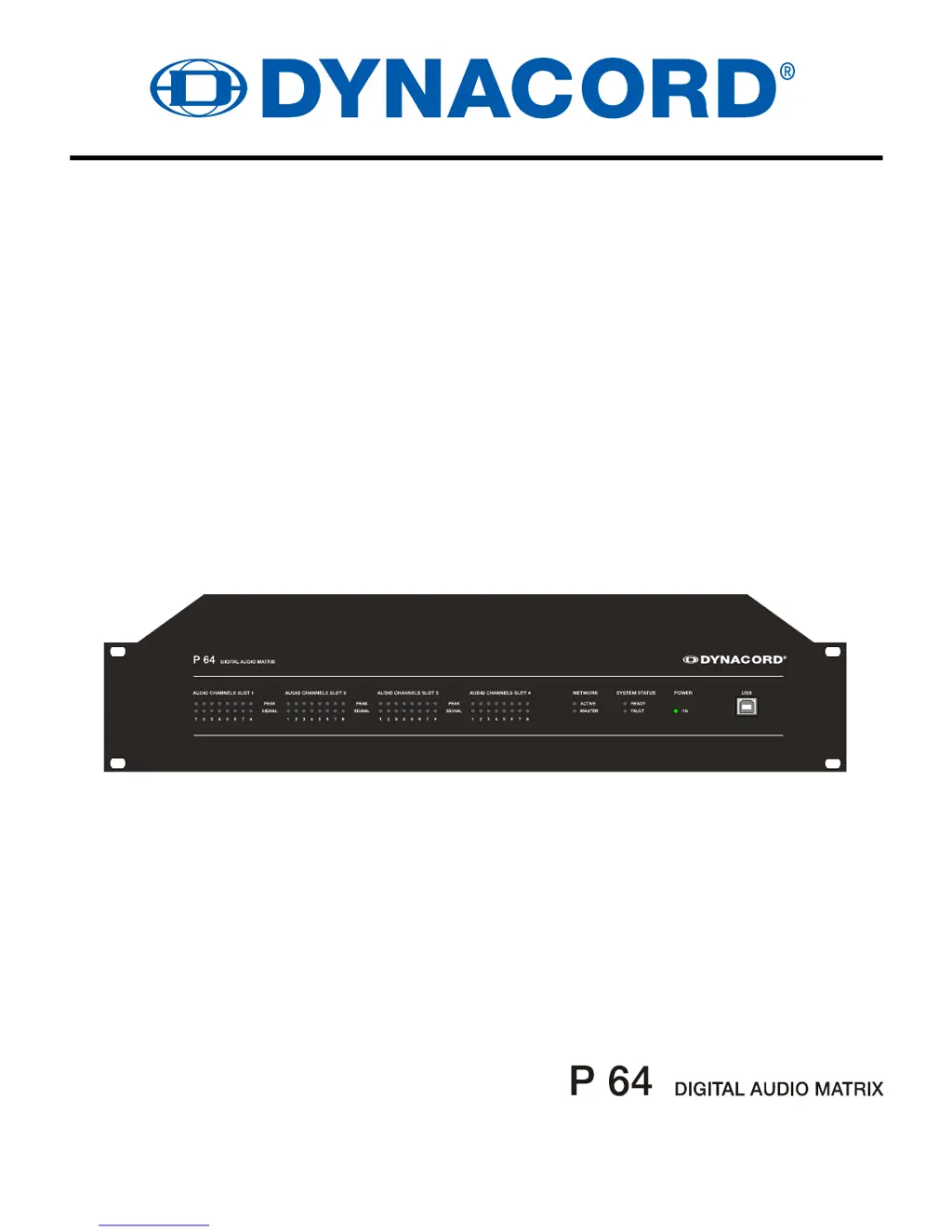
Dynacord P 64 - User Manual

Dynacord P 64
88 pages
Print Icon
To Next Page IconTo Next Page
Loading...
OWNER’S MANUAL
BEDIENUNGSANLEITUNG

Table of Contents

Questions and Answers

Summary

Introduction

System Overview and Features

Description of the P 64 system and its key features.

Installation and Software

Guidance on unpacking, installation, warranty, IRIS-Net, and browser interface.

Control Elements and Connections

Front Panel Interface

Details of controls, displays, and indicators on the front panel.

Rear Panel Connectivity

Explanation of audio slots, network module slot, and rear panel ports.

Network, Serial, and Control Interfaces

Information on Ethernet, RS-232, CAN bus, Control Port, and Power.

Preparations

Mounting and System Expansion

Guides for mounting, initial setup, and system expansion with modules.

Interface Technical Details

Technical details for Ethernet, CAN, USB, RS-232, Control Port, and Audio interfaces.

Network Configuration

Introduction to Network Setup

Overview of network connectivity and factory settings.

Ethernet Connection Configuration

Steps for configuring and testing an Ethernet connection.

Appendix

Application Example and Troubleshooting

Demonstrates a use case and provides troubleshooting guidance for the P 64.

Network Principles and Specifications

Explains Ethernet, IP addresses, CAN-bus, and performance specifications.

IP Address Table Template

A template for recording network device IP address information.

Specifications

General Description and Features

Overview of the P 64's general capabilities and features.

Audio and Signal Processing

Technical details regarding audio performance and signal processing.

Interfaces and Ports

Summary of all available interfaces, ports, and the GPIO control port.

General and Module Specifications

Key physical, electrical, and module specifications of the P 64.

Summary

Introduction

System Overview and Features

Description of the P 64 system and its key features.

Installation and Software

Guidance on unpacking, installation, warranty, IRIS-Net, and browser interface.

Control Elements and Connections

Front Panel Interface

Details of controls, displays, and indicators on the front panel.

Rear Panel Connectivity

Explanation of audio slots, network module slot, and rear panel ports.

Network, Serial, and Control Interfaces

Information on Ethernet, RS-232, CAN bus, Control Port, and Power.

Preparations

Mounting and System Expansion

Guides for mounting, initial setup, and system expansion with modules.

Interface Technical Details

Technical details for Ethernet, CAN, USB, RS-232, Control Port, and Audio interfaces.

Network Configuration

Introduction to Network Setup

Overview of network connectivity and factory settings.

Ethernet Connection Configuration

Steps for configuring and testing an Ethernet connection.

Appendix

Application Example and Troubleshooting

Demonstrates a use case and provides troubleshooting guidance for the P 64.

Network Principles and Specifications

Explains Ethernet, IP addresses, CAN-bus, and performance specifications.

IP Address Table Template

A template for recording network device IP address information.

Specifications

General Description and Features

Overview of the P 64's general capabilities and features.

Audio and Signal Processing

Technical details regarding audio performance and signal processing.

Interfaces and Ports

Summary of all available interfaces, ports, and the GPIO control port.

General and Module Specifications

Key physical, electrical, and module specifications of the P 64.

Dynacord P 64 Specifications

General IconGeneral
BrandDynacord
ModelP 64
CategoryMatrix Switcher
LanguageEnglish

Related product manuals