Control Elements and Connections
12
P 64 Digital Audio Matrix
Owner’s manual
2.2 Rear Panel
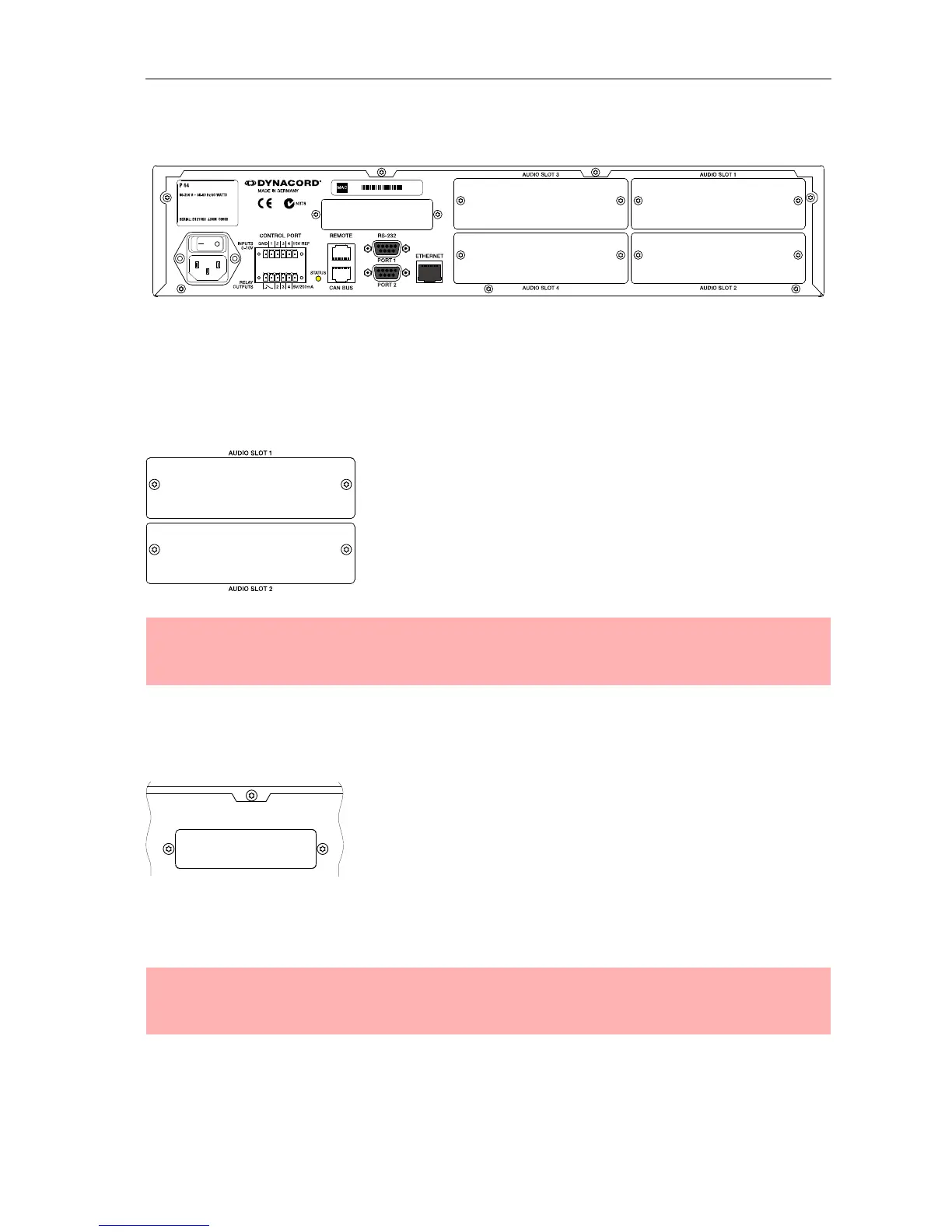
There are all connections for analog and digital audio signals, control interfaces and the power
supply at the rear panel of the P 64.
AUDIO SLOTs
The AUDIO SLOTs 1 - 4 are module slots for the installation of
P 64 audio modules. There are both analog and digital input
and output modules available. Also, a module for microphone
input sensitivity is optionally available. Each slot can accept
any module so you can equip those inputs and outputs which
you need for your specific application. The P 64 detects the
type of the module automatically and offers the corresponding
configuration possibilities.
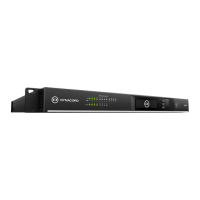
Network Module Slot
This slot is provided for the installation of a network module,
e.g. CM-1 CobraNet™ module. There are all 64 audio
channels - 32 inputs and 32 outputs - internally available at
this slot. The CM-1 allows up to 32 digital audio input signals
and 32 digital audio output signals to be transmitted via a
CobraNet™ network simultaneously. Thus, several P 64
matrix managers can be connected to create a large, distributed audio system. The P 64
automatically detects an installed network module. The module can be configured in the PC
software IRIS-Net.
ATTENTION:
The P 64 has to be switched off if you want to change or install a module. You will find
detailed instructions in the data sheet of the corresponding module.
ATTENTION:
The P 64 has to be switched off if you want to change or install a module. You will find
detailed instructions in the data sheet of the corresponding module.


 To Next Page