Network configuration
30
P 64 Digital Audio Matrix
Owner’s manual
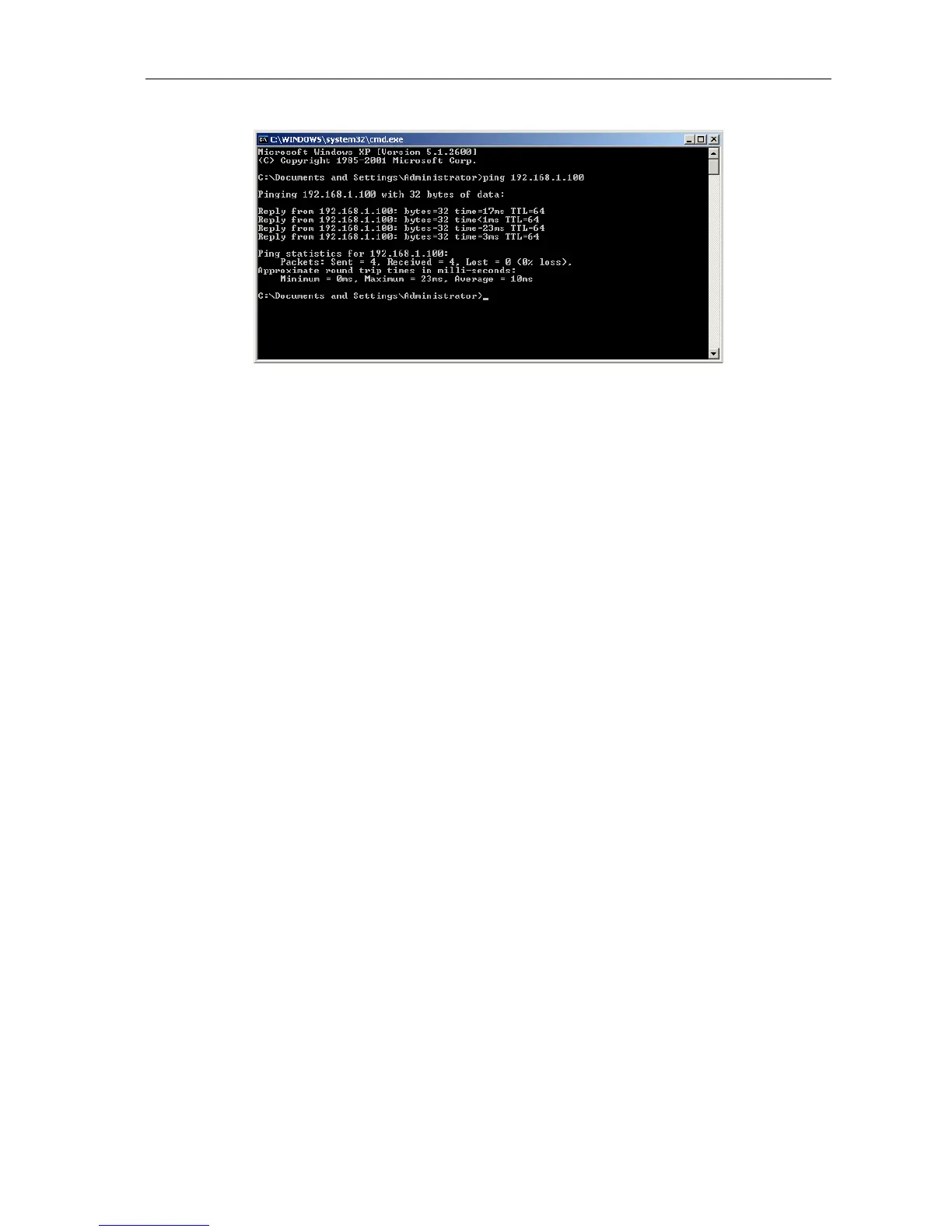
12. Enter ping 192.168.1.100 and tap the return button.
The PC is now checking the connection with the P 64. For this four network packets are sent to
the P 64 via Ethernet then the P 64 has to confirm these packets. If the Ethernet connection is
successful, no packets get lost. Therefore, 0% loss is stated in the ping statistics.


 To Next Page