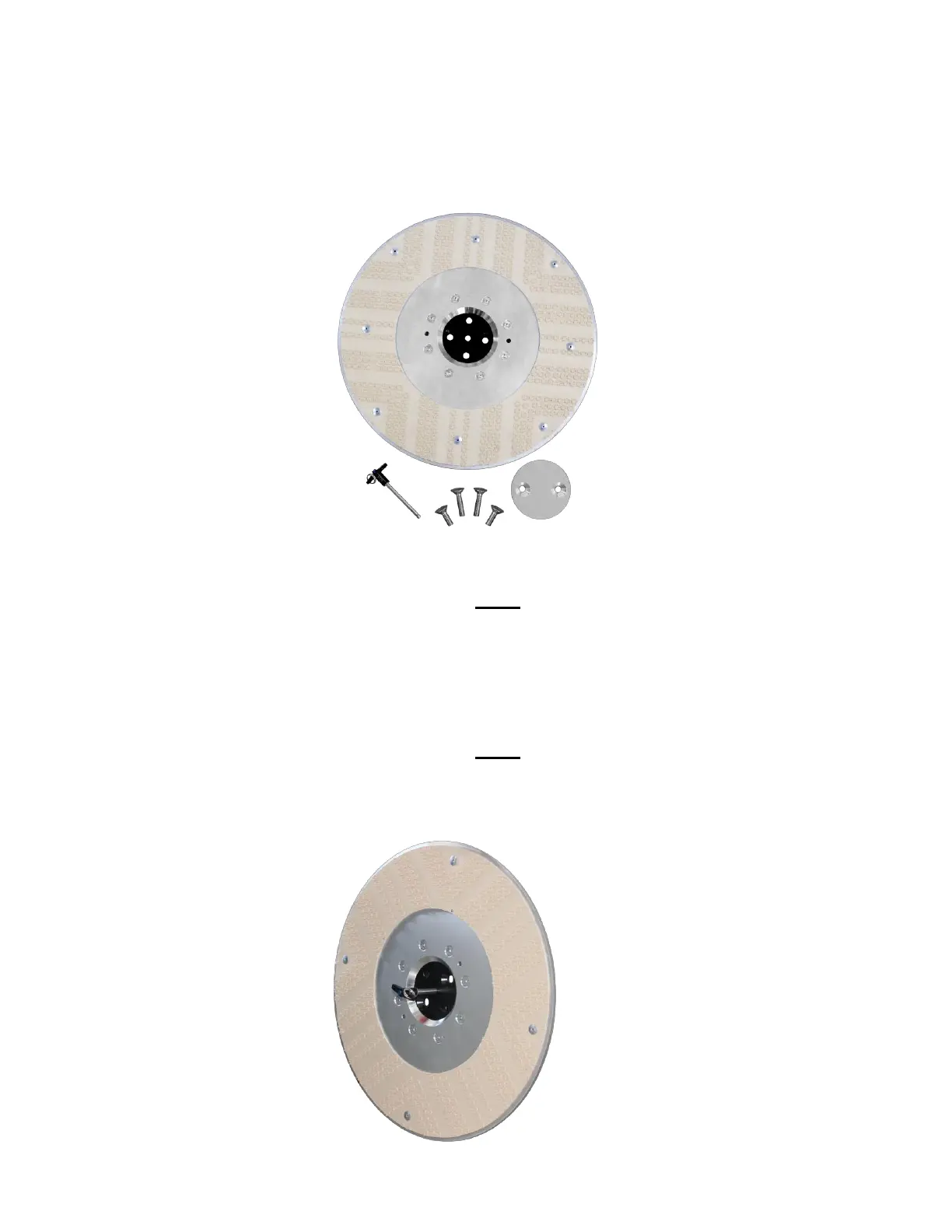
4.2.8 Installing the 20” Burnishing Pad Driver and Lock
How to install the 20” Burnisher Pad Driver and Lock
sing an 8 mm Allen wrench and TWO M12 175 25 screws SHT
screws secure the driver pad to the grinding head nce secure remove the
locating pin
Insert the locating pin into the driver pad lock and into the burnisher pad of
our choice and insert the locating pin into the center hole of the grinding head
The driver pad lock and burnishing pad can now be left hanging with no
holding assistance
sing an 8 mm Allen wrench and TWO M12 175 5 screws LG
screws secure the driver pad lock and burnishing pad to the grinding head
nce secure remove the locating pin



 To Next Page