English - 16 -
6
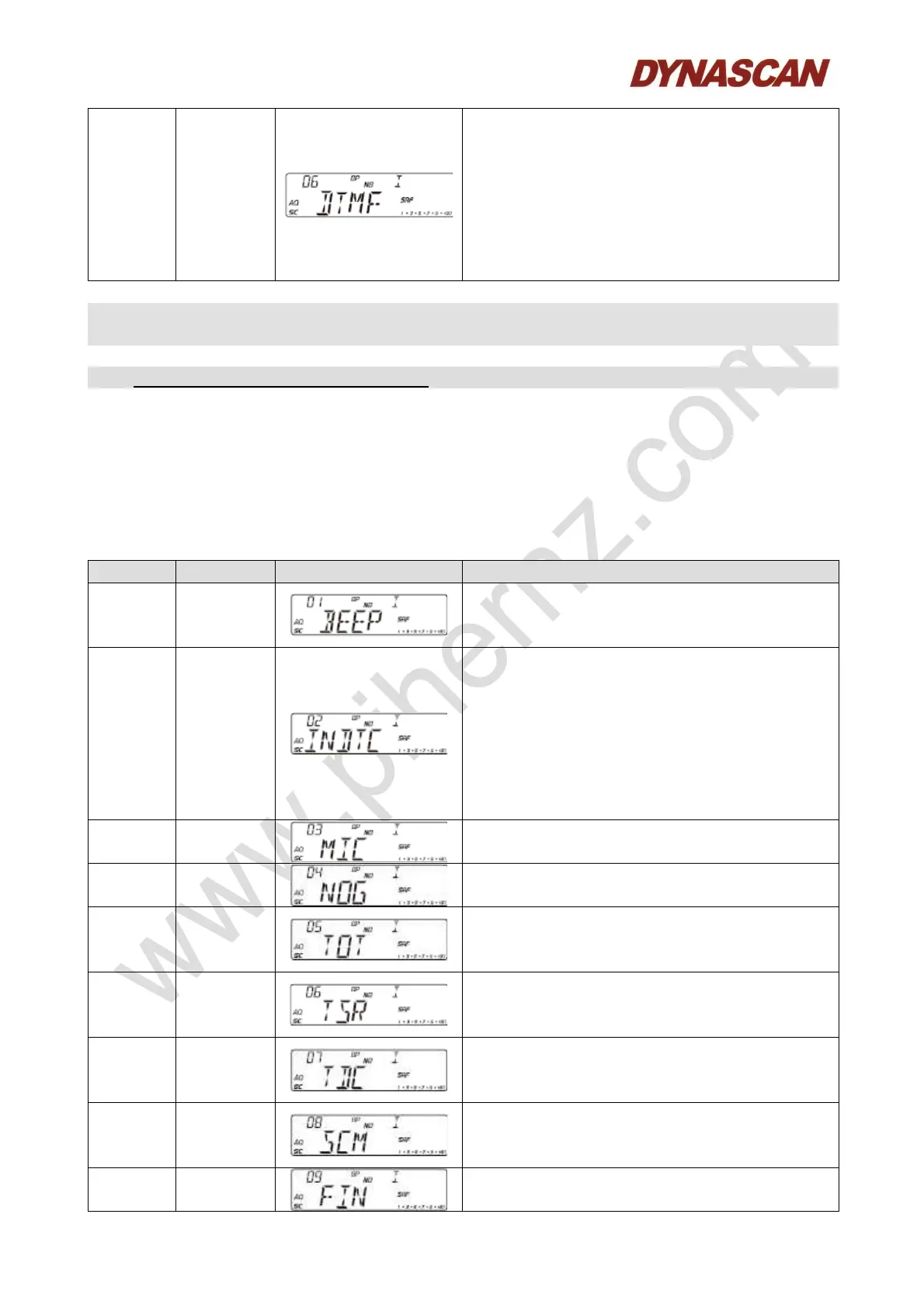
DTMF
PTT ID
BOT: Press PTT to send DTMF encode.
EOT: Release PTT to send DTMF encode.
CALL: Hold [PTT] + [EMG] to send DTMF
encode.
Note: If the M1-M16 storage has no PTT
ID, DTMF function is defaulted OFF. Users
able to choose the DTMF group only when
programmed with code.
- General settings menu offer one-time setting for all channels.
1. Hold [MENU] key for 2 seconds to enter menu list.
2. Turn [CH] knob to find menu No.1 to No.15.
3. Press [PUSH] knob to choose the menu.
4. Turn [CH] knob to choose wanted value.
5. Press [PUSH] knob to return to previous menu, press any other key or wait 5
seconds, the setting will be stored and exit.
1 BEEP
OFF: Disable function.
ON: Enable function.
Default: OFF.
2
LCD
display in
TX mode.
OFF: Displays TX frequency when
transmitting.
SWR: Displays SWR value when
transmitting.
TOT: Displays TOT remain time when
transmitting.
DC: Displays voltage when transmitting.
Default: OFF.
3 Mic gain
1-36, total 36 levels available.
Default: OFF.
4
Monitor
gain
1-32, OFF, total 33 levels available.
Default: OFF.
5 TOT
1-600 seconds, OFF, total 10 minutes
available.
Default: 180 seconds.
6
SWR
protection
OFF: Disable function.
ON: Enable function.
Default: ON.
7
Voltage
protection
OFF: Disable function.
ON: Enable function.
Default: ON.
8
Scan
type
SQ: SQ scan function.
TI: Time scan function.
Default: SQ.
9 Clarifier
OFF: Disable function.
R: Open RX frequency adjustment.



 To Next Page