EasyManua.ls Logo

Dynascan 10M - User Manual

Dynascan 10M
38 pages
Go to English
Print Icon
To Next Page IconTo Next Page
Loading...
Español
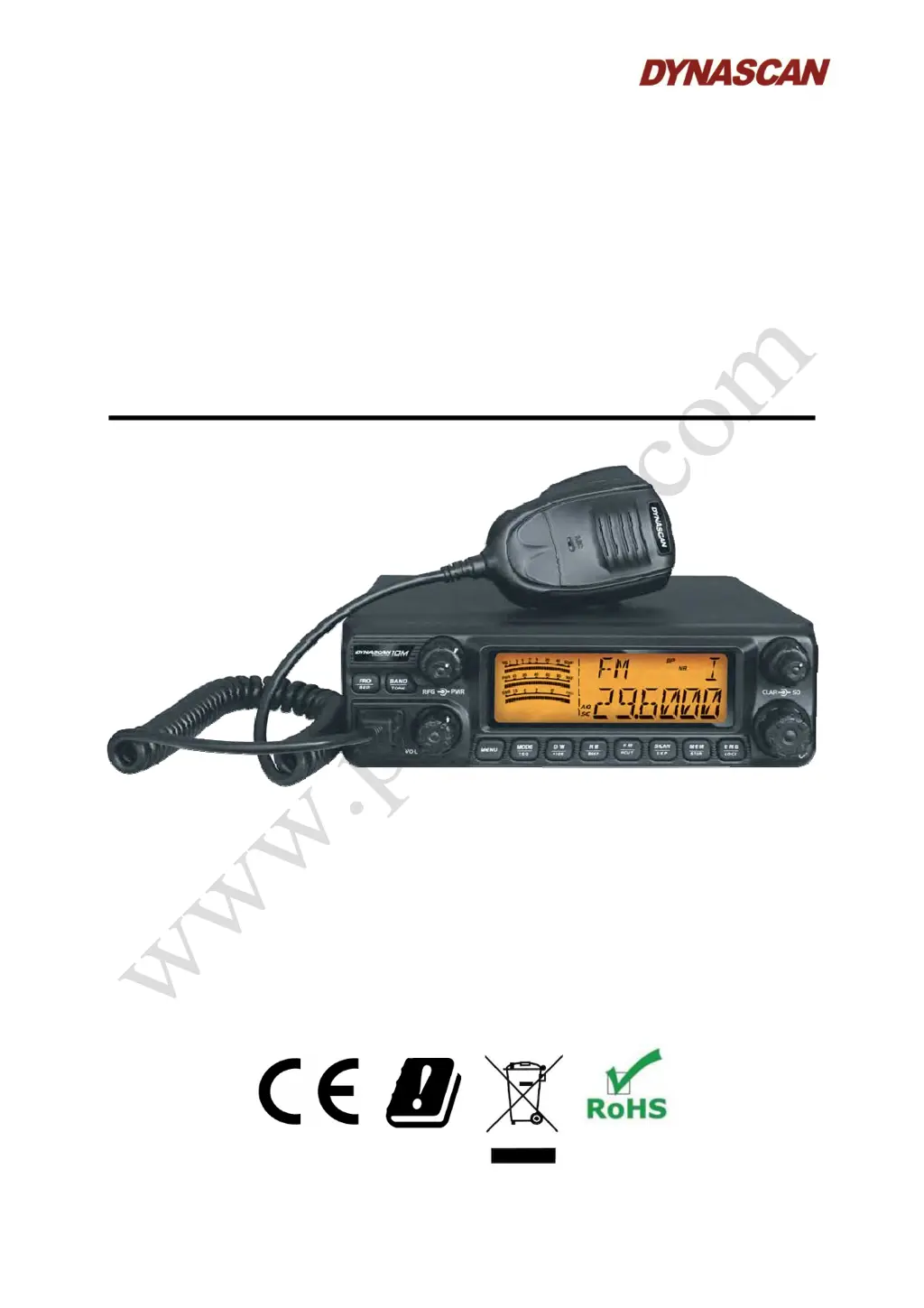
TRANSCEPTOR MOVIL DE
10 METROS PARA
RADIOAFICIONADOS
MANUAL DE INSTRUCCIONES
D
D
Y
Y
N
N
A
A
S
S
C
C
A
A
N
N
1
1
0
0
M
M

Questions and Answers

  • A
    Anna CortezAug 4, 2025
    What to do if my Dynascan 10M will not turn on?
    • D
      Danielle ParkerAug 4, 2025
      If your Dynascan Transceiver isn't turning on, it could be due to several reasons: * The supply voltage might be outside the suitable range. Ensure you haven't reversed the polarity of the power supply cable. * The power supply cable may be disconnected. Check the installation. * The fuse might be blown. Inspect the installation and replace the fuse with an identical one.
  • T
    Tammy SmithAug 10, 2025
    Why is the reception of poor quality on my Dynascan 10M Transceiver?
    • J
      Jamie ReynoldsAug 10, 2025
      Poor reception quality on your Dynascan Transceiver can stem from a few factors: * The “squelch” might be set too high. * The antenna could be disconnected. * Your location might be hindering RF signal propagation, such as being in a tunnel, near metal structures, underground, in a garage, or in a mountainous area.
  • C
    Carmen OsborneAug 16, 2025
    What to do if the [PTT] is pressed but no transmission on my Dynascan Transceiver?
    • J
      Jerome WilliamsAug 16, 2025
      If you press the [PTT] button on your Dynascan Transceiver and there's no transmission, it could be caused by: * The microphone connector not being properly connected. * The antenna being disconnected.
  • K
    Kyle ChavezAug 21, 2025
    Why is there no audio on the speaker of the Dynascan 10M?
    • P
      paul02Aug 22, 2025
      If you're not hearing any audio from your Dynascan Transceiver's speaker, consider these possibilities: * The volume might be set too low. * The “squelch” could be set to an excessively high level. * The [PTT] might be pressed. * An external speaker might be connected.
  • J
    John McleanAug 28, 2025
    Why do the controls of my Dynascan 10M Transceiver not operate?
    • K
      Kimberly RiversAug 28, 2025
      The key lock function may be activated on your Dynascan Transceiver.

Summary

Installation

Getting Acquainted

Antenna Installation

Install a high-efficiency 10 meters antenna for optimal communication.

Front Panel Overview

Identification and function of front panel controls and indicators.

Rear Panel Overview

Identification of rear panel connectors and ports.

Transceiver Operation

Operation Controls

Details on controls like Power, Volume, RF Gain, Squelch, Clarifier, Channel, Frequency.

Keypad Operation

Functions Menu

Technical Specifications

General Specifications

Frequency range, band, modulation, and channel number.

Transmitter Specifications

RF power, current, distortion, suppression, and emission details.

Receiver Specifications

Sensitivity, selectivity, rejection, gain, and audio specs.

Troubleshooting

Transceiver Power Issues

Problems with the transceiver not turning on.

Control and Operation Issues

Problems with controls not operating or key lock activation.

Audio and Transmission Issues

No audio, PTT not transmitting, or poor reception quality.

Dynascan 10M Specifications

General IconGeneral
BrandDynascan
Model10M
CategoryTransceiver
LanguageEnglish

Related product manuals