English - 15 -
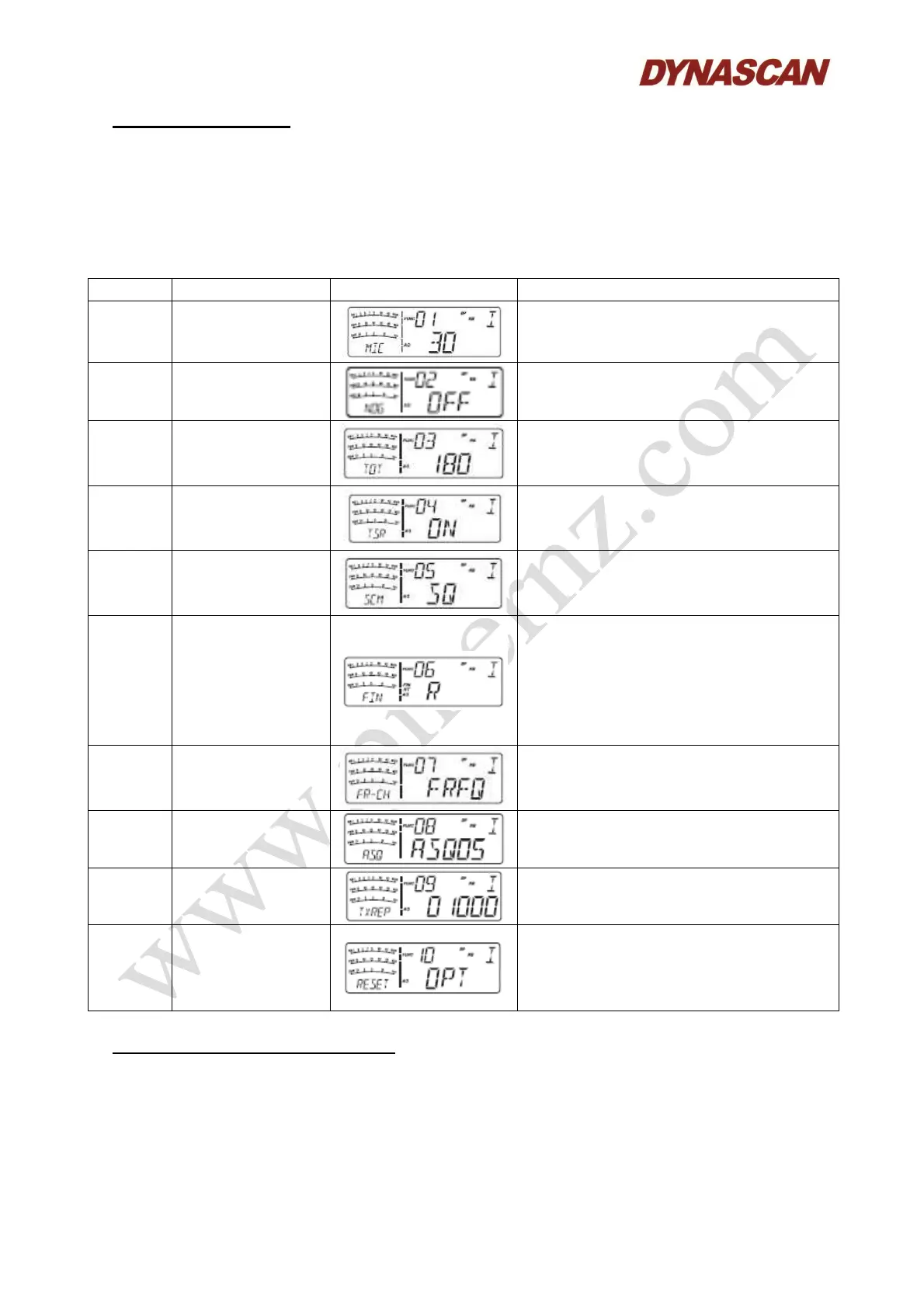
8.- FUNCTIONS MENU:
1.- Press the [MENU] key for 2 seconds to enter menu list.
2.- Turn the [CH] knob to select menu no.1 to no.10.
3.- Press the [CH] knob to enter the menu setup.
4.- Turn the [CH] knob to select wanted setup or parameter.
5.- Press any other key or wait 5 seconds to store the setting and exit.
No. Function LCD Display Values and description
1 Mic gain
1-36. Total 36 levels available.
Default: 30 level.
2 RF gain
1-32, OFF. Total 33 levels available.
Default: “OFF” (without gain).
3 “TOT” function
1-600 seconds, OFF. Total 10 minutes
available.
Default: 180 seconds.
4 “SWR” protection
OFF: Without “SWR” function.
ON: “SWR” function enabled.
Default: ON.
5 Scan type
SQ: SQ scan function.
TI: Time scan function.
Default: SQ.
6
SSB clarifier
switch
OFF: Without frequency adjustment.
R: Enabled RX frequency adjustment.
T: Enabled TX frequency adjustment.
RT: Enabled TX/RX frequency
adjustment.
Default: R.
7
Channel/Frequenc
y switch
CHAN: Channel adjust.
FREQ: Frequency adjust.
Default: FREQ.
8 “ASQ” control
01-09. Total 9 levels.
Default: 05.
9
“Offset”
frequency
Default: 100 kHz.
10 Reset
OPT: All function setup resume default.
ALL: All channels and settings resume
default.
Default: OPT.
9.- TECHNICAL SPECIFICATIONS:
9.1.- GENERAL:
Frequency range (TX/RX): 28.000 MHz to 29.700 MHz.
Frequency band: A/B/C/D/E/F/G/H/I.
Modulation: AM, FM, USB and LSB.
Channel number: 40 channels programmable in each band.



 To Next Page