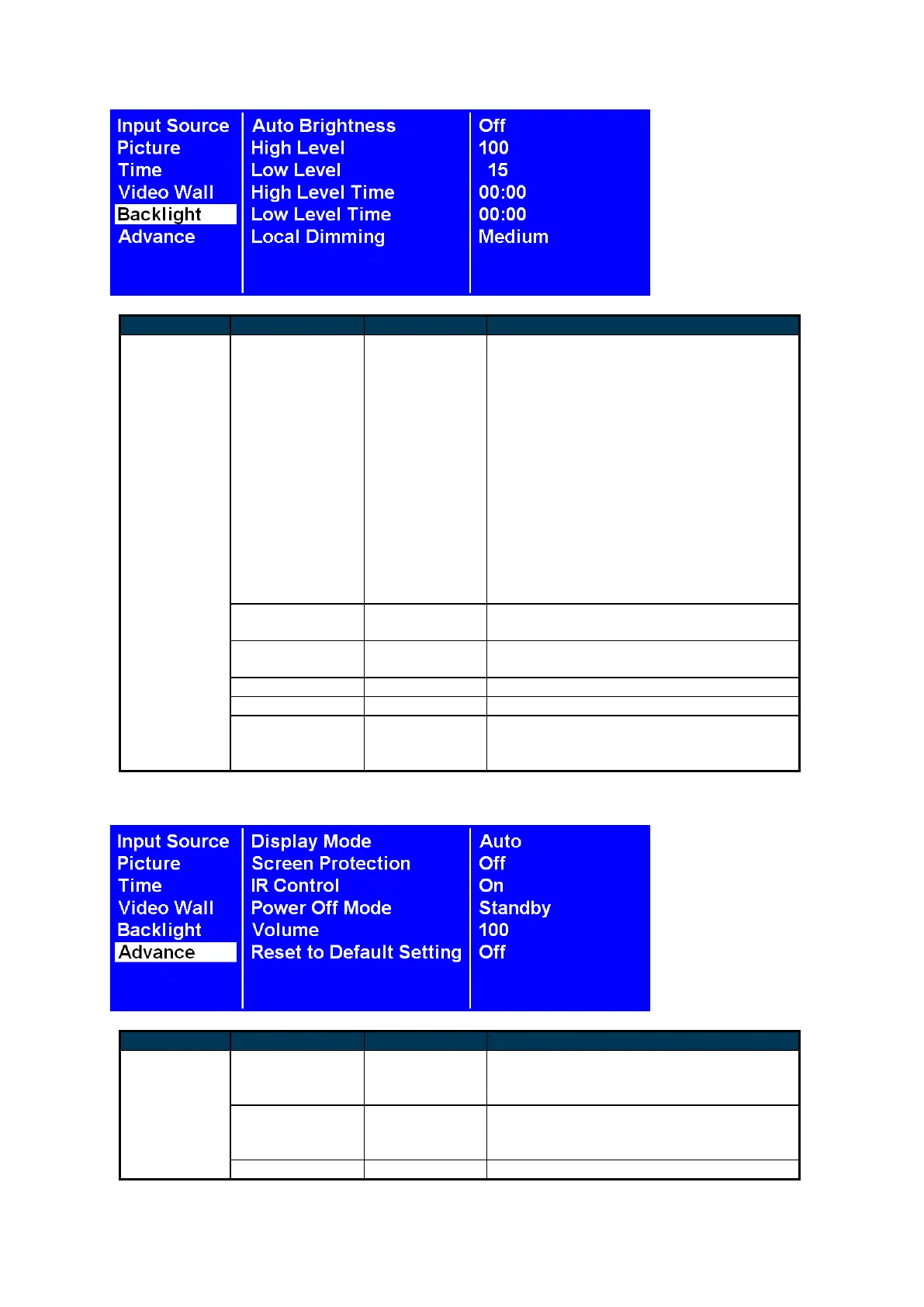
To turn On / Off the auto brightness
adjustment.
Note: If the AUTO BRIGHTNESS is off,
the screen brightness will remain at HIGH
LEVEL brightness value. If the AUTO
BRIGHTNESS is on (Auto), the display
brightness adjusts according to the
ambient light. When ambient light is
bright, the screen will adjust to the HIGH
LEVEL brightness value set; when ambient
light is dark, the screen will adjust to the
LOW LEVEL brightness value set. When
the Timer mode is set, the display will
automatically switch the brightness
according to the time set.
Adjusts the contrast. High is the highest
contrast. Off is the lowest contrast.
(Off, Low, Medium and High)


 To Next Page